AI agents for business
AI agents for business: your operations, run by agents.
AI agents for business that live inside your ERP: they read your real records, propose the next step, and act only with your approval.
Stop explaining your business to AI. Let it see for itself.
Generic AI tools don't know your business.
This one does.
Generic AI tools
✗ You copy-paste data into prompts
✗ No idea about your permissions
✗ Actions happen outside your system
✗ No audit trail
AI inside your ERP
✓ Reads directly from your records
✓ Follows your access rules
✓ Creates/updates records with approval
✓ Everything logged and traceable
What is an AI agent for business?
An AI agent for business is software that works inside your management system: it reads your real records, proposes actions, and executes them with your approval and a full audit trail.

Virtual assistant or AI agent? The difference is who does the work.
A virtual assistant answers questions, but the work still lands on your team: someone has to open the record, type the entry, and send the reply.
An AI agent completes the task, inside your own system, with your permissions and a full log.
Binhex gives you both: an assistant you can ask, and agents that act.
5 minutes to understand AI agents in your ERP
Watch how AI agents for business read an order, draft a reply, and create a task, all inside Odoo.
✔ Real data, not a simulation
✔ Approval before execution
✔ Full audit trail
Demo scenarios
Three scenarios to test with your team

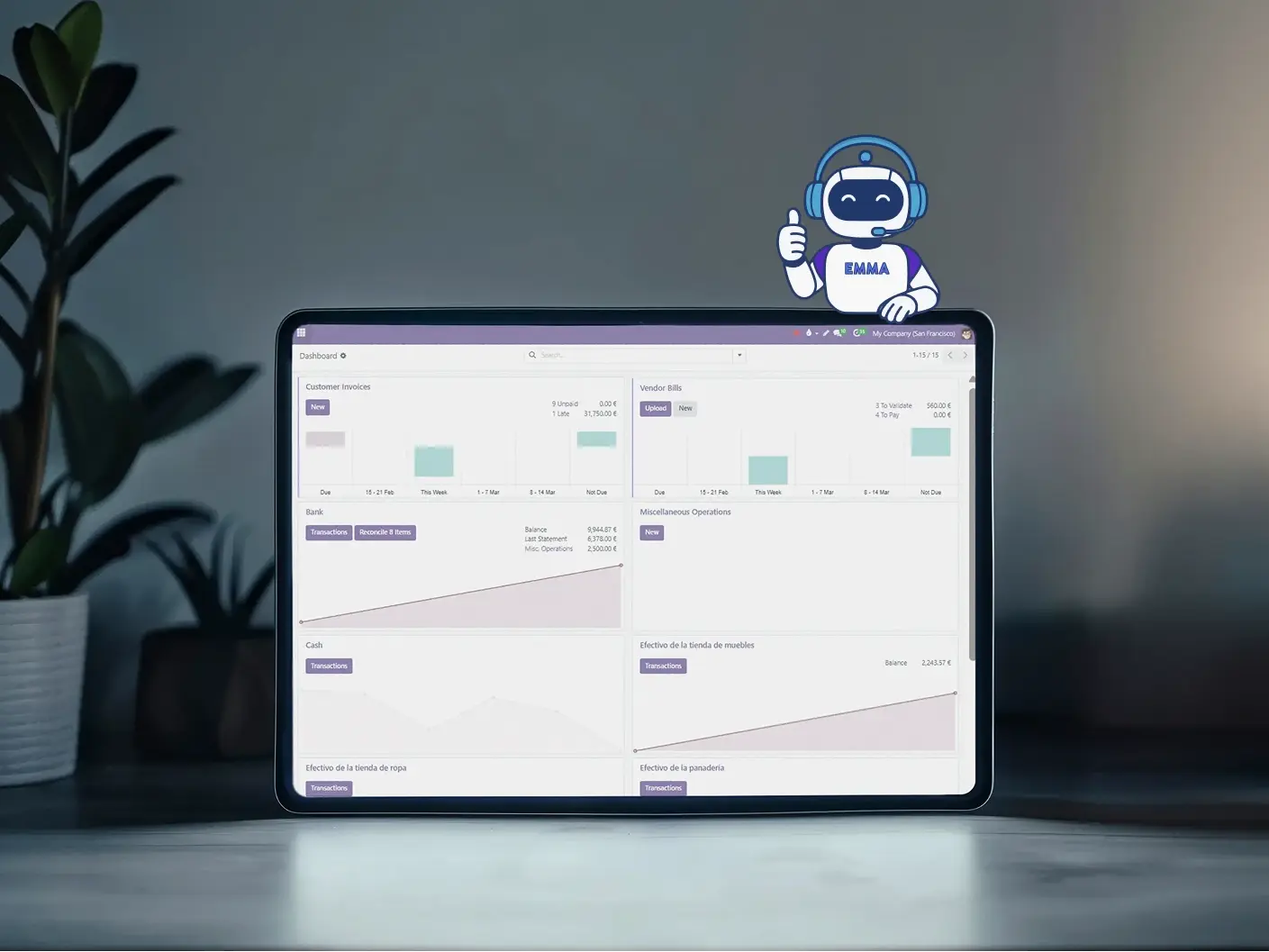
Documents and data
Situation: repetitive data entry.
Demo task: prepare a document or import with Emma.
Check: field accuracy, corrections and review time.
Administrative work
Situation: documents waiting for review.
Demo task: read the relevant data and prepare the next step.
Check: record consistency and human validation.

Connected information
Situation: a question that needs ERP information.
Demo task: retrieve data through an enabled connection.
Check: response accuracy and access scope.
Demonstration scenarios, not verified customer results. Test the outcome in your own environment.
AI automation under human control
1
Read
AI accesses the same records your team uses, based on permissions.
2
Propose
Drafts replies, suggests next steps, prepares documents. You see everything first.
3
Act
Approve, edit, or reject. Actions execute inside your ERP with full audit trail.
What each AI agent actually does.
Every agent runs on your own ERP data, follows your permissions, and logs what it does.
Area |
What triggers it, and what it does |
Approval |
|---|---|---|
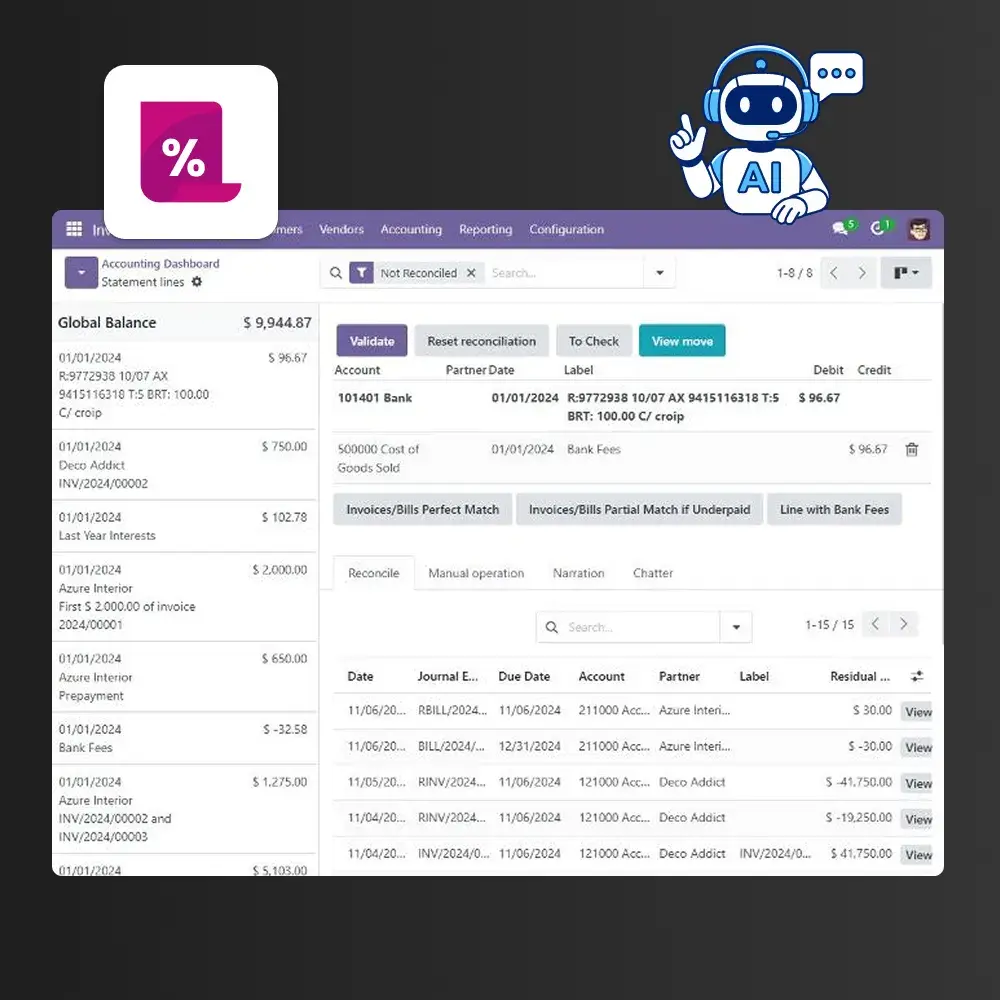
| Accounting | When a supplier invoice arrives: it reads the document, drafts the entry, and matches the payment to the bill. | Before posting |
| CRM and sales | When a lead comes in or goes quiet: it summarises the history, drafts the reply, and sets the next step. | Before sending |
| Customer service | When a visitor or customer writes: it answers from your own records and routes what needs a human. | Auto-reply, escalation logged |
| Purchasing and inventory | When stock hits a threshold: it checks levels, prepares the purchase order, and flags what's missing. | Before ordering |
| Document processing | When you upload a PDF or a photo: it extracts the data and files it into the right record. | Before saving |
| Process automation | On a schedule or when a record changes: it runs the routine and prepares the report. | Configurable per process |
Agents only execute actions your role is allowed to perform. Everything is recorded in the audit trail.
How agents are introduced into your ERP
1
Review your setup
Check your ERP version, modules and the process you want to improve.
2
Define access
Agree on data, tools, permissions and actions requiring approval.
3
Test the process
Validate representative tasks, exceptions and results with your team.
4
Launch and support
Prepare users, agree on support and review results before extending the scope.
Two copilots. Different jobs.
Start with prebuilt agents, then adapt them to your processes.


Compare the agents available in BinHex Cloud
Choose by task and integration. Scope and pricing are confirmed for your setup.
Agent |
What it does |
Where it works |
Price |
|---|---|---|---|
| Emma | Universal agent for querying records, preparing documents and supporting tasks across your ERP. | Odoo and enabled connections. | Request a quote |
| George | Supports conversations, drafts replies and helps with customer follow-up. | Configured web chat, service and CRM processes. | Request a quote |
Capabilities depend on the configured modules, integrations and permissions.
Which task should your first agent handle?
Tell us what your team needs to improve and we will help define a suitable demonstration.
Request a demo See pricing optionsAI agents in every app you already run.
The same platform, with an agent inside each area of your operation.


AI for purchasing: orders, suppliers and receipts
Review supplier and order information, prepare documents and identify pending receipts. Start with a defined task and agree on the checks needed before any purchase is confirmed.
How much does an AI agent cost?
Request a proposal based on your agent, processes, integrations and usage.
Ask for the currency, billing period, taxes, usage limits and any implementation or third-party costs. These are not fixed-price plans.
Product & technology
Go deeper into the platform.
The ERP with built-in AI
See how agents sit natively inside the whole platform, not bolted on as add-ons.
Connect ChatGPT or Claude to your ERP
Use the MCP protocol to bring external AI models to your own data.

More ways to explore
Plans, channels and automation alternatives
Agents and n8n workflows
Compare integration, maintenance and human control for your process.
Support, training and control of your data
Training and support. Agree on how users will be prepared, who reviews initial runs and what ongoing support is included.
Permissions and supervision. Define users, records, enabled actions and review responsibilities before automating.
Data handling. Ask for the hosting location, AI providers, retention and processing terms applicable to your configuration.
Questions you're probably asking
It can't — not without your approval. High-impact actions require explicit confirmation. You review before anything executes.
Same rules as your team. AI respects Odoo permissions. Sales sees sales data, not finance.
Full audit trail. Every action logged: who triggered it, what changed, when, why.
No. AI agents work inside your normal ERP workflows. You interact with them the same way you interact with any other Odoo feature — forms, buttons, approvals. No coding or prompt engineering required.
AI processing happens with enterprise-grade security. Your data stays within controlled environments and is never used to train external models. We can discuss specific compliance requirements during a demo.
Yes. AI features follow Odoo's permission system. You can enable or disable AI capabilities per user, per team, or per process. You stay in control of what AI can and cannot do.
Being clear about the limits: agents can't act on data that isn't in your ERP, can't perform actions your own role isn't allowed to perform, and can't post, send, or order anything critical without an explicit approval. They don't replace an accountant, a salesperson, or a support team. They remove the manual steps around them.
Pricing depends on the agent, tasks, integrations and usage. Ask for a proposal detailing recurring fees, implementation, support and limits.
If you use Odoo, your version, modules and hosting must be reviewed. Other systems require an integration assessment before compatibility can be confirmed.
Start with a concrete task. Emma supports work across your ERP; George focuses on conversations and follow-up. Test the result before expanding the scope.
Compare available tasks, connections, permissions, supervision and total cost. Request a demonstration using the same representative process.
This depends on the hosting and providers enabled for your solution. Request the location, retention and processing details for your configuration.
Ready to see AI that actually knows your business?
Book a demo or try AI agents free in your ERP.
Get Started Talk to a specialistPrefer to compare first? See pricing and plans.