A small business should adopt AI by starting with one concrete problem, the data it already has and a short test, not with a tool. The ten steps below take you from "we should use AI" to a decision you can measure.
Most AI projects in small companies fail for ordinary reasons: an undefined problem, scattered data or a tool bought too early. If you want the broader view first, including costs by area, see how a small business can start with AI without changing its software.
A practical checklist for implementing AI tools in a small company, with what to measure at each step. Reading time: 7 minutes.
In this article:
- Step 1: Write down the problem, not the tool
- Step 2: Map where your data lives
- Step 3: Choose one process to start
- Step 4: Check the quality of that data
- Step 5: Decide what AI must never do alone
- Step 6: Measure the starting point
- Step 7: Choose where the AI will run
- Step 8: Set a budget with real numbers
- Step 9: Run a short pilot
- Step 10: Review, then scale or stop
- What to measure at each step
- Common mistakes
- Frequently asked questions
What the checklist contains
Ten steps from defining the problem to deciding whether to scale, adjust or stop.
A measure and a common mistake for every step.
Checks for data quality, permissions, costs and human review.
A practical sequence to review with the person responsible for your first pilot.
STEP 01
Write down the problem, not the tool
Start with a sentence that describes a cost or a delay: "We spend two afternoons a week typing supplier invoices" or "Customers wait a day to know where their order is". Add who suffers it and how often. If the sentence starts with a tool name, rewrite it until it describes the problem.
Done when: One problem, written down, with who suffers it and how often.
What to measure: Hours lost or delay caused, and how often the problem occurs.
Common mistake: Choosing a tool before defining the problem it should solve.
STEP 02
Map where your data lives
AI is only as useful as the data it can reach. List where the information for that problem sits today: your ERP or accounting software, spreadsheets, email inboxes, a shared drive. Start with what you already have running.
Done when: A list of the systems and files involved, and who owns each one.
What to measure: Number of systems and files involved, with a named owner for each one.
Common mistake: Assuming the required information is accessible without checking where it lives and who can use it.

STEP 03
Choose one process to start
A good first process happens often, has a clear trigger, produces a result someone can check in a minute, and costs little when it goes wrong. Processing incoming documents or answering order-status questions are typical candidates.
Done when: One process chosen, with its trigger and its expected result.
What to measure: Cases per week and time spent on each case.
Common mistake: Starting several processes at once without a clear trigger or a result someone can check.
STEP 04
Check the quality of that data
Look at the records the process depends on. Duplicated customers, suppliers with three spellings or products without prices will produce wrong results faster. You don't need to clean the whole company first: fix the errors that affect this process, and agree who keeps that data tidy from now on.
Done when: The data for this process has been reviewed and its most serious errors corrected.
What to measure: Duplicated or incomplete records found and corrected in the selected process.
Common mistake: Automating unreliable records without assigning someone to maintain their quality.
STEP 05
Decide what AI must never do alone
Before any tool touches real work, write the rules: what the AI can read, what it can change, and which actions always need a person's approval. Money, legal decisions, sensitive personal data and anything that reaches a customer are the usual lines. For customer-facing work, what AI should escalate to a person is a useful reference.
Done when: Written rules for access, changes and approvals.
What to measure: Actions requiring approval, recorded together with who approves them.
Common mistake: Letting the pilot change records or contact customers before permissions and approval rules are written down.
STEP 06
Measure the starting point
Without a baseline, you will never know whether AI helped. Measure the process as it is today for two weeks: how long it takes, how many cases there are, how many errors appear. A shared spreadsheet is enough, as long as everyone records the same three numbers.
Done when: Time, volume and error rate of the process before AI.
What to measure: Time, volume and error rate before introducing AI, using the same definitions throughout the pilot.
Common mistake: Judging improvement from impressions because no baseline was recorded.
STEP 07
Choose where the AI will run
Three broad options: a general AI assistant where you paste information, an automation tool that connects your apps, or AI that works inside the system where your records live. The more the process depends on live data and approvals, the better the third option fits. If you are considering building your own, read how to create an AI agent without programming first.
Done when: The type of tool chosen, and why it fits this process.
What to measure: Whether the chosen option can access the required data without manual exports and respect the approval rules.
Common mistake: Choosing from a polished demo without checking the actual data flow and permissions.
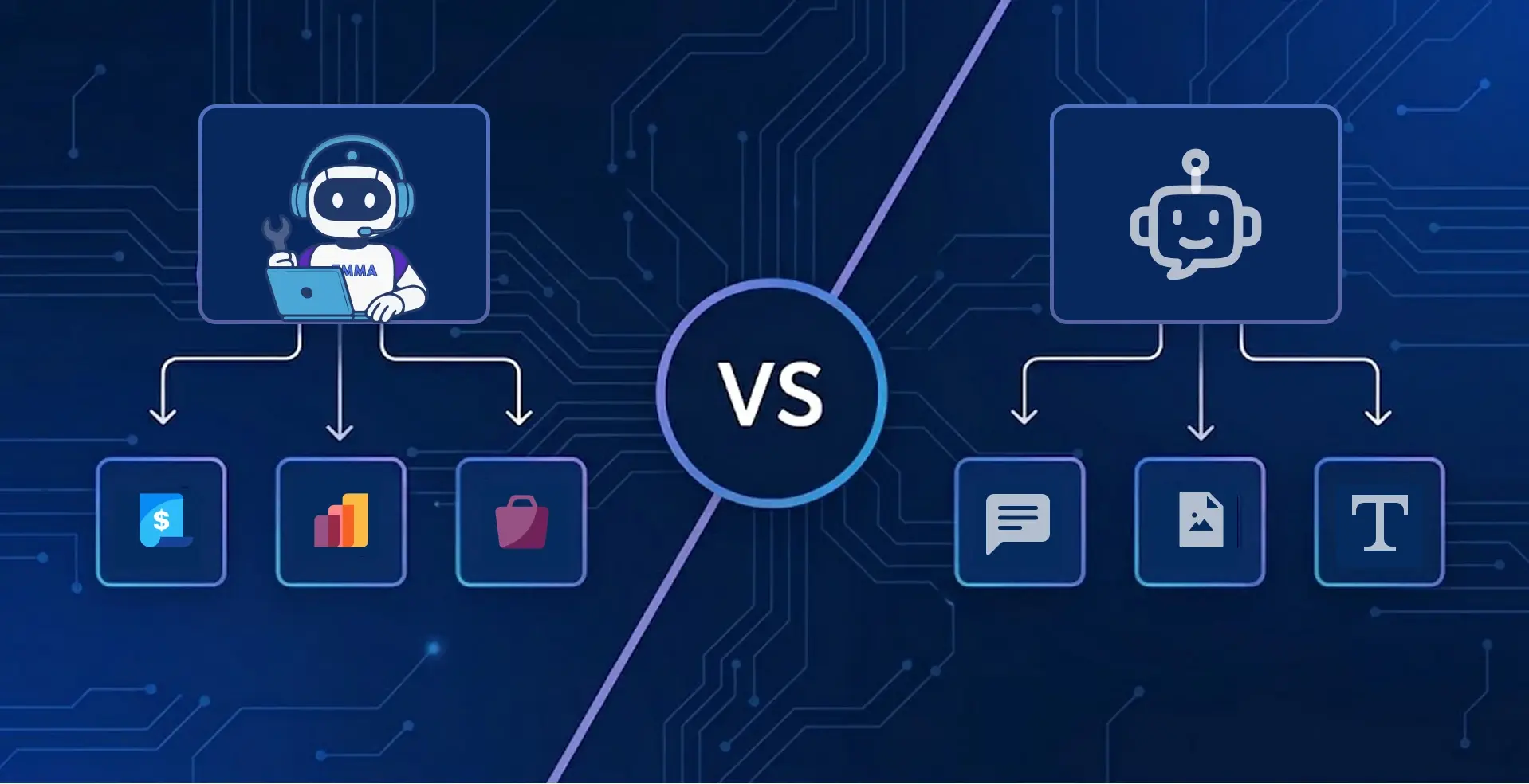
STEP 08
Set a budget with real numbers
Add up licences, usage-based costs such as AI credits or scans, setup time and the hours someone will spend reviewing results. Free plans help for a first test; check their limits in what free AI tools actually include. To compare paid plans, see how much AI costs by plan.
Done when: A monthly budget, including the time your team will spend.
What to measure: Total monthly cost, including usage, setup and the team's review time.
Common mistake: Counting only the subscription and ignoring usage limits, preparation and review.
STEP 09
Run a short pilot
Test for a few weeks with real cases, in suggestion mode: the AI prepares, a person approves. Include messy cases, not only clean examples, and record each result as right, wrong or "didn't know". An AI that admits it doesn't know is easier to manage than one that guesses.
Done when: A pilot with real cases, a person approving every result, and the outcomes recorded.
What to measure: Share of results that are correct, incorrect or unresolved, including difficult cases.
Common mistake: Testing only clean examples or accepting outputs without a person's review.

STEP 10
Review, then scale or stop
Compare the pilot with your baseline from step 6. If time or errors improved and the team trusts the results, widen the scope or add the next process. Stopping a pilot that doesn't work is a valid result, not a failure.
Done when: A decision: scale, adjust or stop, based on the numbers.
What to measure: Change in time and errors against the baseline, together with the ongoing review cost.
Common mistake: Expanding the scope because the pilot is finished rather than because the evidence supports it.
What to measure at each step
| Step | What to measure or record |
| 1. Problem | Hours lost or delay caused, and how often it happens |
| 2. Data map | Number of systems and files involved |
| 3. Process | Cases per week and time per case |
| 4. Data quality | Duplicated or incomplete records found and fixed |
| 5. Rules | Actions that require approval, written down |
| 6. Baseline | Time, volume and error rate before AI |
| 7. Tool type | Whether it can read the data from step 2 without manual exports |
| 8. Budget | Total monthly cost, including review time |
| 9. Pilot | Share of results that were right, wrong or "didn't know" |
| 10. Decision | Change in time and errors against the baseline |
Common mistakes
Buying the tool first. The tool should be the answer to step 1, not the starting point.
Starting with five processes. One process done well teaches more than five half-finished ones.
Skipping the baseline. Without it, every result is an opinion.
Letting AI act without rules. Approvals are cheaper to design before the first mistake than after it.
AI accelerates a process you already understand. It does not define the process for you.
Next step for your situation
If you have not chosen a process yet, return to the first three steps and agree on one problem, its data sources and the result you need to check.
If the process is clear but the cost is not, complete the budget before selecting a plan. Include expected usage and the team's preparation and review time.
If you already have reliable data and written approval rules, define a short pilot with a responsible person, a baseline and a review date. Expand only after comparing the results.
Frequently asked questions
With one concrete problem and the data it already has. Write down the problem, map where the data lives, choose one frequent process with a result you can check, and test it in a short pilot before buying anything bigger.
A defined process, reasonably clean data for that process, written rules about what the AI can and cannot do, a baseline measurement and someone responsible for reviewing results. You don't need a data scientist or a large budget.
Start with what you already have.
Work through the checklist, choose your first process and test it on your own data.
KEEP READING
Related content

AI for small businesses: where to start
Use cases by area, what you need and what it costs, without changing your software.
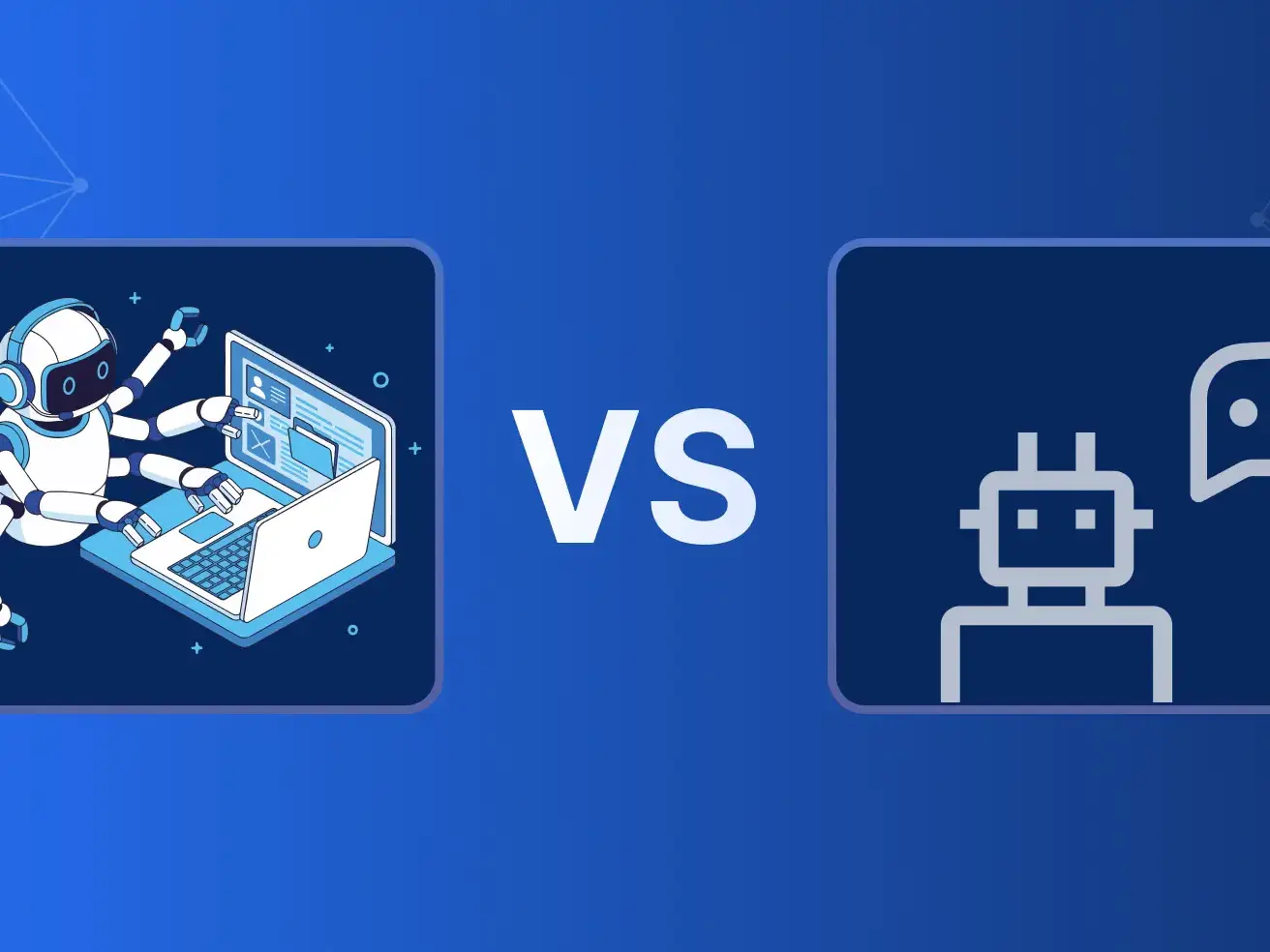
What an AI agent is, and how it differs from a chatbot
The definition, compared with chatbots and classic automation, and what agents can actually execute.

How to create an AI agent without programming
The four steps, the honest limits and when a ready-made platform makes more sense.
Empiece a escribir aquí...
AI for small businesses: a 10-step adoption checklist