MIGRATE TO ODOO
Odoo Migration with Binhex Cloud: move from disconnected tools to one ERP
Planning an ERP migration to Odoo? This is a full system transition: data, workflows, integrations, and reporting. Not just a data transfer.
Compare migration paths, see what's included, and follow a validated, low-risk process.
Scope my migration See migration paths
No data loss · Parallel validation · 560+ projects delivered
Trusted by growing businesses from 5 to 500 employees.





Why an Odoo migration is more than moving data
A migration that only moves data locks in the same problems.
The goal isn't to reproduce your old system in Odoo. It's to centralize operations, improve visibility, and build a foundation that actually scales.

Moving from another ERP
QuickBooks, SAP, NetSuite, Holded, Sage. Your data, workflows, and reporting need to land in Odoo clean and structured.
Replacing spreadsheets and manual tools
Excel-based operations moving into structured ERP workflows for customers, products, stock, finance, and reporting.
Consolidating disconnected sources
Accounting, inventory, CRM, ecommerce, and operations scattered across tools unified into one Odoo environment.
Migration paths we support
Each path starts from a different system. All designed to move your business into Odoo in a structured way. Pick your starting point.






Not sure which path fits? Talk to us →
What's included in our Odoo migration services
Our Odoo migration services cover every layer of the transition — from source analysis to validated go-live.
Source system analysis
Understand before moving anything.
Your current system, data structure, reporting needs, integrations, and operational flows reviewed before the project starts.
Process mapping and redesign
Build it right, not just replicate it.
Workflows mapped and redesigned for Odoo so the new system supports how the business should operate. Not how it did before.
Data migration and cleansing
Clean data in, not legacy problems.
Customers, products, suppliers, historical transactions, and accounting balances extracted, cleaned, and loaded into Odoo.
Odoo configuration
Configured for your operations.
Modules, workflows, permissions, and reporting set up to match the business model defined in the analysis phase.
Integrations and connections
Your ecosystem, connected.
External tools, ecommerce, payment providers, BI, and other systems connected to Odoo through a clean architecture.
Staging validation and go-live
Verified before the switch.
Full parallel period in staging, team sign-off on data and workflows, then a controlled go-live with support.
How to migrate to Odoo: our 4-step process
1
Analysis
Source system reviewed, data mapped, processes documented, risks identified.
2
Preparation
Data cleaned, workflows redesigned for Odoo, and configuration built in staging.
3
Validation
Parallel period in staging. Team validates data, workflows, and reporting before switching.
4
Go-live
Controlled cutover, old system switched off, operations running on Odoo from day one.
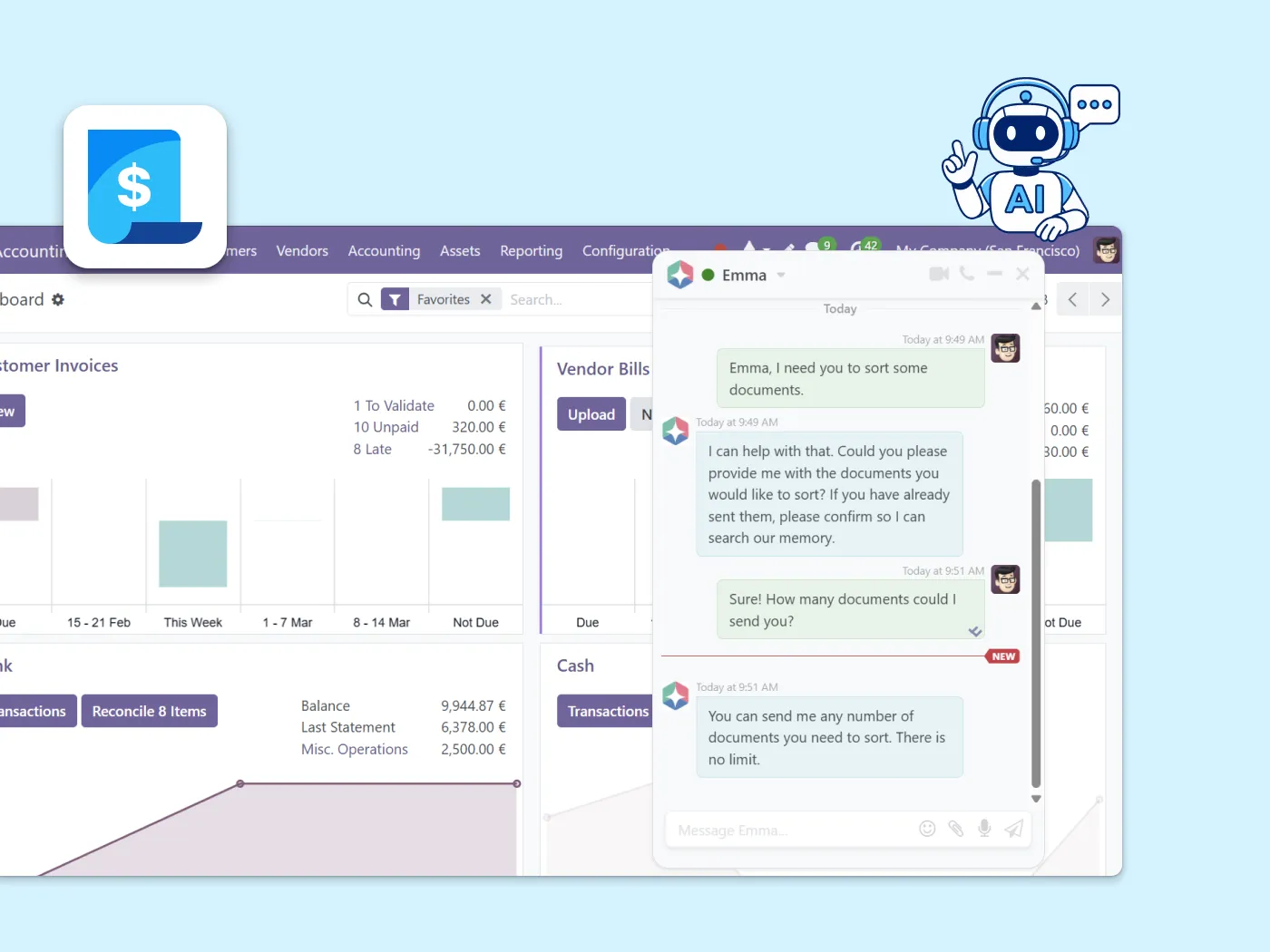
Once you're live on Odoo, Emma AI is already there.
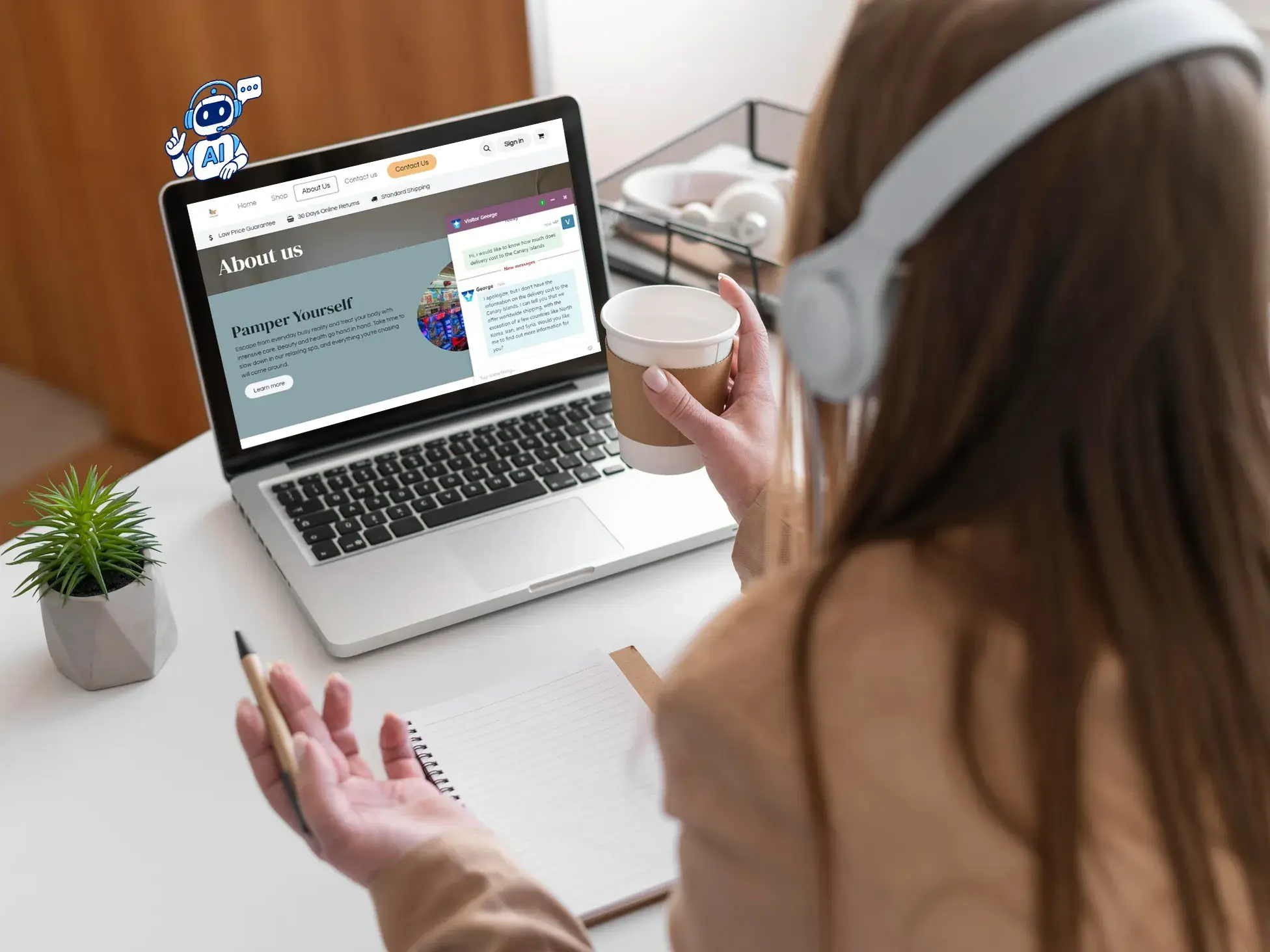
When your migration goes live, Emma (Binhex's built-in AI assistant) is ready in your new workspace.
Your team can ask questions, get guided through any module, and automate repetitive tasks without opening a support ticket.
Odoo migration FAQ
Our Odoo migration services handle transitions from QuickBooks, SAP, NetSuite, Holded, Excel, Sage, Navision, and other legacy tools. If your source is not listed, contact us and we will assess the system and scope.
No. Data is extracted, mapped, cleaned, and validated in staging before anything goes live. Records, accounting logic, and operational workflows are verified before cutover.
Simple transitions from Excel or QuickBooks typically take 2 to 4 weeks. Complex SAP, NetSuite, or multi-source transitions can run 6 to 12 weeks depending on data quality, workflows, integrations, and validation scope.
No. Migrating to Odoo means moving from an external system into Odoo. A version upgrade moves an existing Odoo database from one version to a newer one. If you are already on Odoo, see Version Upgrades.
Yes. We recommend a parallel validation period. Your team checks Odoo against the source system before cutover reducing risk and building confidence before switching fully.
560+ Odoo projects delivered — migrations from QuickBooks, SAP, and legacy systems
Binhex has moved businesses off QuickBooks, SAP, NetSuite, Sage, and spreadsheets into a single Odoo environment across the US and Spain.
" We moved off QuickBooks after years of workarounds. Binhex mapped everything, ran a parallel period so we could check the numbers ourselves, and switched us over without losing a record "
Ready to plan your Odoo migration?
Tell us where you're migrating from and we'll map out a clear, low-risk path to Odoo. Data, workflows, integrations, and all.
Related ERP services
Migrating to Odoo is one step in a longer evolution journey.
Process Audit
Understand what processes and data you have before committing to a migration scope.
Support and Maintenance
Keep Odoo running after go-live. Ongoing support, module maintenance, and long-term ERP stability.
Version Upgrades
Already on Odoo and need to move to a newer version? That's a different service upgrade safely with OpenUpgrade.