Migration Services
QuickBooks to Odoo: Migration without losing your data or your history
Switching accounting systems sounds scary losing transactions, downtime, breaking your reports. It doesn't have to be.
We move your QuickBooks data into Odoo step by step, keep your invoice history intact, and let you run both systems side by side until you trust the new one. You decide when to flip the switch.
Plan your migration
Start free
Secure migration · Assisted by experts · No long-term commitment
Not sure if you need to migrate from QuickBooks to Odoo? Read signs you're outgrowing QuickBooks.
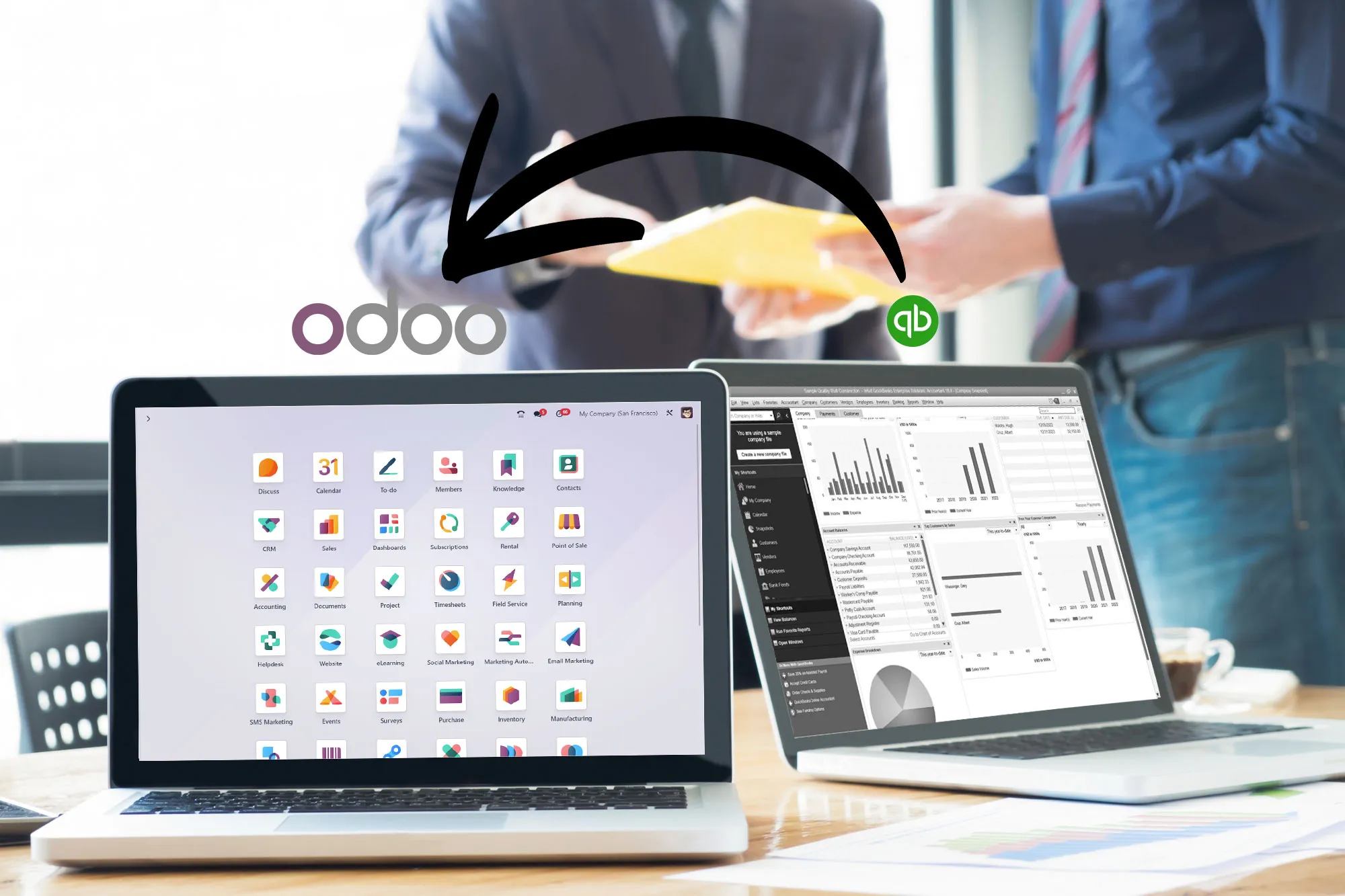
Trusted by growing businesses from 5 to 500 employees.






QuickBooks is strong for accounting
Odoo goes beyond accounting
When your business needs more than bookkeeping, invoicing and basic finance, a full ERP becomes the logical next step. See signs you're outgrowing QuickBooks or compare Odoo vs QuickBooks.
Connected workflows
Sales, invoicing, inventory, and CRM connected in one platform — no separate tools.
More than finance
Odoo expands beyond accounting so your team can run more of the business from the same system.
Built to scale
A platform built for growth, automation, and advanced reporting.
What you keep , what you gain
Migrating from QuickBooks shouldn't feel like starting over. You keep what matters and gain a platform that runs the whole business.
| What you keep | What you gain |
|---|---|
| Your chart of accounts | Real-time accounting connected to every department |
| Your customers and vendors | A built-in CRM with pipeline and quoting |
| Your products and items | Multi-warehouse inventory and purchasing |
| Your reconciled balances | US GAAP, 1099 and sales tax via Avalara |
| Your transaction history (full migration) | Customizable dashboards and business intelligence |
| Continuity during cutover no downtime | One open platform that scales with no per-user fees |
Choose your QuickBooks to Odoo migration approach
Three migration paths, each with different timelines and data scope. We help you choose the right one for your business.
1. Accounting cutoff
Choose a fiscal cutoff date. Migrate opening balances, active contacts, and current inventory. Start fresh in Odoo from that point forward, with QuickBooks kept for historical reference.
Timeline: fastest path
2. Full historical migration
Migrate your full transaction history: invoices, payments, journal entries and records. Invoice numbering continues where QuickBooks left off. Requires intensive data cleaning and validation.
Timeline: longer, scoped to data volume
3. Connector sync (phased)
Connect QuickBooks with Odoo to sync data automatically during a transition period. Run both systems in parallel for gradual, low-risk adoption.
Timeline: phased over a transition window
Not sure which path is yours? Talk to a migration specialist and we'll recommend one after a short discovery. For a detailed breakdown, read our complete migration guide.
The big challenge: clean data migration
At Binhex, we make sure your migration is clean and structured from day one:
Cleaning chart of accounts and removing duplicates
Reconciling open transactions and bank statements
Validating customer, vendor, and product records
Structuring inventory and SKU consistency

Our QuickBooks to Odoo migration process
1
Analysis first
We review the current system, data structure, and business flows before moving anything.
2
Data preparation
Data is mapped, cleaned, and prepared to avoid poor imports and operational friction.
3
Validation
We validate processes and records before launching the new Odoo environment.
4
Go-live
Records and accounting logic are verified before cutover.
Ready to start? Try Odoo with your own data
Spin up a free Odoo workspace to explore the platform, or talk to a migration specialist about your QuickBooks data and timeline.
What changes after you migrate from QuickBooks to Odoo
You stop thinking in terms of accounting software and start operating on a full business platform.


Inventory and purchasing
Manage stock, suppliers and operational flows that QuickBooks alone does not cover.

Dashboards and BI
Real-time dashboards and business intelligence across finance, sales, and operations.
QuickBooks to Odoo migration FAQ
No. We migrate your chart of accounts, customers, vendors, products and transaction history, and reconcile balances before go-live so your numbers match QuickBooks to the cent. Nothing is moved until it has been mapped and validated.
It depends on how much history you bring and how many modules you switch on. An accounting-only cutover is the fastest path, while a full historical migration with extra ERP modules takes longer. We give you a clear timeline before we start, after a short discovery of your data.
You keep working in QuickBooks throughout. We migrate in parallel and switch you over to Odoo only once the new environment is verified, so your team is never left without a system to work in.
If you choose the full historical migration, past invoices come across and we configure numbering to continue where QuickBooks left off no gaps, no resets. With the accounting-cutoff approach, you start fresh from a chosen date while keeping QuickBooks available for historical reference.
Yes. We offer three approaches: a clean accounting cutoff, a full historical migration, or a connector-based sync that runs both systems during a transition period. We help you pick the one that fits your data and timeline.
Migration is scoped to your data volume and the modules you need, and quoted after a short discovery call. You can also create a free Odoo workspace and try the platform first, then bring us in for the migration when you're ready. See our pricing.
Odoo's US fiscal localization follows US GAAP and includes native 1099 reporting. For sales tax across US jurisdictions, Odoo integrates with Avalara AvaTax for real-time calculation, and connects to US banking via Plaid. We configure your US tax setup during implementation so it matches how you operate.
During discovery we map your current QuickBooks integrations to Odoo equivalents bank feeds via Plaid, payments, and more before migrating. Where a direct equivalent doesn't exist, we tell you upfront and propose an alternative, so there are no surprises after go-live.
Odoo is open source and your data is fully exportable in standard formats, so you keep ownership and are never locked in. That openness is one of the main reasons companies choose Odoo over closed platforms for the long term.
Our specialists run the whole process: discovery, data mapping, migration, validation and go-live support. You can start free to explore Odoo on your own, and bring our team in when you're ready to move your real data.
Ready to migrate from QuickBooks to Odoo ?
Keep your data, keep your history, and switch on your own timeline. Plan your migration with our specialists, or start free and explore Odoo today.
Plan your migration Start free with Odoo
Secure migration · Assisted by experts · No long-term commitment
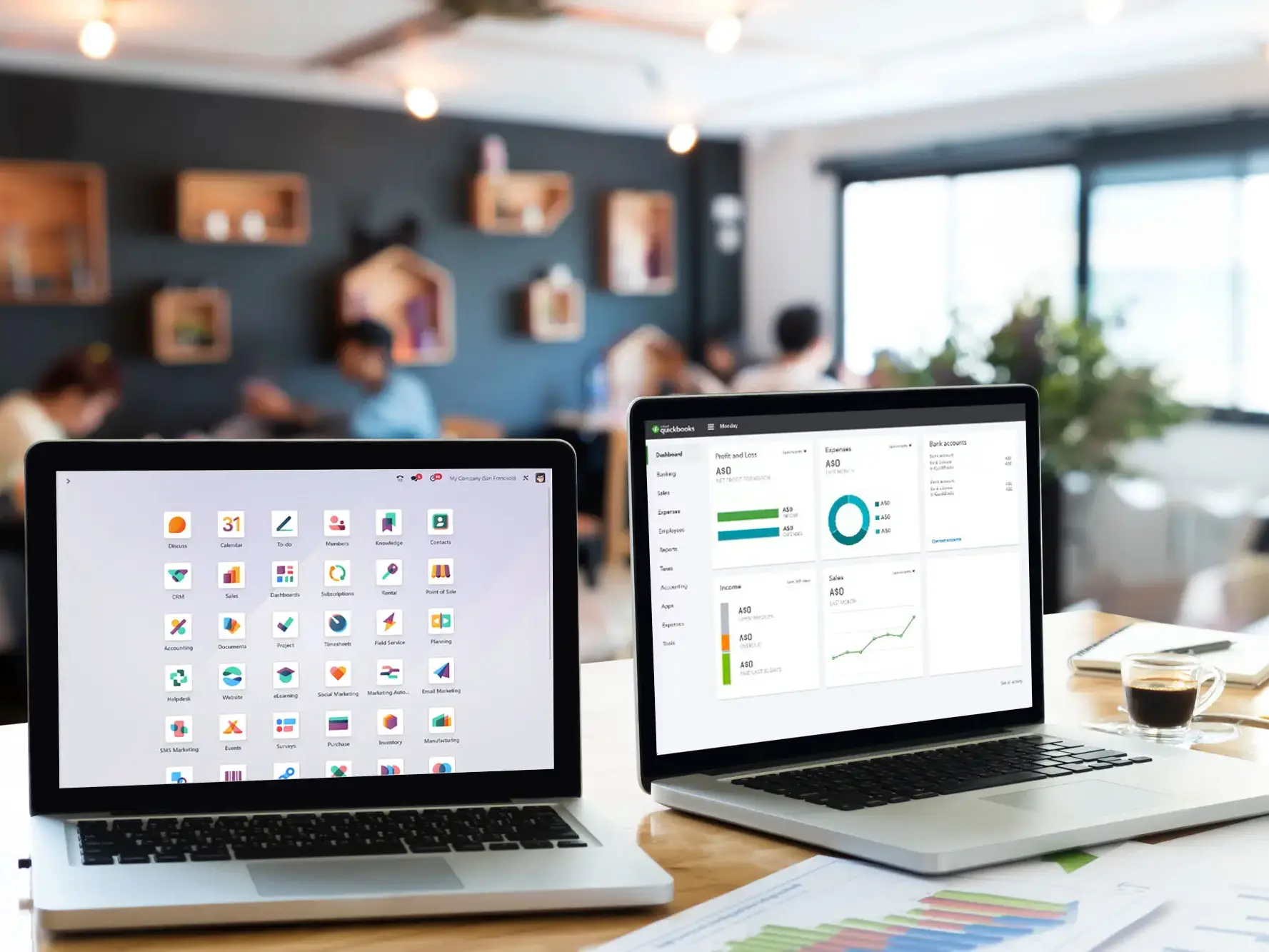
Still comparing options?
See the full side-by-side comparison between Odoo and QuickBooks.
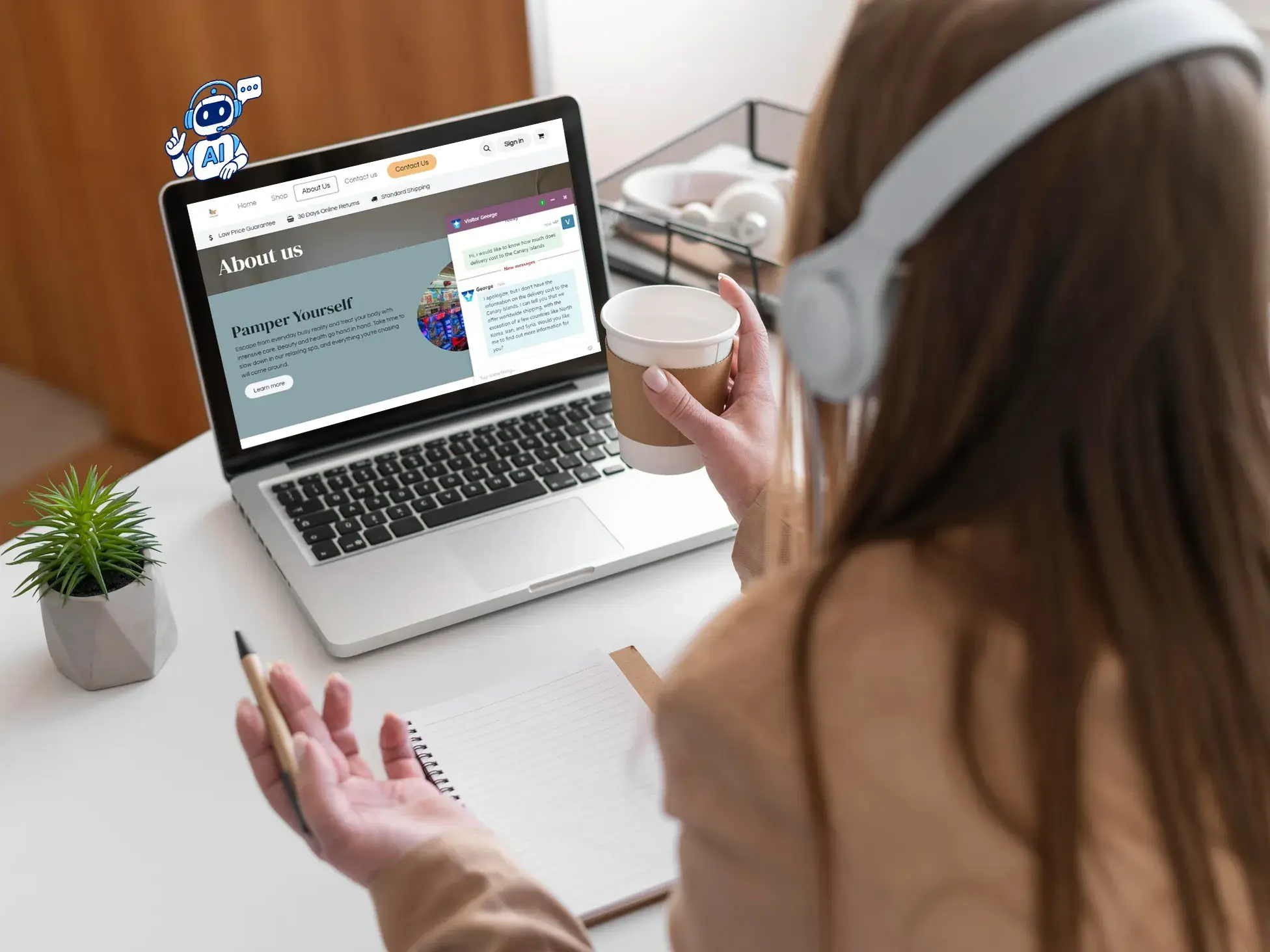
US-specific setup
Learn how Odoo adapts to US accounting standards and integrations.
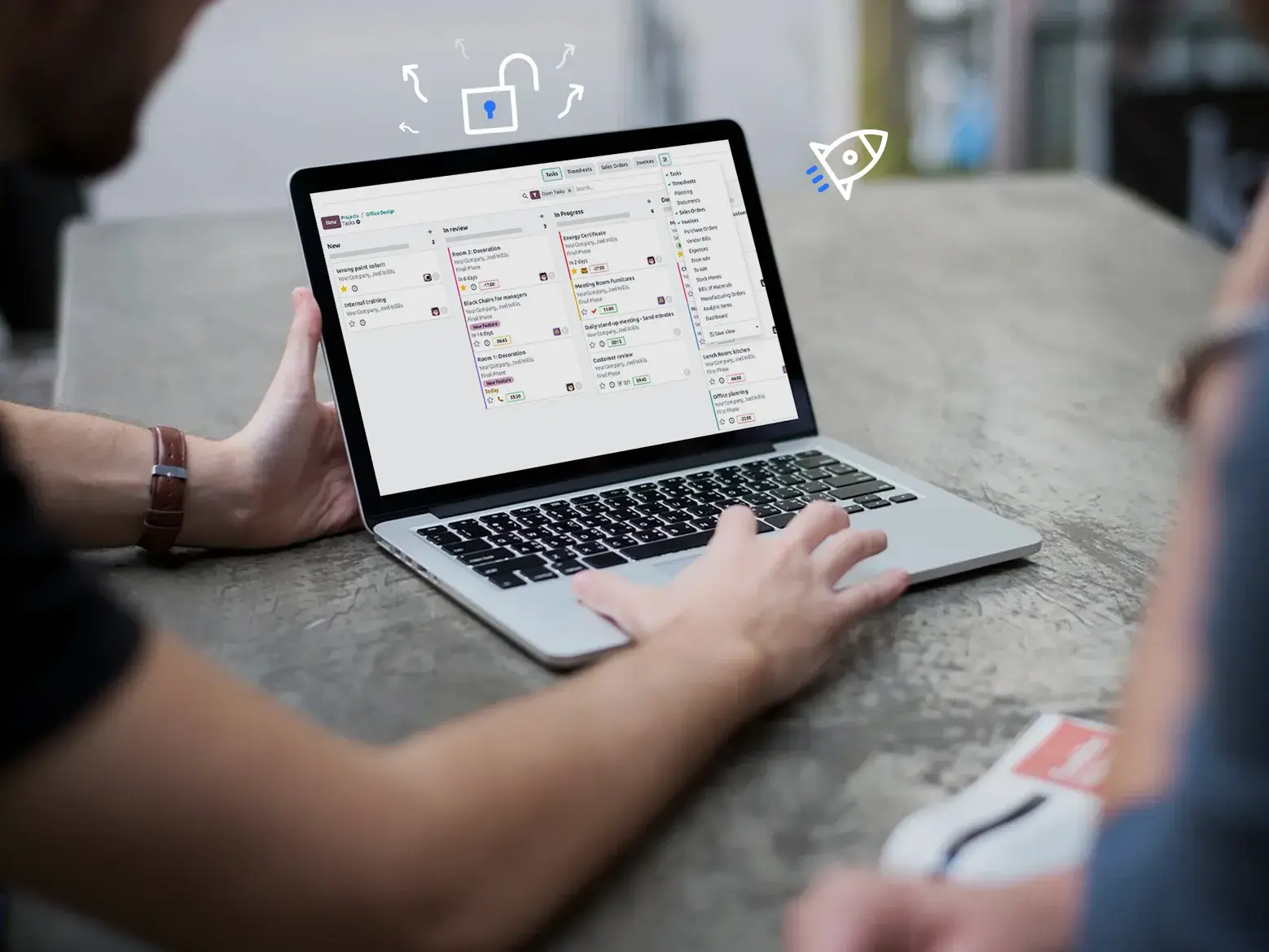
All migration services
QuickBooks is one path. Explore other ERP migrations and upgrades.