For growing businesses in the U.S.
Think you're outgrowing QuickBooks? You probably are.
QuickBooks runs your accounting. Binhex runs your business one platform for CRM, sales, inventory, operations, and AI. Open source, no per-user fees.
Free plan · No credit card
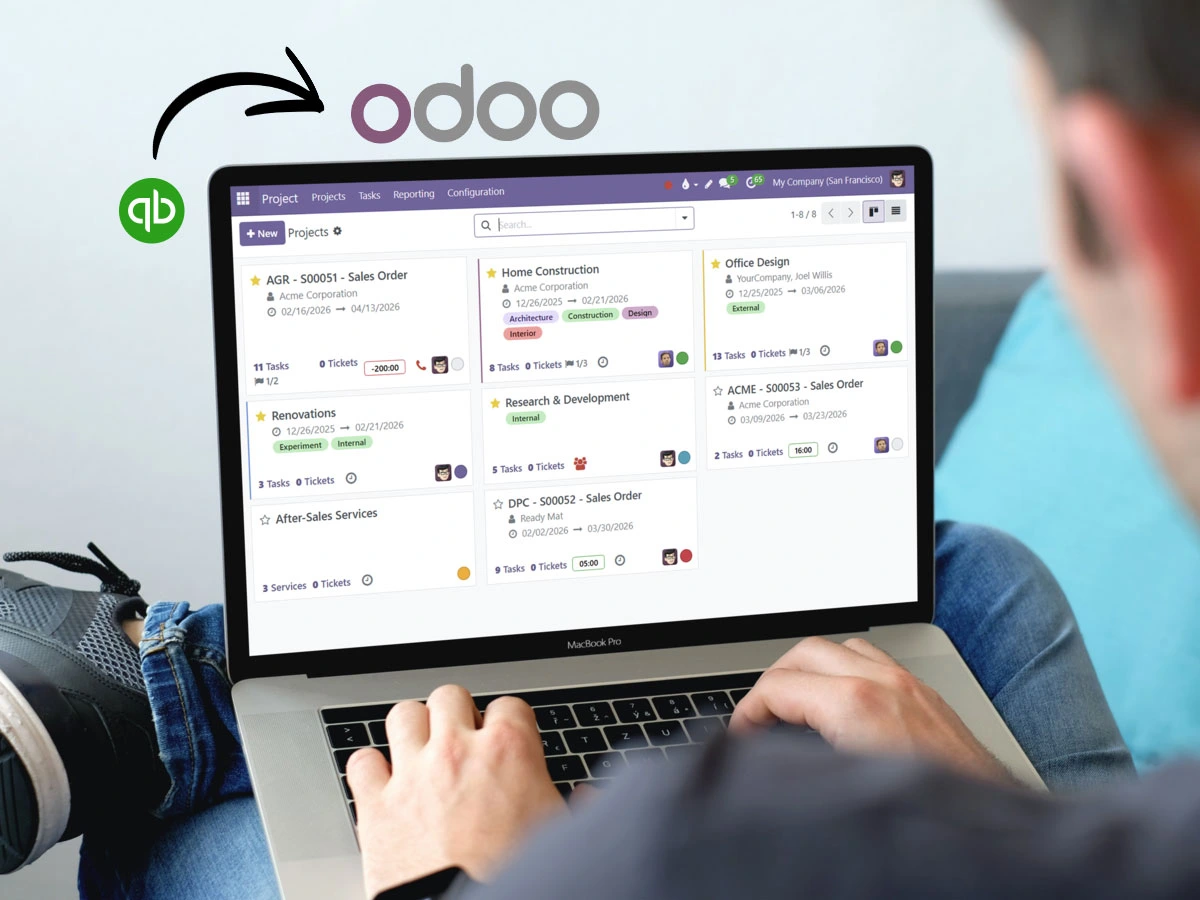
Trusted by growing businesses from 5 to 500 employees.





Signs you've outgrown QuickBooks
None of these mean QuickBooks is bad it's great accounting software. They mean your business got bigger than the tool. If three or more sound familiar, you've outgrown it.
- You pay per user and it stings every time you hire.
- You export to Excel just to get a clear view of your inventory.
- Your CRM lives in a separate tool, disconnected from your invoices.
- Month-end close takes days, not hours.
- Nothing talks to anything so your people copy data between apps.
- You get the report after you needed to make the decision.
- You keep stacking add-ons and subscriptions to make it keep up.
Recognize a few of these? That's not a QuickBooks problem to fix it's a signal you've grown into needing one platform instead of five. See exactly how the two compare in the full Odoo vs QuickBooks comparison.
Recognize? Start freeWhy growing businesses choose Binhex over QuickBooks
QuickBooks is built for accounting. When your business needs CRM, inventory, operations, and automation connected — you need a different foundation.
Everything connected
CRM, sales, inventory, finance, and AI in one system. No spreadsheets bridging the gaps between tools.
No per-user pricing
Add your whole team without watching costs multiply. Growth shouldn't come with a per-seat penalty.
No vendor lock-in
Built on Odoo Community and OCA. You own your data, your code, and your roadmap not a vendor.
QuickBooks vs Odoo with Binhex Cloud
An honest look at what grows with your business and what doesn't. Where QuickBooks is strong, we say so.
Feature |
Binhex Workspace |
QuickBooks |
|---|---|---|
| Core accounting | Built in | Built in a real strength |
| Integrated CRM | Built in, pipeline to invoice | Not native (3rd-party) |
| Inventory management | Real-time, multi-warehouse | Basic (Plus plan and up) |
| Sales pipeline and quoting | Pipeline to invoice | Add-on required |
| Real-time financial reporting | Live across all modules | Strong standard reports |
| Workflow automation | Built in | Limited to accounting |
| AI assistant | Embedded in platform | Intuit Assist (accounting) |
| Operations and purchasing | Fully integrated | Basic (POs in Plus and up) |
| Manufacturing / MRP | BoM, work orders | Not available (3rd-party) |
| Open source / no lock-in | Full ownership | Closed platform |
| US integrations marketplace | Open API + OCA apps | 800+ native apps |
| Ease of getting started | Guided by Binhex Cloud AI | Very fast setup |
Strong / native Partial / limited Not native
Want the full breakdown? See our detailed QuickBooks vs Odoo comparison.
What changes when you move to Binhex Workspace
Your sales team closes a deal. Finance sees it instantly.
With Binhex, pipeline, quotes, orders, and invoices live in the same system. No more exporting from your CRM into QuickBooks. No more reconciling at month end.
Know your real margins before the month closes.
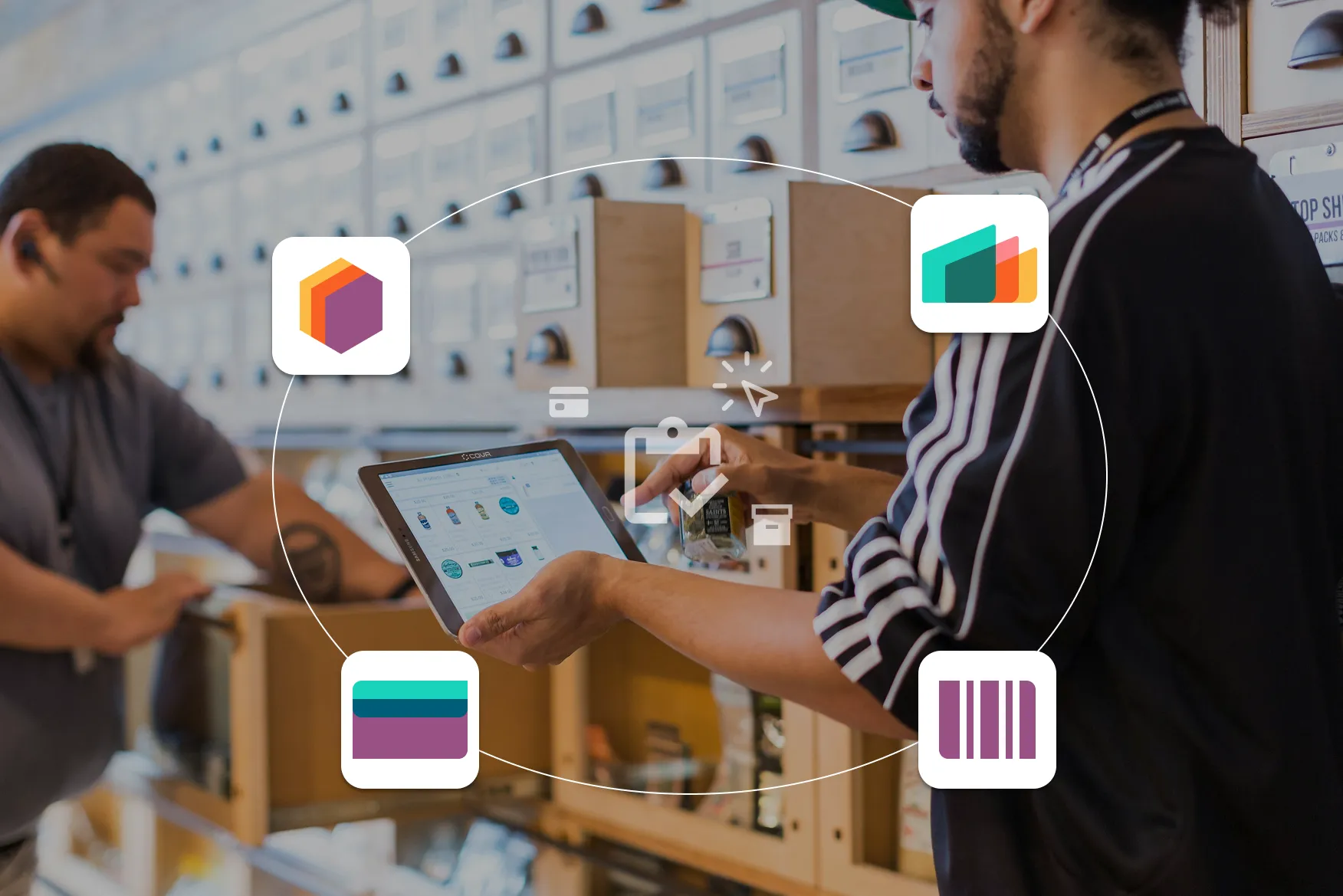
Stock levels, purchasing, and delivery connect directly to your orders and accounting. When a sale closes, inventory updates. When stock arrives, accounting posts. No manual steps.
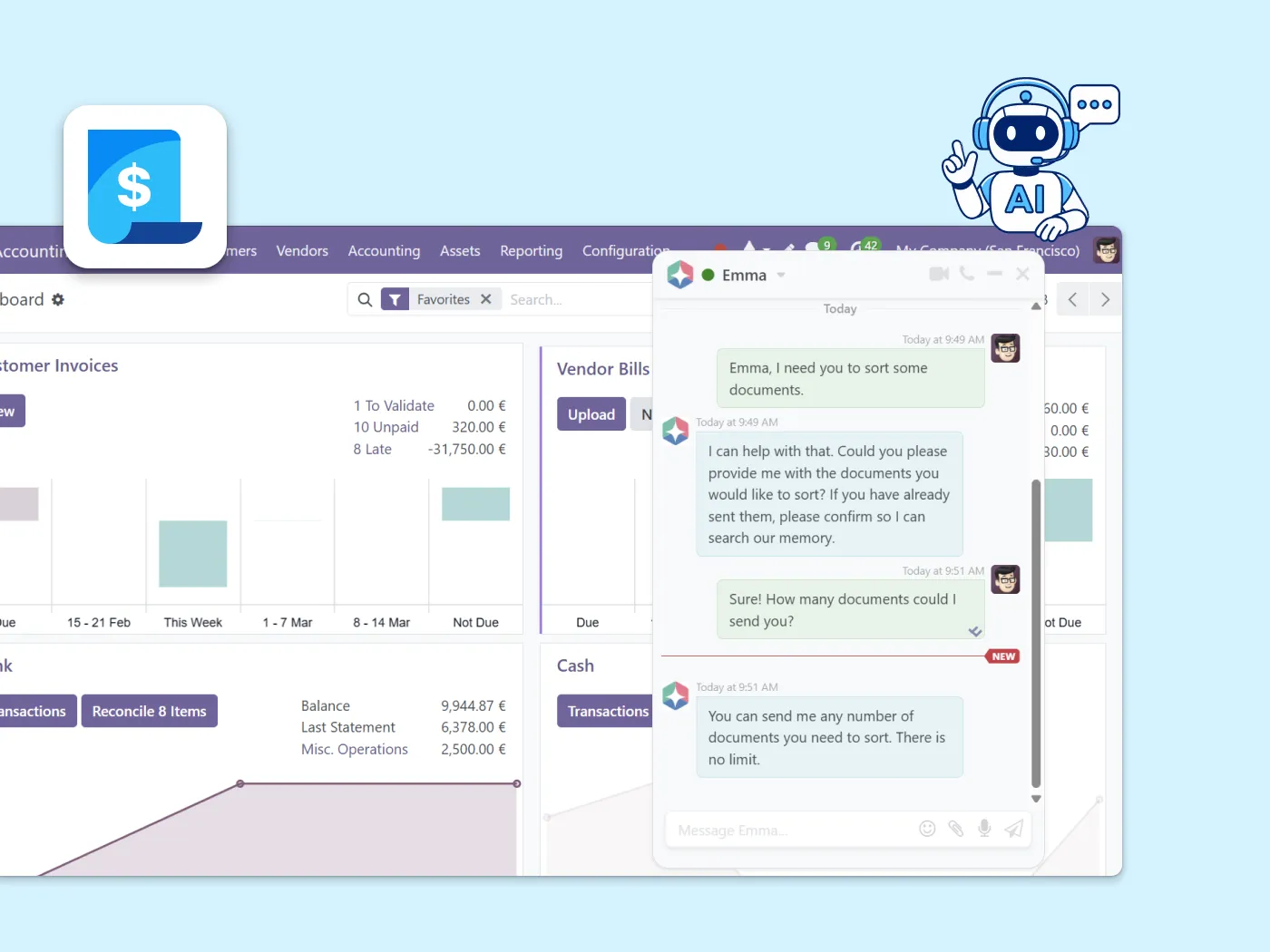
An AI assistant that already knows your business.
Binhex AI reads your actual records customers, orders, invoices and acts inside your workflows with your approval. Not a chatbot. Not copy-paste. Built into the ERP.
Ready to move beyond QuickBooks?
Start free with 1 user. Validate the platform. Expand when your business needs more.
Questions businesses ask before switching from QuickBooks
No. The goal is a connected system where sales, operations, and finance share the same data from day one not just better bookkeeping.
It depends on your scope. You can start in days and expand progressively you don't need to migrate everything at once. See our data migration service for more detail.
Yes. You can run both in parallel during validation. Many businesses start with one area CRM or inventory before moving accounting.
No. Binhex Workspace is designed for business users. Start self-serve and add implementation support later if needed.
You own your data and your platform. No forced upgrades, no vendor-controlled price increases, no lock-in. Learn more about our open source model.
Keep exploring
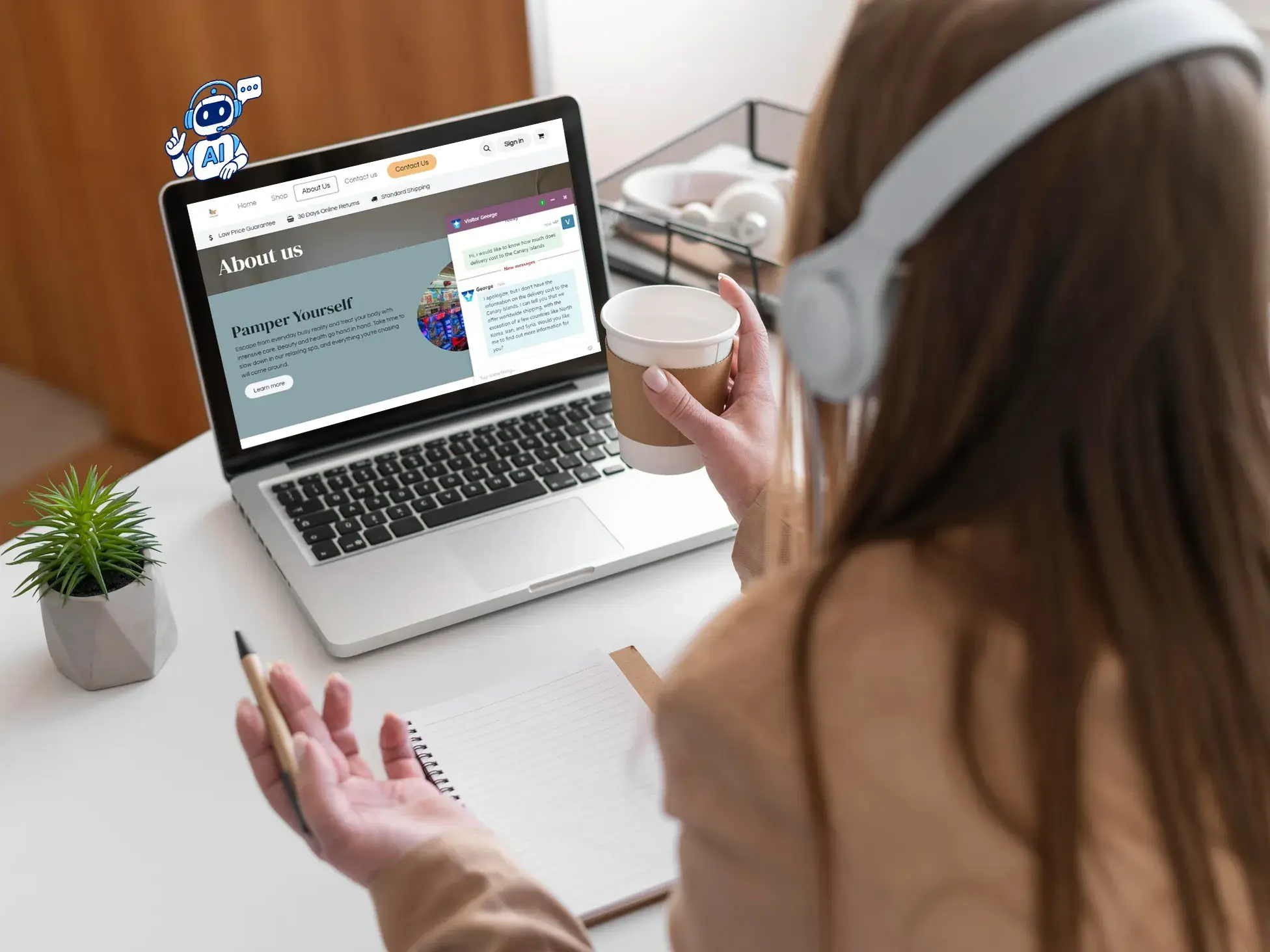
AI agents for your ERP
Automate tasks and execute actions with AI that works where your data lives, not outside of it.
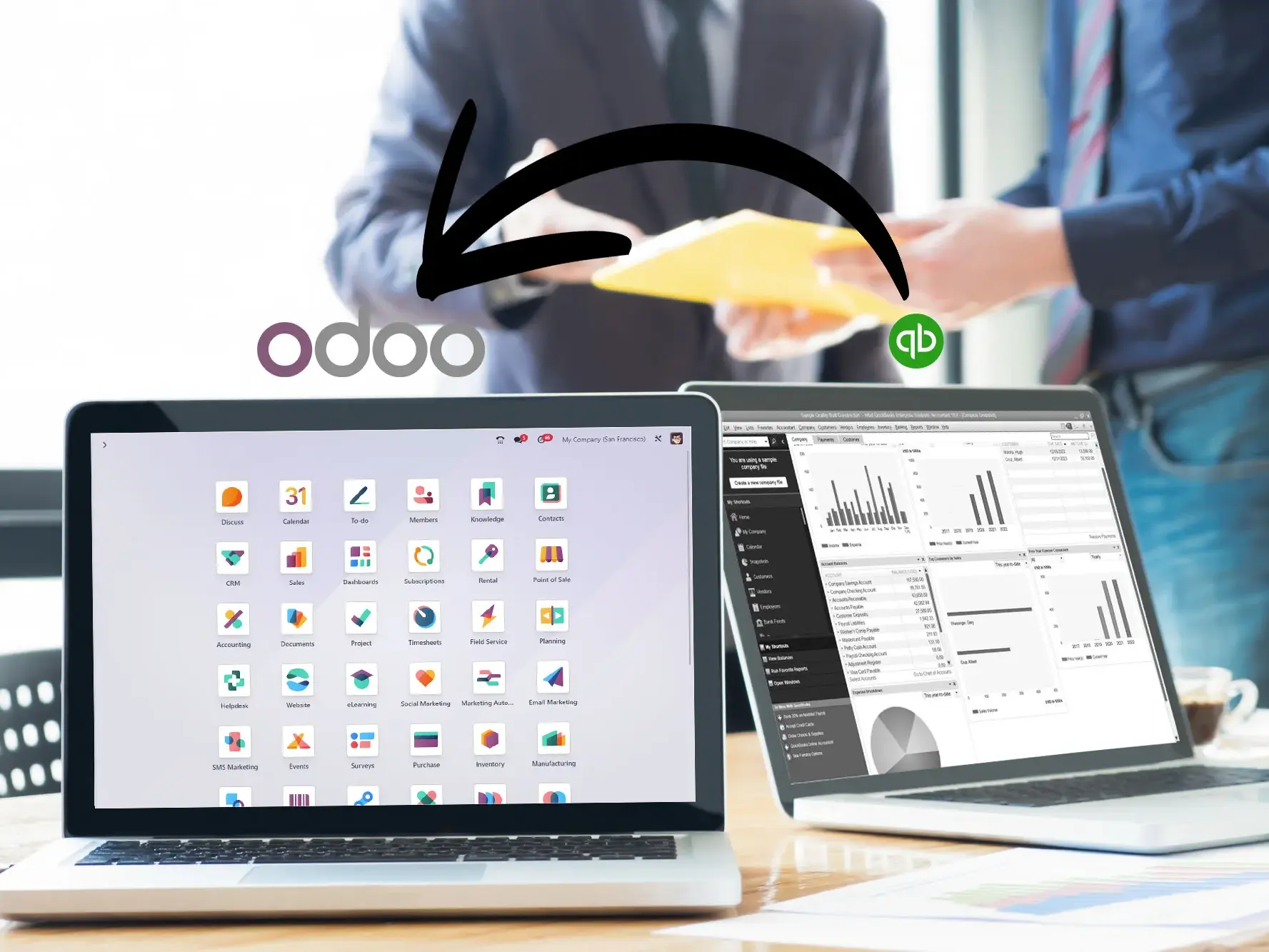
QuickBooks to Odoo migration
Already decided to move? See how we handle the data migration from QuickBooks to Odoo cleanly and safely.
Start free, scale when ready
Explore plans from free to enterprise. No per-user fees, no lock-in. Upgrade when your business needs more.