Binhex Cloud: ERP with AI for your business.
Bring business records and AI assistance together. Ask Emma to help with documents, quotations and customer activity inside Binhex Cloud.
Try it free See plans and pricing
Start with a free workspace. Review plan capacity and AI usage before choosing.

Your records are connected. Give your team help with the next task.
Work that repeats
Data entry, updates and routine actions consume hours every week.
Inconsistent execution
Different people, different criteria. Quality varies depending on who is available.
Bottlenecks
Approvals, follow-ups and handoffs slow everything down.
What is an ERP with AI?
An ERP with AI combines business management records and processes with AI assistance. Binhex Cloud brings these together in one workspace, where Emma helps with supported tasks such as preparing quotations, processing documents and updating customer activity. Available actions depend on the tools, data and access enabled for your setup.
Explore the AI capabilities in Binhex Cloud and assess them against the tasks your team performs.
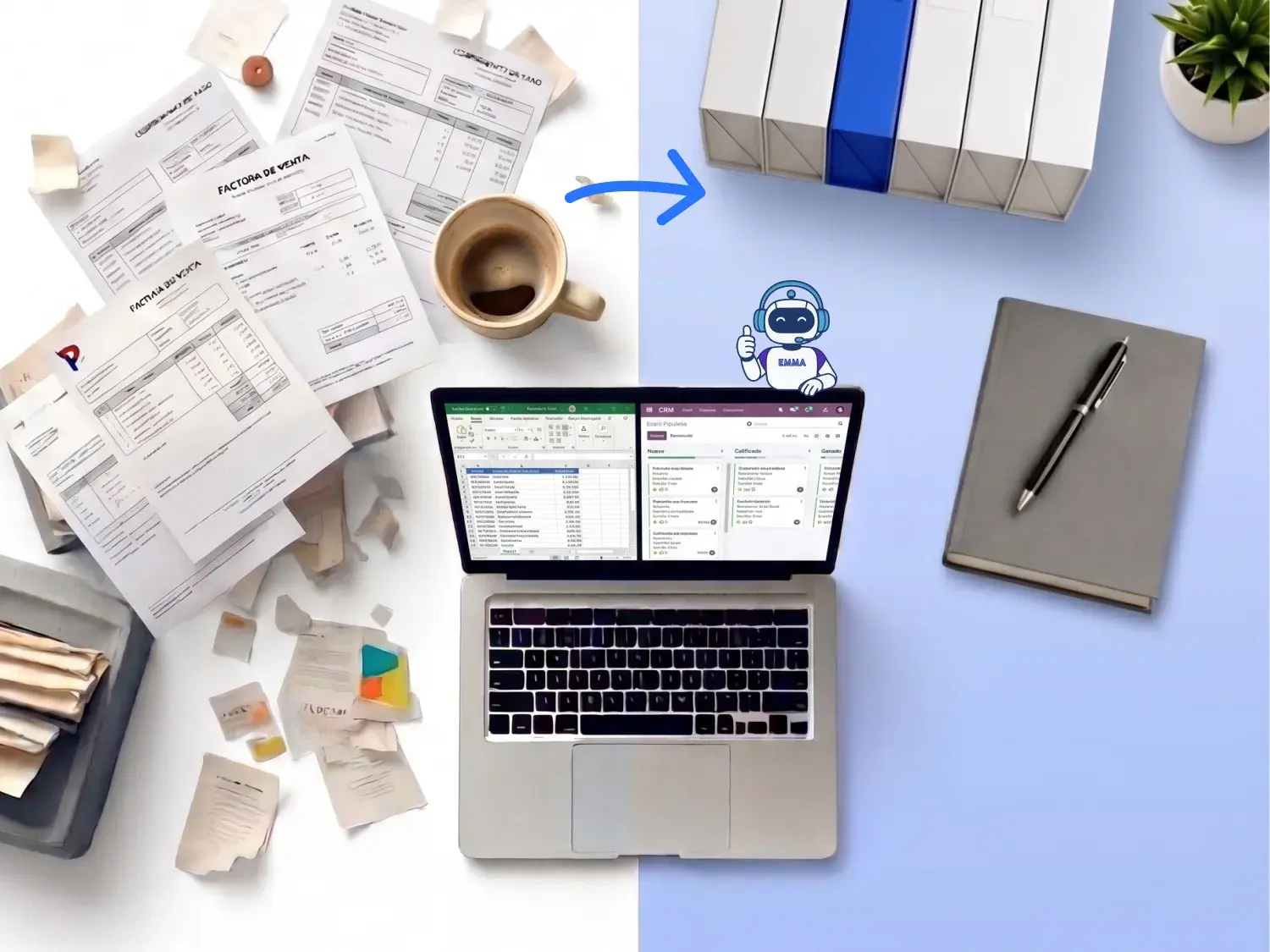
Seven checks before choosing an ERP with AI.
Use a real task to distinguish a product claim from a capability that works in your setup.
| Criterion | Ask to see | Why it matters |
|---|---|---|
| Supported action | A completed task and its resulting record. | A suggestion is different from an executed action. |
| Data access | The records and fields available to the tool. | An answer is only as useful as its source information. |
| Permissions | A test with a restricted user. | Confirm that the task respects the intended access. |
| Review and traceability | Approval steps and the records kept afterward. | Your team must be able to check the result. |
| Existing systems | The compatibility and migration requirements. | Avoid assuming that every installation is supported. |
| Connections | The exact connector and actions it exposes. | A protocol name does not guarantee every integration. |
| Usage and support | How use is measured and who handles failures. | Include operation and support in the decision. |
These are checks to run with the provider. They are not claims that every control is enabled automatically.
Working manually and working with AI assistance.
Compare the same task with and without AI assistance. Existing software can also include rules and automation.
| Task | Manual workflow | With AI assistance |
|---|---|---|
| Finding information | Open and read the relevant records. | Ask a supported question about accessible records. |
| Preparing work | Gather details and compose the draft. | Review a draft prepared from the available context. |
| Incoming documents | Enter or check the extracted details. | Review extraction and record creation where supported. |
| Follow-ups | Record notes and schedule the next action. | Ask for help recording activity and preparing follow-ups. |
| Permissions | Define access for each user. | Validate the access used by the AI tools as well. |
| Traceability | Review the records and changes. | Confirm which AI actions and results can be reviewed. |
| Approval | Apply your business review process. | Define and test review steps before sensitive actions. |
| Choosing a plan | Assess software and operational capacity. | Also assess AI usage and support requirements. |
AI can assist with preparation and execution. Your team still needs a clear process for checking information and handling exceptions.
How to work with AI in BinHex Cloud.
1
Read
Start with a task and the records it needs. Check that the connected tools have the appropriate access.
2
Propose
Review the draft or answer against the source records. Clarify missing information before proceeding.
3
Act
Use the supported action after the required checks. Confirm the resulting record and handle exceptions.
What the AI does in finance.
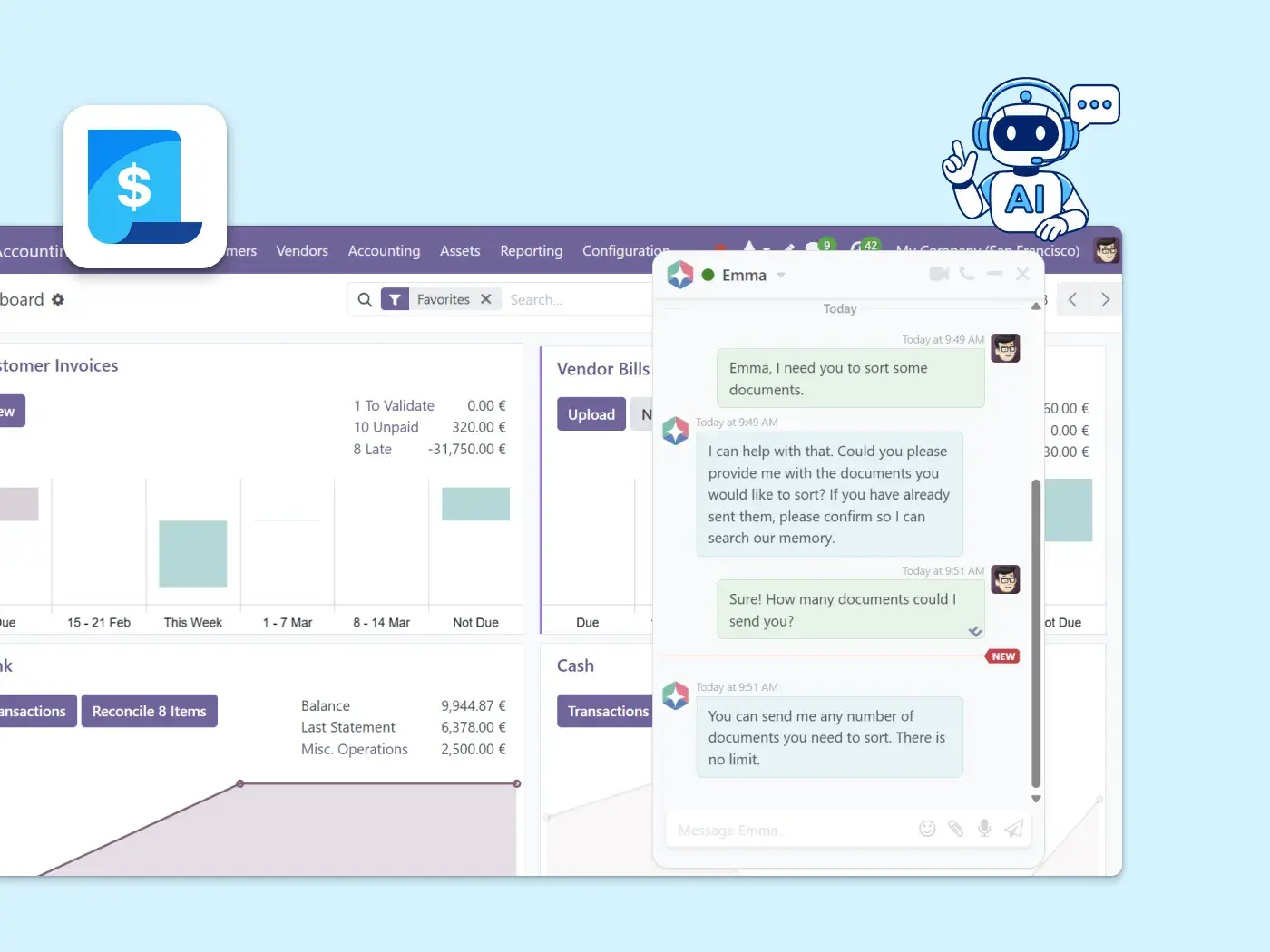
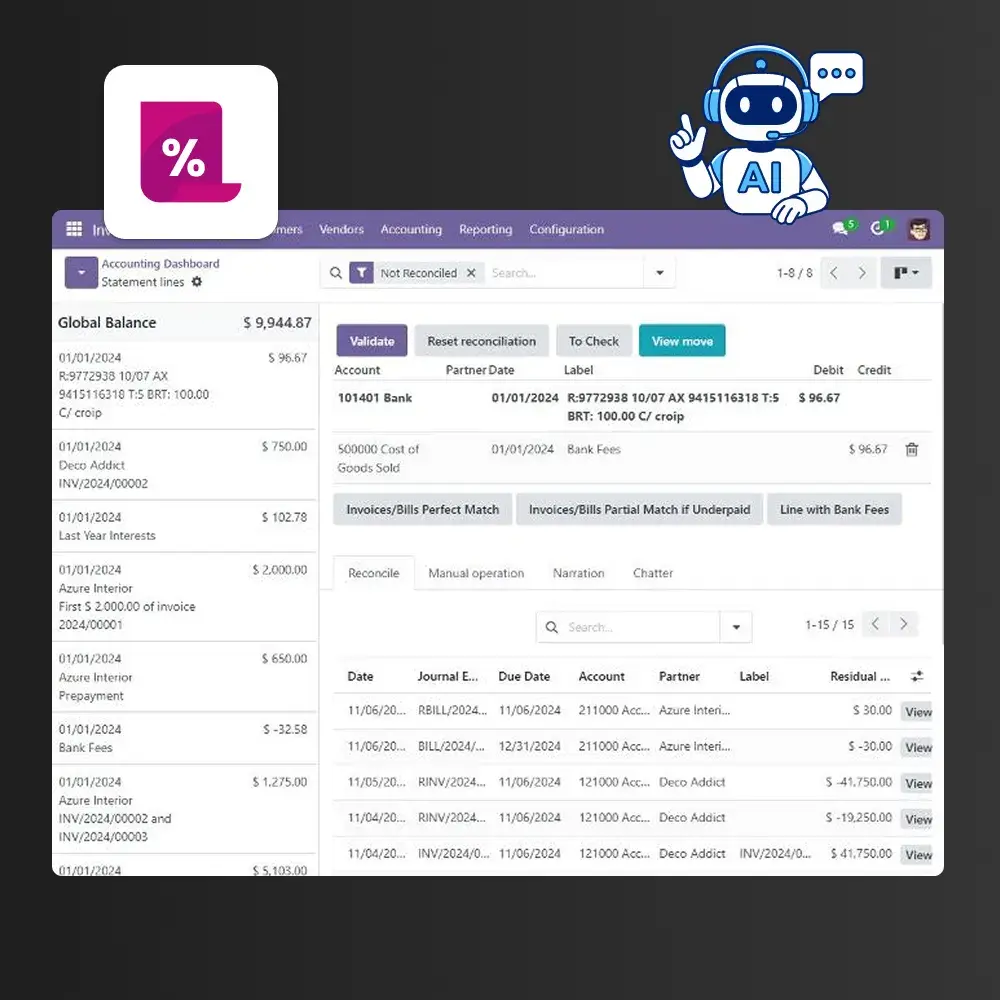
Emma can help turn an invoice document into a draft record. Review the supplier, amounts and dates before approval. Test matching or reconciliation requirements against the functions enabled in your workspace.
What the AI does in sales and CRM.
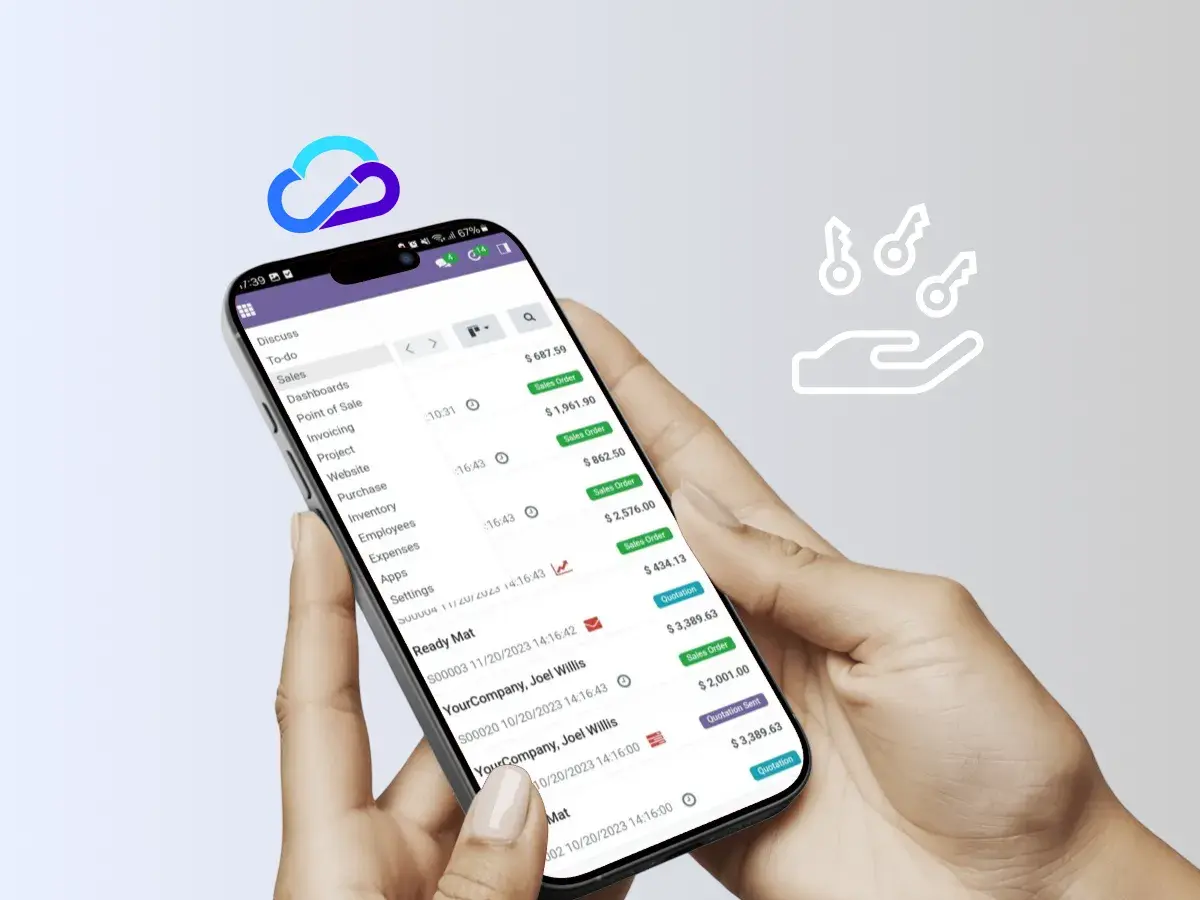
Ask Emma to help prepare quotations or record CRM activity from your instructions and available customer records.
Check the customer, commercial terms and next activity before using the result.
What the AI does in purchasing and inventory.
Start with a purchasing task to validate: checking stock, reviewing outstanding orders or preparing a draft purchase request.
Confirm the available tools and data before assuming automated replenishment or demand forecasting.


What the AI does in customer service.
Assess which customer questions can be answered from approved records and knowledge sources, such as order information or service history.
Define the information that may be shared and when a person should take over.
SEE IT ON YOUR DATA
Try AI assistance on a real business task.
Choose a document, quotation or customer activity and evaluate the result inside BinHex Cloud.
Connect your AI assistant to Binhex Cloud via MCP.
Explore connecting a compatible ChatGPT or Claude account to Binhex Cloud. The available data and actions depend on the tools enabled for the connection.
Confirm client compatibility and connection requirements.
Define permitted data and actions before enabling access.

Compare ERP software with AI by the tasks you need.
| Criterion | Binhex Cloud (our platform) |
SAP (Joule) |
Microsoft Dynamics 365 |
Oracle NetSuite |
|---|---|---|---|---|
| AI experience | Emma in the business workspace. | Joule capabilities in supported SAP applications. | AI agents and assistance across Dynamics 365 apps. | AI features such as Text Enhance. |
| Example to evaluate | Prepare a quotation or an invoice draft. | Retrieve business information or complete a supported task. | Summarise a record or assist with a supported workflow. | Generate or refine supported text fields. |
| Existing environment | Check workspace setup and migration scope. | Check the SAP solution and enabled capabilities. | Check the Dynamics application and enabled features. | Check the NetSuite account and enabled features. |
| Permissions and review | Test the access and review steps for your task. | Verify controls for the selected capability. | Verify controls for the selected capability. | Verify controls for the selected capability. |
| External AI connections | Explore the Binhex Cloud MCP connection. | Check the connection supported for your use case. | MCP options vary by application and release status. | AI Connector Service supports MCP connections. |
| Commercial scope | Review the current workspace plan and any extra services. | Request the exact solution and feature scope. | Request the exact app and feature scope. | Request the exact account and feature scope. |
| Decision test | Validate a task with your own records. | Validate a task in the intended environment. | Validate a task in the intended environment. | Validate a task in the intended environment. |
Sources reviewed on 29 September 2026: Binhex Cloud, SAP, Microsoft, NetSuite AI Connector and Text Enhance. This is a starting point for evaluation; capabilities depend on the selected product and configuration.
Plan your first use case in Binhex Cloud.
1
Define the task
Choose one process, its data and a person who can judge the result. Note any existing system or migration requirements.
2
Validate the setup
Confirm the required apps, access and integrations. Agree any setup work with the team before committing to a timeline.
3
Review and expand
Try representative records, including exceptions. Review accuracy and effort before applying the same approach to more work.
Review Binhex Cloud plans or discuss setup requirements. The scope determines any additional work.
AI in your ERP: explore it across business apps.




Set clear limits before delegating work to AI.
Sensitive actions
Decide who reviews payments, outgoing messages and orders. Test the approval process before enabling a sensitive action.
Incomplete information
Ask for clarification when a record is missing or ambiguous. Check amounts, recipients and source documents instead of accepting a plausible answer.
Unexpected results
Assign someone to review failures and corrections. Confirm the available logs and a way to stop or revoke access if needed.
Questions you're probably asking
Binhex Cloud combines business management software and AI assistance in one workspace. Emma can help with supported tasks such as invoice drafts, quotations and customer activity. Confirm the tools and access available for your process.
The team can ask for help preparing information or performing supported actions. People still need to check the result and handle exceptions. Existing software may already include rules and automation; AI adds another way to work with it.
Before connecting a model, confirm the provider, the information sent, retention settings and applicable processing terms. These details depend on the configuration. Do not assume that every external connection has the same data-handling conditions.
That depends on the starting point and the solution you choose. Ask the team to review your current installation, required apps and data before confirming compatibility, migration scope or timing.
Define which actions require review and test those controls with representative users. Confirm what can execute, how approval works and which records remain afterward. An approval policy should be verified for the specific workflow.
Compare the current Binhex Cloud plans for workspace capacity, AI usage and support. Setup or custom integration work may need a separate scope. This page does not duplicate the pricing table.
The comparison above includes Binhex Cloud, SAP Joule, Microsoft Dynamics 365 and Oracle NetSuite. Their features differ by application and configuration. Evaluate the specific task, supported version and required controls.
Explore the Binhex Cloud MCP connection. Compatibility, account requirements and available tools need to be checked for your setup before enabling access.
GO DEEPER
Where to go next.

The AI agent platform
Explore the agents and business processes covered by Binhex Cloud software.
Connect ChatGPT or Claude
Explore connecting external AI assistants to the data and tools enabled in Binhex Cloud.

AI for your existing setup
Discuss your current installation, compatibility and project scope with the team before deciding what to change.
Explore Binhex Cloud ERP with AI.
Start with a workspace and a task your team knows. Review the result, the access needed and the plan that fits.
Page reviewed: 29 September 2026