AI FOR CUSTOMER SERVICE
AI agents for customer service.
Answer order and delivery questions with your real ERP data, and hand the rest to your team. Part of the AI agent platform.

What can an AI agent resolve in customer service, and what can't it?
It resolves the routine questions your records can answer, such as order status or deliveries, and hands everything else to a person with the context ready. Here is exactly where that line is.
THE SUPPORT BOTTLENECK
Most questions already have an answer in your system.
Your team still has to open the order, read the history and type the reply.
The same questions, every day
"Where is my order?" takes a minute to answer, and it arrives all day.
Context lives in several places
Orders, deliveries, tickets and past conversations sit in different screens.
Answers depend on who replies
Quality and tone change with experience and with how busy the day is.
An AI agent for customer service, not another chatbot.
An AI agent for customer service reads the customer's real records, answers what they support and routes the rest to a person.
| AI agent inside your ERP | Typical chatbot | |
|---|---|---|
| Where answers come from | Orders and history in your ERP | A script or FAQ someone maintains |
| "Where is my order?" | Status of that specific order | Generic reply or tracking link |
| When it doesn't know | Hands over with the context | Loops or gives a vague answer |
| Permissions | Same roles as your team | Separate from your system |
| Traceability | What it read, answered and escalated | Chat transcript only |
New to the concept? Read what an AI agent is and how it differs from a chatbot.
HOW IT WORKS
Read, answer, hand over.
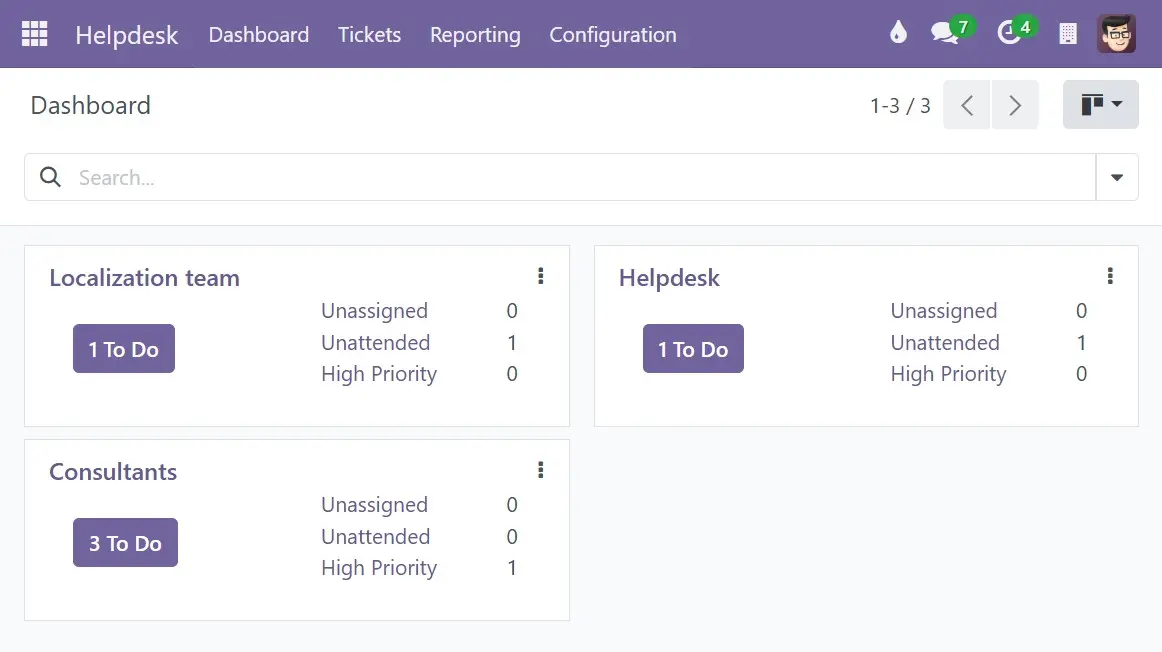
Orders, deliveries, tickets and past messages, based on permissions.
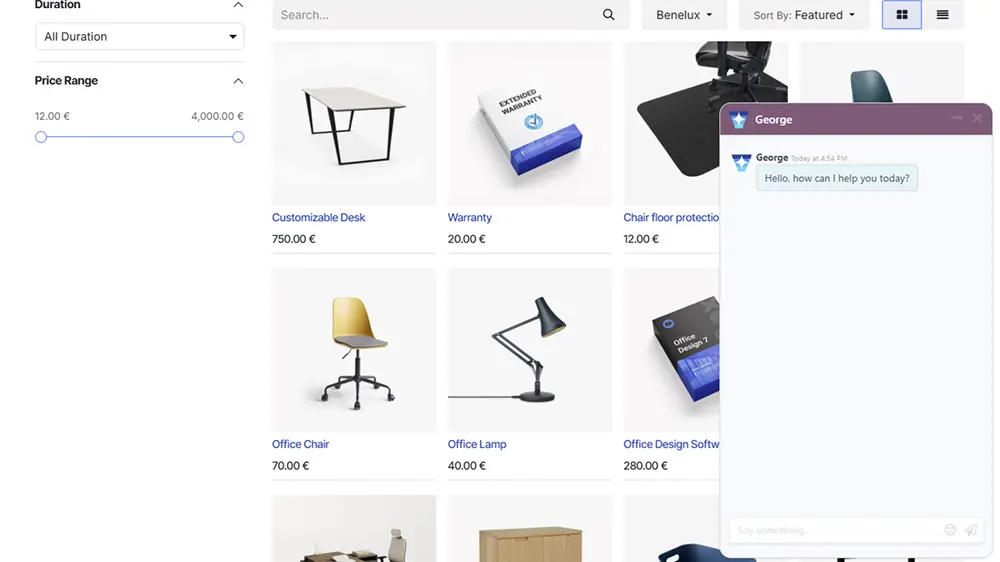
Routine questions get a reply in your tone and within your policies.
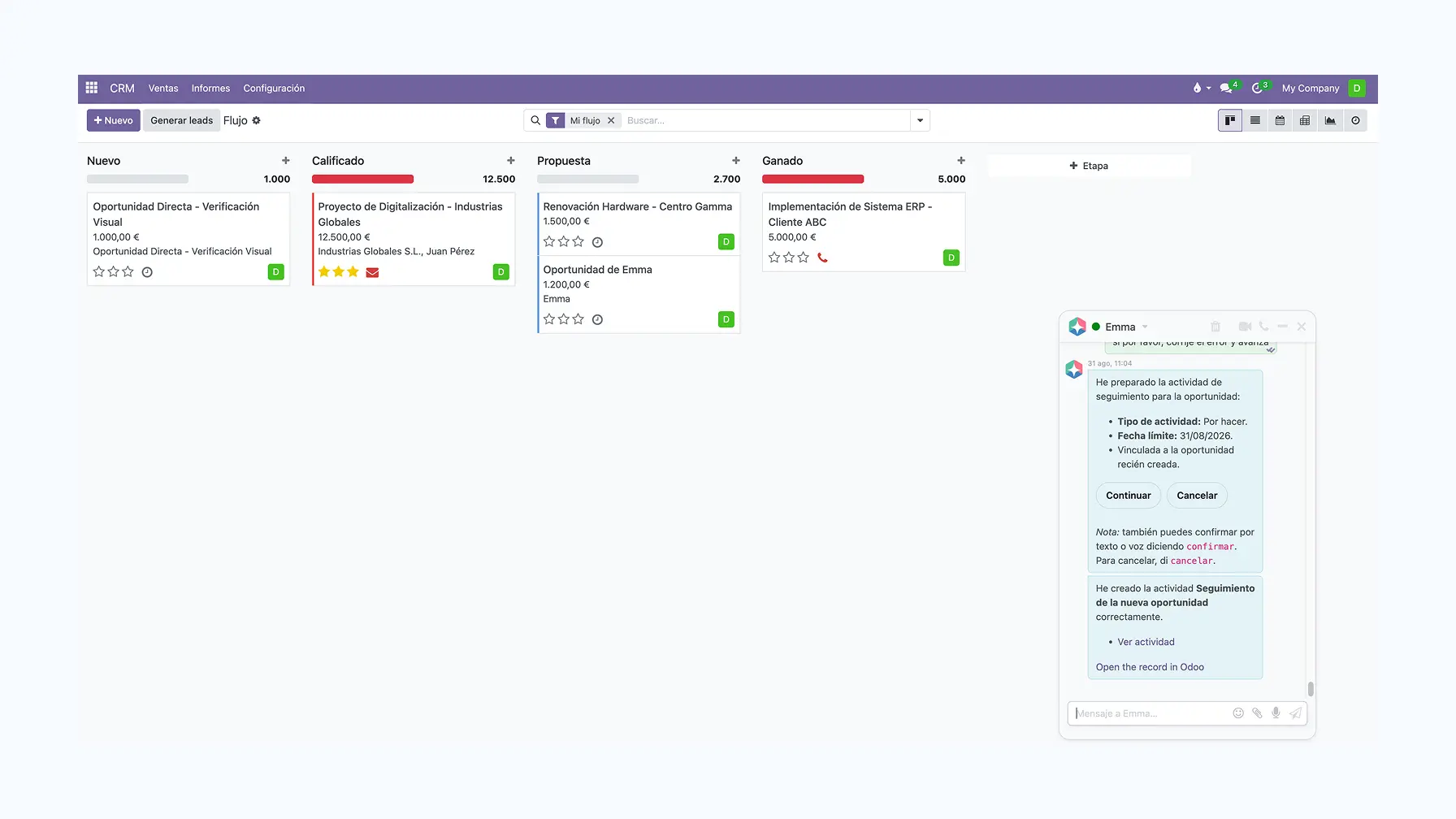
What needs a person goes to your team with the context, and it's logged.
Resolved alone, with a person, or never.
The limits are part of the design. You set the escalation rules; the agent follows them.
Resolved by the agent |
Handed over to a person |
Never decided by the agent |
|
|---|---|---|---|
| Order status | Status from the order record | Conflicting or missing data | Whether it was mishandled |
| Delivery | Shipping status and tracking | Delays, lost parcels, repeated failures | Compensation |
| Product or service question | Answers from your knowledge base | Questions the documentation doesn't cover | Safety or legal claims |
| Returns and refunds | Explaining the standard process | Any refund request | Exceptional refunds or discounts |
| Complaint | Acknowledging it and collecting context | The complaint itself | Whether the complaint is valid |
| Support ticket | Reviewing history, suggesting a reply | Urgent or high-impact incidents | Closing a serious incident |
For the reasoning behind each column, read what AI can and cannot solve in customer service.
DATA AND CONTROL
What the agent sees, and what happens when it doesn't know.
- Sees: orders, deliveries, tickets, past messages and your knowledge base
- Doesn't see: anything your team's role can't access
- When it doesn't know: no guessing, the case goes to your team
- You configure: tone, common phrases and escalation rules
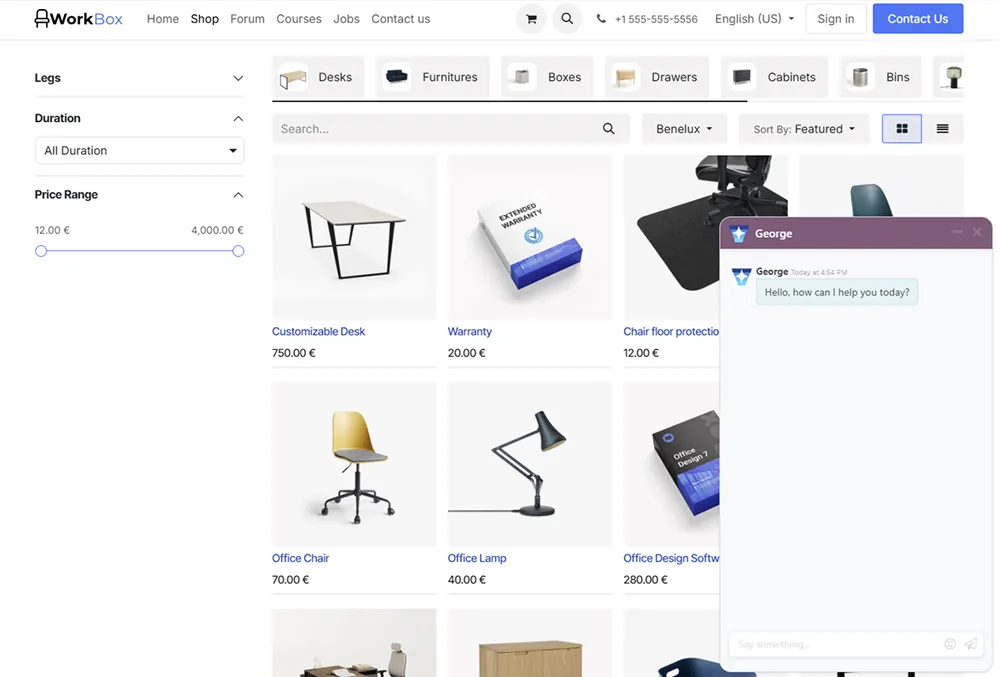

LIVE CHAT
Reply with real customer context.
Before replying, the agent checks order history, past chats and account details.
- Order and delivery context
- Previous conversation history
- Tone aligned with your brand
TICKETS AND HANDOVERS
Faster tickets, cleaner handovers.
The agent reviews the order and past tickets before suggesting a reply, and summarises long threads for whoever takes over.
- Order and ticket history
- Key points and action items extracted
- Escalation when needed

CHANNELS
Website chat, email and tickets. And WhatsApp?
The agent works where your support already happens: website chat, email and helpdesk tickets, with the same rules in each. WhatsApp has its own limits, such as the 24-hour reply window.
What it costs.
Priced per workspace, not per user. Every plan includes all apps and AI credits.
Free Platform
- 1 user
- Access to all apps
- 1 AI credit /mo
Professional platform
- 1 to 19 users
- Access to all apps
- 5 AI credits /mo
Growth platform
- 20 to unlimited users
- Access to all apps
- 15 AI credits /mo
The same agents, across your business.


RELATED GUIDES
Before you automate your support.

What AI can and cannot solve in customer service
What to automate, what to escalate and how to measure it.

AI agent on WhatsApp
How it works, what it needs and the limits of WhatsApp Business.
AI virtual assistants: real use cases
Use cases by department, and how an assistant differs from an agent.
Questions you're probably asking
Routine requests that can be answered from your records: order status, delivery information, purchase history and standard product or service questions. Anything that involves a refund, a discount, a complaint or unclear data goes to a person.
When the records do not answer the question, when the data conflicts, when the customer asks for money, an exception or a legal decision, or when the conversation needs judgement. The handover includes the context, so the customer does not have to start again, and it is logged.
Only what the user or team it works for is allowed to see in the ERP: orders, deliveries, purchase history, previous conversations, tickets and your knowledge base. Support sees support data, not finance.
It should not guess. It collects the context of the request and passes it to your team, following the escalation rules you configure.
No. A typical chatbot answers from a fixed script or FAQ. An AI agent reads the customer's real records in your ERP, so it can answer about a specific order, and it knows which requests it must hand over to a person.
Yes. You can configure tone, common phrases and escalation rules, using your brand guidelines, templates and knowledge base.
Binhex Cloud plans are priced per workspace, not per user, and every plan includes all apps and AI credits. The Free plan costs €0 per month with 1 user and 1 AI credit. Professional starts from €59 per month billed annually, for 1 to 19 users and 5 AI credits. Growth starts from €159 per month billed annually, for 20 or more users and 15 AI credits.
No. Binhex Copilot adds Emma and George to your existing Odoo database without migrating data. Setup depends on your current Odoo, so we review it and scope the work before quoting.
Automate the routine. Keep the important conversations human.
Create a free workspace, connect your orders and see what the agent can answer on its own.
Create a free workspaceTalk to a specialist
No credit card. Last updated: September 2026.