CONNECT CLAUDE OR CHATGPT TO BINHEX CLOUD
Connect Claude or ChatGPT to Binhex Cloud via the MCP protocol.
Connect Claude or ChatGPT to Binhex Cloud using the Model Context Protocol (MCP). Ask about your customers, sales and invoices using the data and tools enabled for your connection, from the chat you already use. Explore Binhex Cloud's AI agents.

Connect your AI conversations to Binhex Cloud
An MCP connection lets Claude or ChatGPT use the data and tools enabled in your Binhex Cloud account. Ask the team to confirm account access, permissions and activation requirements for your setup.
Businesses from 5 to 500 employees run on Binhex Cloud






You use AI every day. Just not for your business.
The moment the question is about your customers or your numbers, the manual work starts.

Export and paste: by the time you paste it, it's already out of date.

Explain the context: every chat starts from scratch, all over again.

Half answers: good reasoning, but only on the data you had time to hand over.
Ask Claude or ChatGPT about your Binhex Cloud data.
No exports, no pasting, no context to explain — for every role in your team.
Example prompts to test with the relevant modules and permissions enabled. Available answers depend on the tools and data exposed by your connection.
Sales
"Which leads have gone three days without a reply?"
"Which opportunities have no next activity scheduled?"
"Which quotations are still awaiting a customer response?"
Finance
"Which invoices are unpaid, and for how long?"
"Which customer invoices are overdue by more than 30 days?"
"What is the outstanding balance for this customer?"
Operations
"Create this customer and assign the task to my team."
"Which tasks assigned to my team are overdue?"
Management
"Sum up how the month is going, with nothing exported."
"Summarize confirmed sales by month for this quarter."
Claude or ChatGPT, connected to the work you manage in Binhex Cloud.
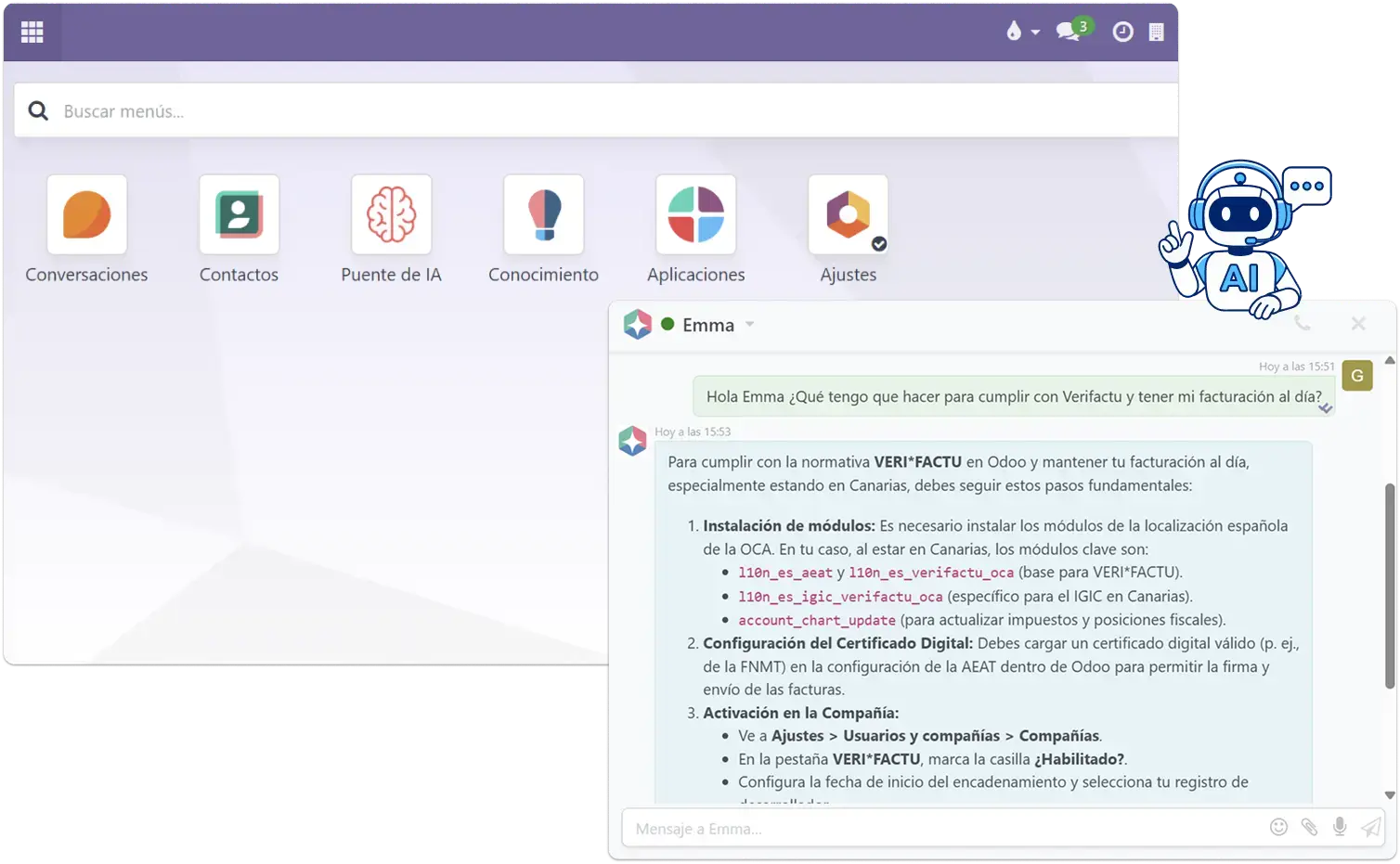
Emma works inside Binhex Cloud. An MCP connection adds another way to interact from Claude or ChatGPT, according to the tools enabled:
Ask about the customers, sales and invoices your connection can access.
Summarize returned information and prepare drafts for your team to review.
Request the actions enabled for your connection, with the configured controls.

Your data stays yours.
You decide what your AI can access. The connection is secure, and your system isn't opened up by default.
Binhex Cloud is open source, so you keep control of your information.
Permissions: agree on the records, companies and actions the connected identity may access; test that out-of-scope requests are refused.
Traces and audit: confirm which records identify the user, tool call, affected record, time and outcome, and how long those records are retained.
Review and revocation: document who checks sensitive operations and how access is withdrawn when a user or process changes.
What you need to connect Claude or ChatGPT to Binhex Cloud
The Model Context Protocol (MCP) provides a way for Claude or ChatGPT to access tools and data exposed by a configured connection. For Binhex Cloud, the available access and actions depend on your account and the tools enabled.
What you need
- An active Binhex Cloud account.
- A Claude or ChatGPT account with MCP / connector support enabled.
- Admin permissions on your Binhex Cloud instance to authorize the connection.
- Confirm that the MCP connection is available for your Binhex Cloud account and identify the data and tasks you want to work with.
- Use the HTTPS MCP endpoint supplied for your environment, reachable by the chosen AI service and protected with the agreed authentication.
- Check that your AI account and workspace allow the connection, and agree on the data and tool permissions before activation.
What the connection can enable
- Read authorized Binhex Cloud records through the available tools.
- Summarize results and prepare drafts from the returned information.
- Request configured actions, subject to your implementation and approval rules.
What it doesn't do
- It doesn't modify records or send communications without your confirmation.
- It only accesses the data scopes you explicitly authorize.
- It doesn't replace your existing Binhex Cloud processes — it provides access through the tools configured for the connection.
What changes when Claude or ChatGPT connects to Binhex Cloud?
Keep using your preferred AI assistant and add access to the information and tools enabled in Binhex Cloud. The scope depends on your configured connection.
| Criterion | Without the Binhex Cloud connection | With Binhex Cloud via MCP |
|---|---|---|
| Business data | You provide the Binhex Cloud information needed in the conversation. | The enabled tools can retrieve authorized records from Binhex Cloud. |
| Business context | You bring the relevant records and explain the task. | Ask about customers, sales and invoices available to the connection. |
| Access and actions | The conversation alone does not grant access to Binhex Cloud. | Access depends on the connected identity, enabled tools and configured controls. |
| Getting started | Use Claude or ChatGPT with the information you choose to share. | Confirm account access, request activation and agree on the first use case. |
Activate your connection to Binhex Cloud
Request a proposal for your environment before committing to an activation date or budget.
Compatibility
Confirm your setup
Tell us which Binhex Cloud account you use, whether you prefer Claude or ChatGPT, and what you want to do with the connection.
Activation time
Confirmed after review
The schedule depends on endpoint availability, access approvals, configuration and the checks needed before launch.
Activation price
Request a quote
Ask for setup fees, recurring service, included support and any separate AI-provider charges or usage limits.

Questions we usually get
Ask the team to confirm the setup required for your Binhex Cloud account. The scope depends on the available connection, authentication and the tasks you want to enable.
The connection can be configured for Claude or ChatGPT when the account supports the required connection features. Availability and any subscription charges depend on your chosen provider and workspace.
No. The free plan gives you the platform and Emma AI, but connecting your own AI is configured for your company. Leave us your details and we'll walk you through it.
Whatever you decide. You define what it can query and what it can't, and you're still the one asking for any action.
The open MCP standard, which lets AI assistants connect to external systems without proprietary development. We cover it in detail on the blog.
This connection is for Binhex Cloud accounts. If you do not have one yet, contact the team to discuss getting started and the data you want to work with.
The Binhex Cloud team can review your account and explain the activation requirements. Any configuration or technical work is agreed for your setup.
Confirm the limits of both your Claude or ChatGPT account and the Binhex Cloud connection before activation.
No. It can query and draft, but any write action requires your explicit confirmation inside the platform.
You need an active Binhex Cloud account with the connection enabled, an eligible Claude or ChatGPT account, and agreed access permissions. The team can confirm what is available for your setup.
The activation schedule is confirmed after reviewing your endpoint, permissions and validation needs. Request an agreed date for your configuration.
Request a proposal that separates setup, recurring service, support and any AI-provider charges. A confirmed tariff is needed for your scope.
GET STARTED
Connect your AI to your business data
Leave us your details and we'll show you how it would work in your case. No commitment.
Talk with a specialist
You already use Claude or ChatGPT. Connect it to Binhex Cloud.
Leave us your details and we'll reply within 24 hours. No commitment.