Open-source expense management software, built into your ERP
Capture receipts, approve employee expenses, and track spending in real time fully integrated with your finance ERP, accounting and invoicing in one system. Not a standalone expense app.
Open source, no proprietary licenses · Capture receipts on mobile · Free plan to start
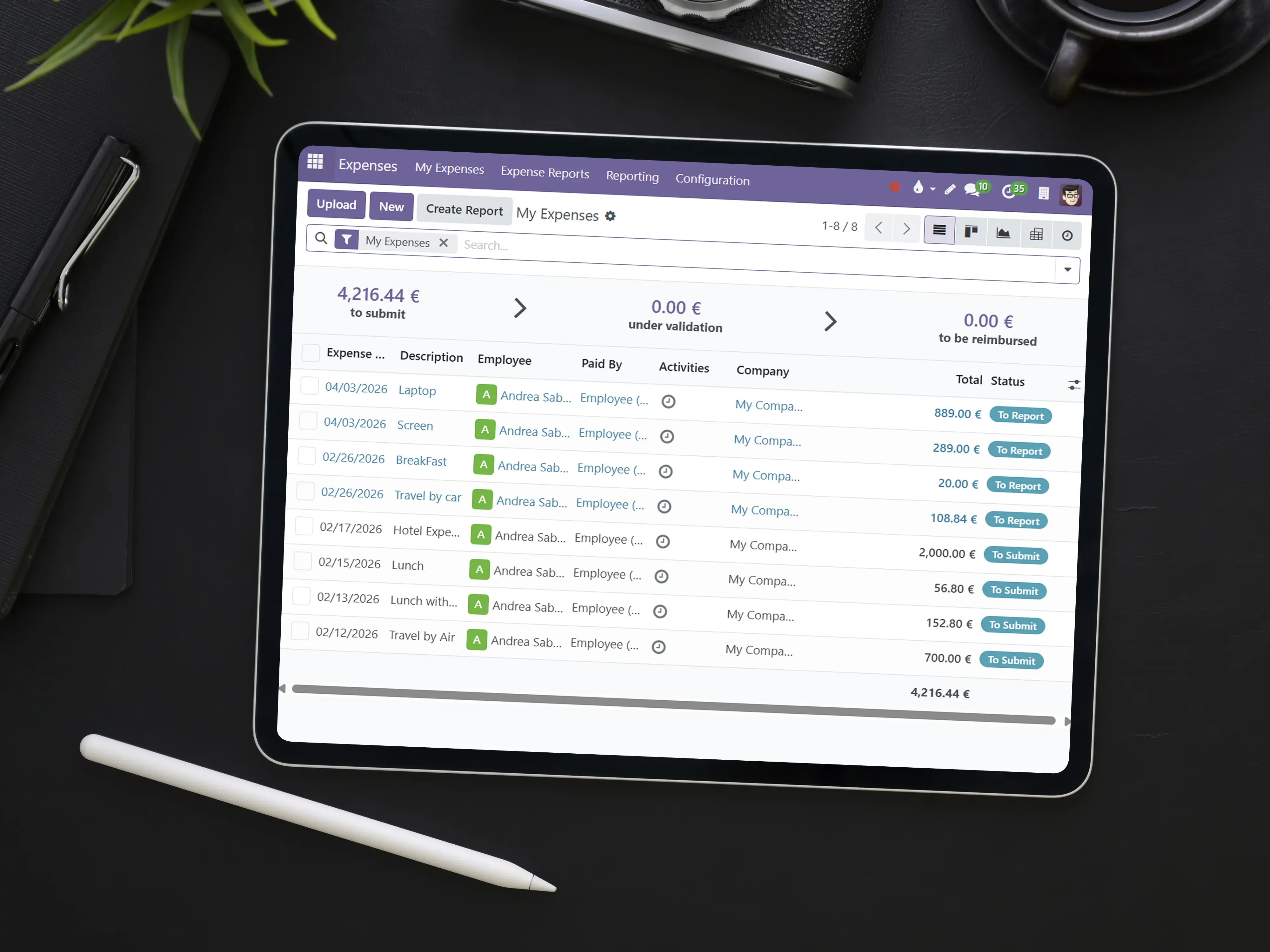
Capture receipts and submit expenses from anywhere
Designed for businesses that want employee expense management connected to accounting streamlined reporting, approvals, and tracking without a separate silo.
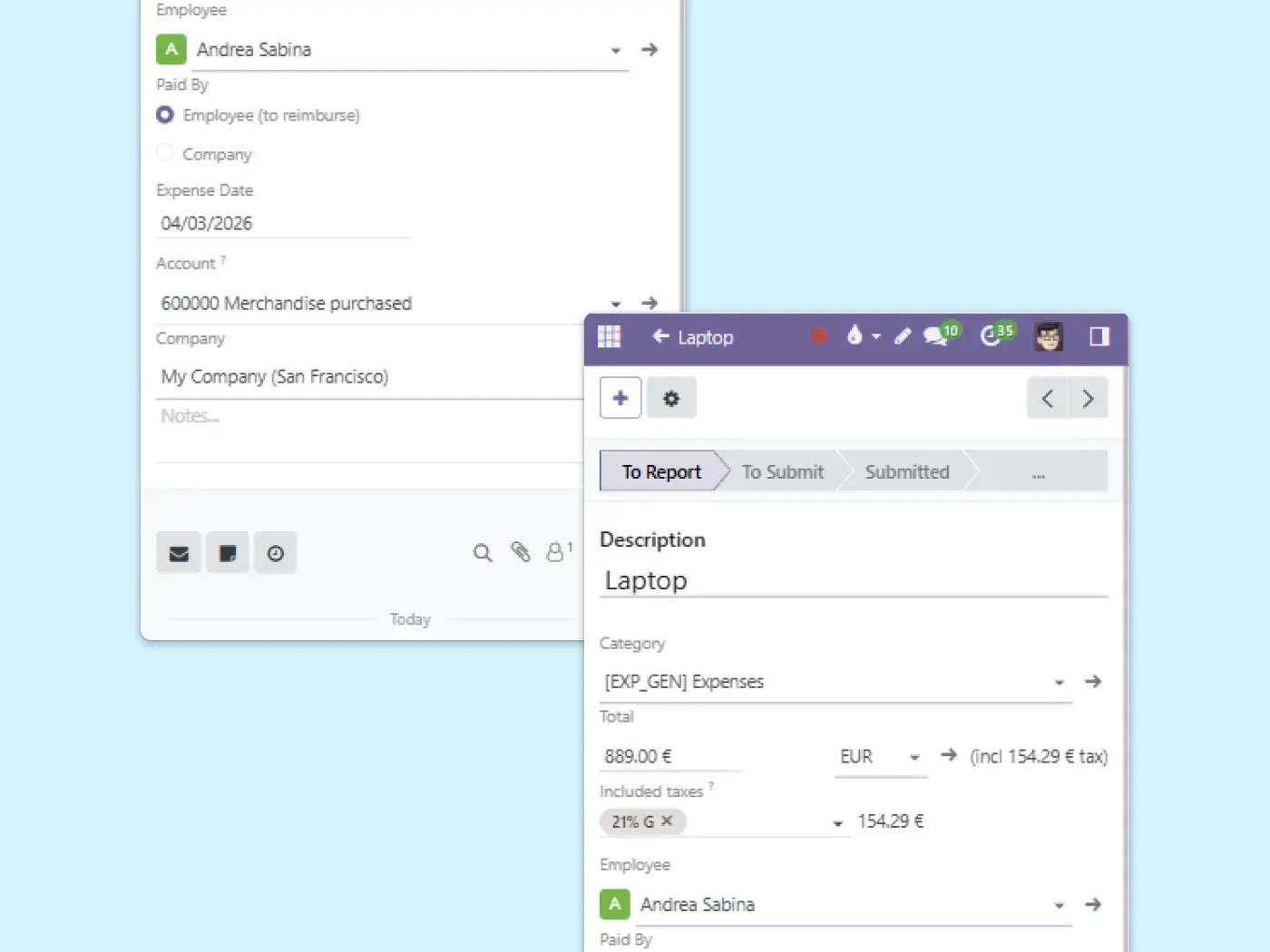
Easy expense capture
Snap receipts, enter expenses quickly, and submit reports on the go.
No more lost receipts or manual spreadsheets. Each expense is captured against the right category, project or employee.
Approve expenses and expense reports automatically
Set approval rules by department, amount, or project managers approve expenses easily from anywhere. Approved expenses are ready to reimburse via payments, with a full audit trail.

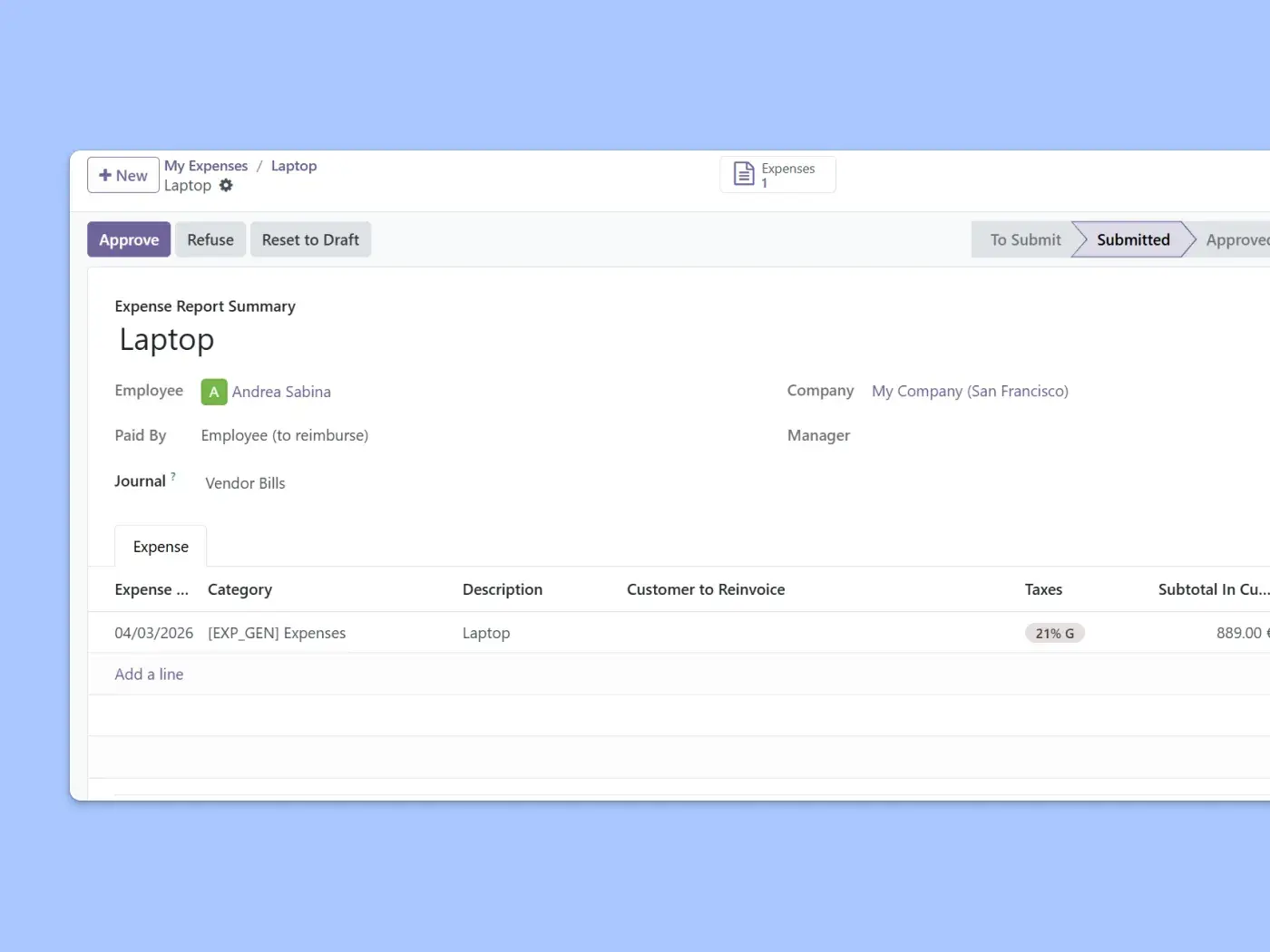
Track spending in real time, connected to accounting
Track spending by project, department, or employee instantly no delays or manual consolidation. Expenses post straight to accounting, and you can match vendor bills in the same procure-to-pay flow.
Start managing expenses free
Start Free. No commitment. We help you set it up.
Start free Talk to an expertMore finance apps in the same workspace
Expenses integrates seamlessly with accounting, invoicing, and payments for smooth financial operations.



Expense management software FAQ
Expense management software lets employees capture receipts and submit expenses, managers approve them, and finance track spending. Unlike a standalone expense app, Binhex expenses is part of your ERP, so an approved expense is already posted to accounting no double entry between tools.
Expense report software focuses on grouping individual expenses into a report for approval and reimbursement. Expense management is broader: capture, approval, reimbursement, spend tracking and accounting all connected. Binhex covers both employees build expense reports, and the data flows through to your books.
Yes. Employees can snap a photo of a receipt and submit the expense from web or mobile on the go, so receipts aren't lost and there are no manual spreadsheets. Details are captured against the right category, project or department.
You set approval rules by department, amount, or project, and managers approve expenses from anywhere. Approved expenses move straight into accounting and can be reimbursed through payments, with a full audit trail.
It is built on an open-source ERP, so you are not locked into proprietary software licenses. You pay per user on the plan you choose, and there is a free plan to start. The free trial lets you set it up and test it with your team before committing.
Yes. Approved expenses post directly to accounting, can be reimbursed through payments, and rebillable expenses can be added to customer invoices. Because everything is in one ERP, there is no exporting and re-importing between separate tools.
A standalone app records expenses, but you still have to move the data into accounting and payments. Binhex expenses is connected to accounting, payments, purchasing and invoicing in one ERP, so an approved expense is already in your books and ready to reimburse. Start free to see it in your own workspace.