ERP Comparison for US Businesses
Odoo vs QuickBooks — which platform grows with your business in 2026?
QuickBooks keeps your books in order — and that's where it stops. As you add a sales team, inventory, projects or multiple entities, you bolt on more tools and more per-seat costs. Odoo runs all of it in one open platform, and your bill doesn't grow every time you add a person.
From bookkeeping to running the whole business accounting, CRM, inventory & projects in one place
Open source, so it grows without limits add AI when you're ready
Start free with Odoo Talk to a specialist
No credit card · Keep your QuickBooks data · Cancel anytime
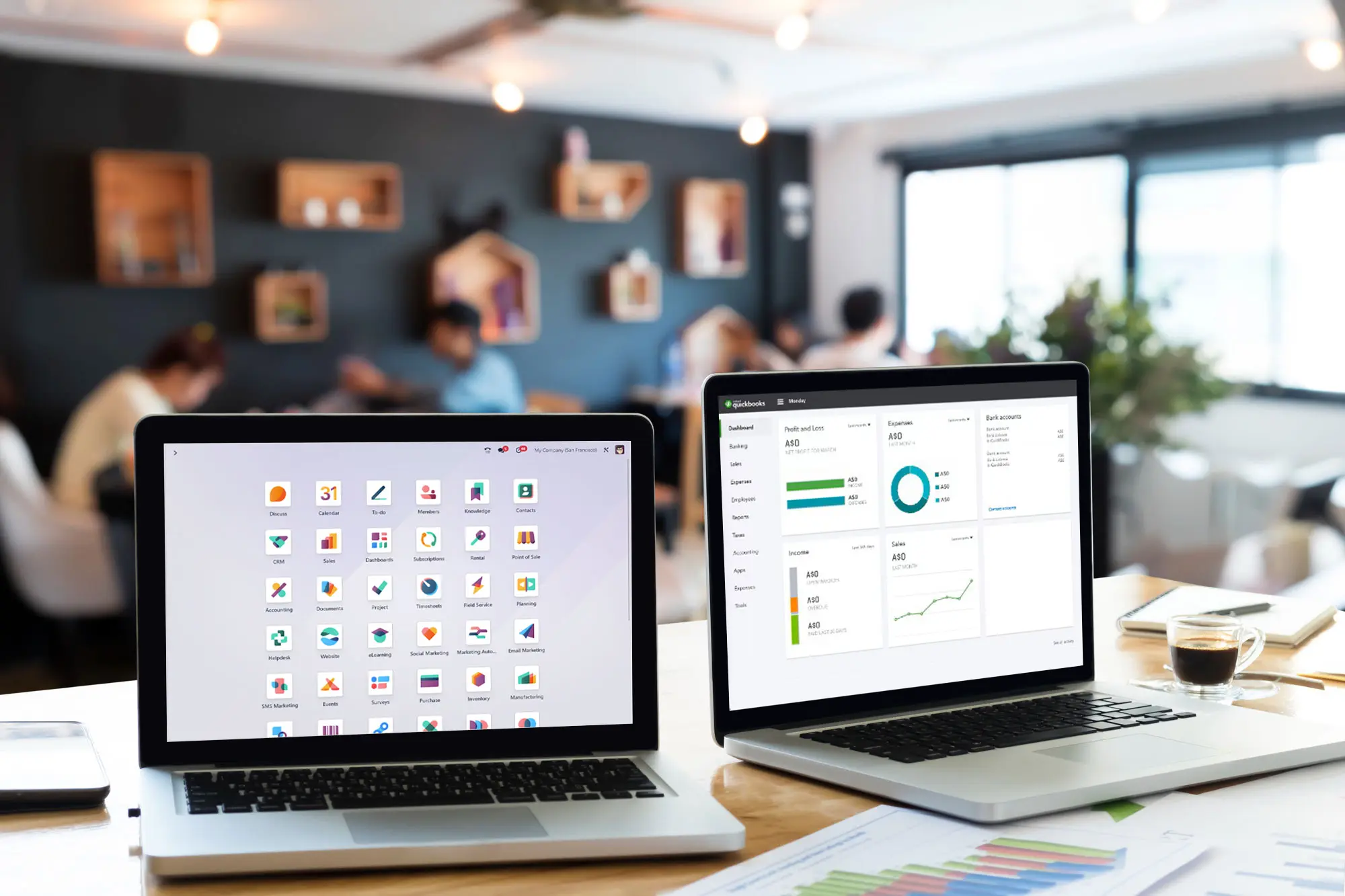
Accounting Foundation vs Complete ERP Platform
Many US companies start with QuickBooks because it is simple and widely known and it does accounting well.
The challenge starts when finance, inventory, sales, approvals, reporting, and operations begin to grow faster than an accounting tool can handle.
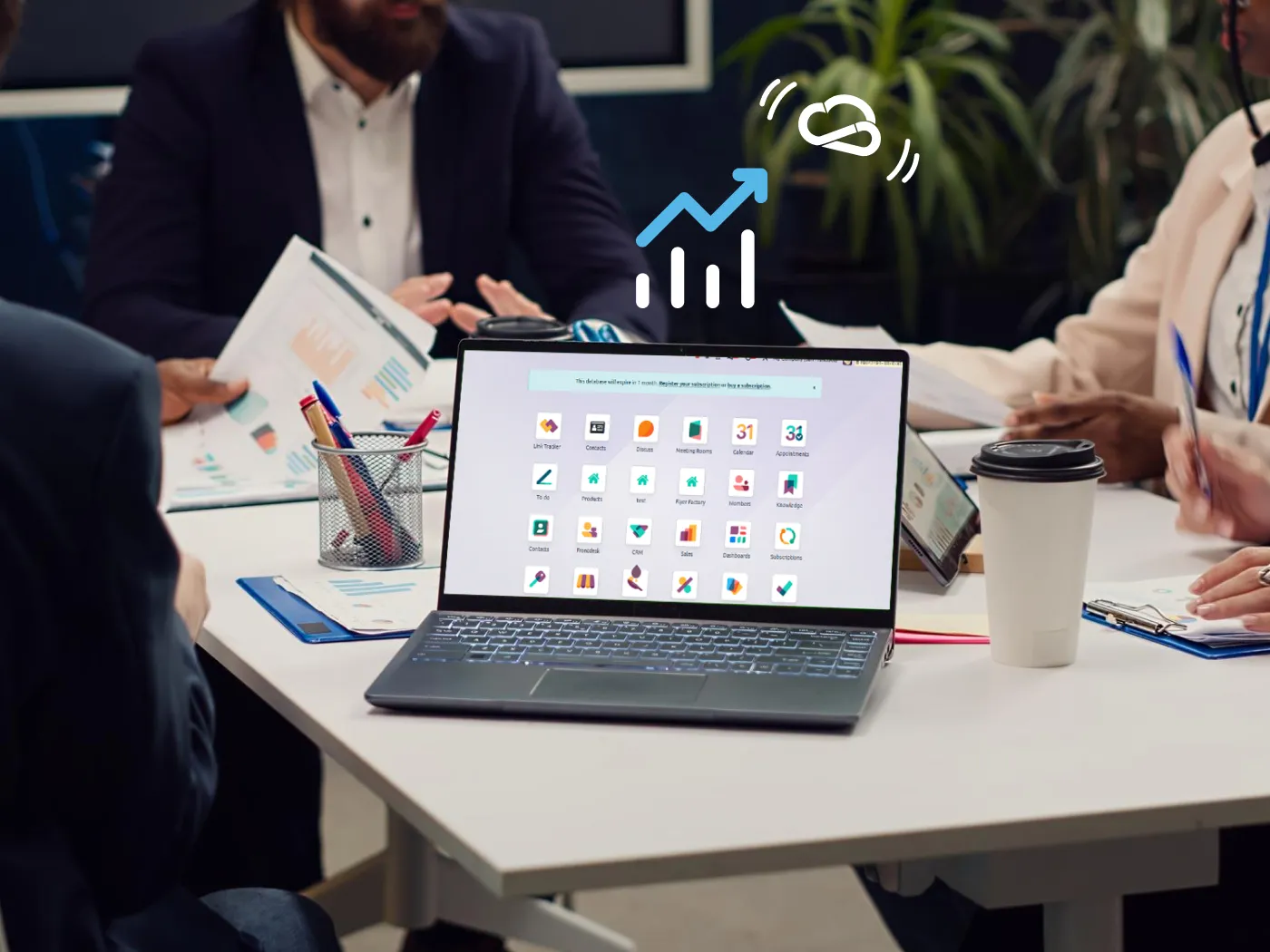
One platform, no add-ons
Odoo centralizes finance, CRM, sales, inventory and operations in one system
Flexible reporting
Build the financial views your business actually needs not just tax reports
No per-seat fees
Add your whole team without your bill growing with every user
Odoo vs QuickBooks: Side-by-Side Comparison
An honest, feature-by-feature look. Where QuickBooks is stronger, we say so.
Feature |
Odoo (Binhex Cloud) |
QuickBooks |
|---|---|---|
| Core accounting | Full double-entry | Full double-entry — a real strength |
| Ease of getting started | Guided by Binhex | Very fast, 1–3 days |
| US integrations marketplace | Open API + OCA apps | 800+ native apps |
| Integrated CRM | Built in, pipeline to invoice | Not native (3rd-party) |
| Inventory management | Real-time, multi-warehouse | Basic, single-warehouse (Plus+) |
| Manufacturing / MRP | BoM, work orders | Not available (3rd-party) |
| Sales pipeline & quoting | Pipeline to invoice | Add-on required |
| Financial reporting | Customizable, real-time | Strong standard reports |
| Workflow automation | Across all modules | Limited to accounting |
| AI assistant | Embedded ERP copilot | Intuit Assist (accounting) |
| Operations & purchasing | Fully integrated | Basic (POs in Plus+) |
| US tax: sales tax, 1099, GAAP | GAAP + 1099 native, sales tax via Avalara | Native out of the box |
| Pricing model | Flat rate, no per-user fees | Per seat, forced tier upgrades |
| Implementation time | 2–8 weeks (full ERP) | 1–3 days (accounting only) |
| Learning curve | Moderate (does more) | Low (accounting focus) |
| Multi-company management | Native, consolidated | One company per subscription |
| Mobile access | Full mobile app | Mobile app |
| API & developer access | Open API, full access | API with limits |
| Open source / no lock-in | Full ownership | Closed platform |
Strong / native Partial / limited Not native
Start free with Odoo How we migrate you from QuickBooks
Not sure if you need to switch? Read signs you're outgrowing QuickBooks.
Ready to explore?
See Odoo with your own data — free
Spin up a free Odoo workspace, or talk to a specialist about migrating from QuickBooks.
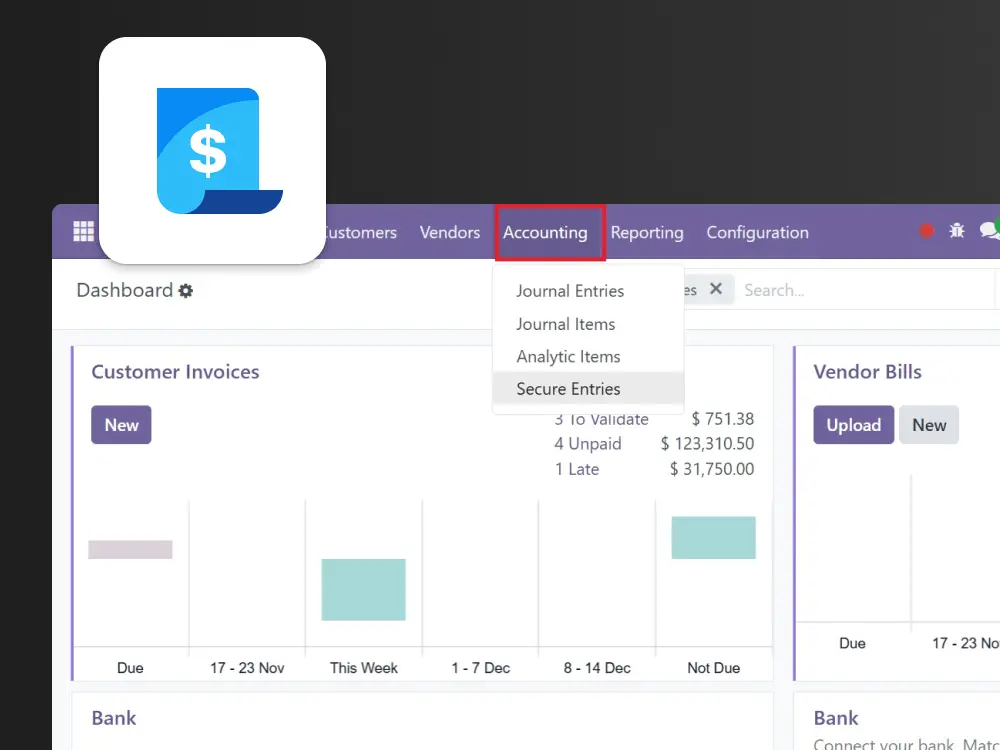
Advanced Reporting & Business Intelligence
QuickBooks offers strong standard financial reports, optimized for tax compliance — and that's genuinely useful.
But when you need operational and strategic views across inventory, sales and projects, you hit its limits. Odoo provides customizable financial and operational dashboards (MIS Builder, custom reports) that pull live data from every module not just the ledger.
One System for Finance, Operations, and Growth
QuickBooks has a large app marketplace — 800+ integrations — and that's a real strength when you want best-of-breed tools.
The difference is philosophy. QuickBooks connects external apps for CRM, inventory or operations. Odoo includes CRM, sales, inventory and operations as native modules that already share one database — no middleware, no sync delays for your core workflows.
US-Specific Financial Setup
QuickBooks is built for the US market with native sales tax, 1099s and US GAAP — one of its clearest strengths.
Odoo covers US requirements too: its US fiscal localization follows GAAP and includes native 1099 reporting, with real-time sales tax across US jurisdictions via Avalara AvaTax and US banking through Plaid. Binhex configures all of it during implementation.

LOCAL PARTNER SUPPORT
Work with a local Odoo partner in the US
Explore local support for implementation and migration in key US markets.

New York
Odoo implementation and migration support for companies in NYC and the Northeast.


Questions about Odoo vs QuickBooks
QuickBooks is accounting software: it manages invoicing, bookkeeping and financial reporting very well. Odoo is a full ERP that runs accounting plus CRM, inventory, manufacturing, purchasing, projects and automation in one connected platform. QuickBooks keeps your books. Odoo runs the whole business and it does it without per-user fees.
To start, QuickBooks can be cheaper, with plans from around $38 to $275/month by tier. But QuickBooks charges per seat and forces a plan upgrade when you add users, and payroll, CRM and advanced inventory are extra or third-party. Binhex Workspace is built on Odoo Community with no per-user fees, so as your team and operations grow Odoo usually becomes more cost-effective overall. See our pricing.
If you only need accounting today, QuickBooks is a solid choice. The question is what happens next. When you add a sales team, inventory, projects or operations, QuickBooks needs add-ons and separate tools that don't share data. With Odoo you start with accounting and switch on CRM, inventory or manufacturing when you're ready same platform, same data, no second migration. See signs you're outgrowing QuickBooks.
Yes. Odoo's US fiscal localization follows US GAAP and includes native 1099 reporting. For sales tax across US jurisdictions, Odoo integrates with Avalara AvaTax for real-time calculation, and connects to US banking via Plaid. QuickBooks offers these natively out of the box, which is a genuine strength; in Odoo, GAAP and 1099 are native to the US package while automated sales tax runs through Avalara. Binhex configures all of this during implementation.
Yes. QuickBooks inventory is basic and single-warehouse, with no native lot or serial tracking and no manufacturing. Odoo offers real-time, multi-warehouse inventory and operations with lots, serial numbers, full purchasing and manufacturing (BoM, work orders) inside the same system as accounting. This is the main reason product and operations-heavy companies move from QuickBooks to Odoo.
Binhex handles the full migration: discovery, data mapping, configuration, testing and go-live support. Your chart of accounts, customers, vendors, products and historical transactions are mapped and validated before go-live, and both systems can run in parallel so there's no downtime. See our QuickBooks to Odoo migration service.
QuickBooks is very easy to set up and use for accounting, and that's a real advantage. Odoo does more, so there's a slightly bigger learning curve, but its interface is modular and users only see the apps they use. Most teams are productive within a few weeks, and Binhex handles configuration and training so your team isn't learning alone.
Yes. Odoo supports multi-company and multi-currency natively, with consolidated reporting across entities. In QuickBooks Online, each entity is a separate subscription and consolidation is manual or relies on third-party tools. For groups running several entities, this is a meaningful difference.
True QuickBooks has a large app marketplace, which is one of its strengths. The difference is philosophy: QuickBooks relies on connecting external apps for CRM, inventory or operations, while Odoo includes those as native modules that already share one database. Odoo also has an open API and connects to US tools like Plaid and Avalara, so you integrate where you need to without depending on middleware for core functions.
Your data is yours. Odoo is open source, so you can export everything in standard formats at any time, with no vendor lock-in. QuickBooks is a closed platform. This openness is one of the reasons growing companies choose Odoo for the long term.
Ready to move beyond QuickBooks?
Start a free Odoo workspace, or talk to a specialist about migration planning and the right ERP setup for your US business.