Migration Services
Excel to Odoo Migration: from spreadsheets to a real ERP
Stop managing your business in spreadsheets. Move your Excel files into one connected ERP start free and import your data in minutes.
- Fewer costly mistakes no more broken formulas or deleted rows
- One source of truth sales, inventory and accounting together
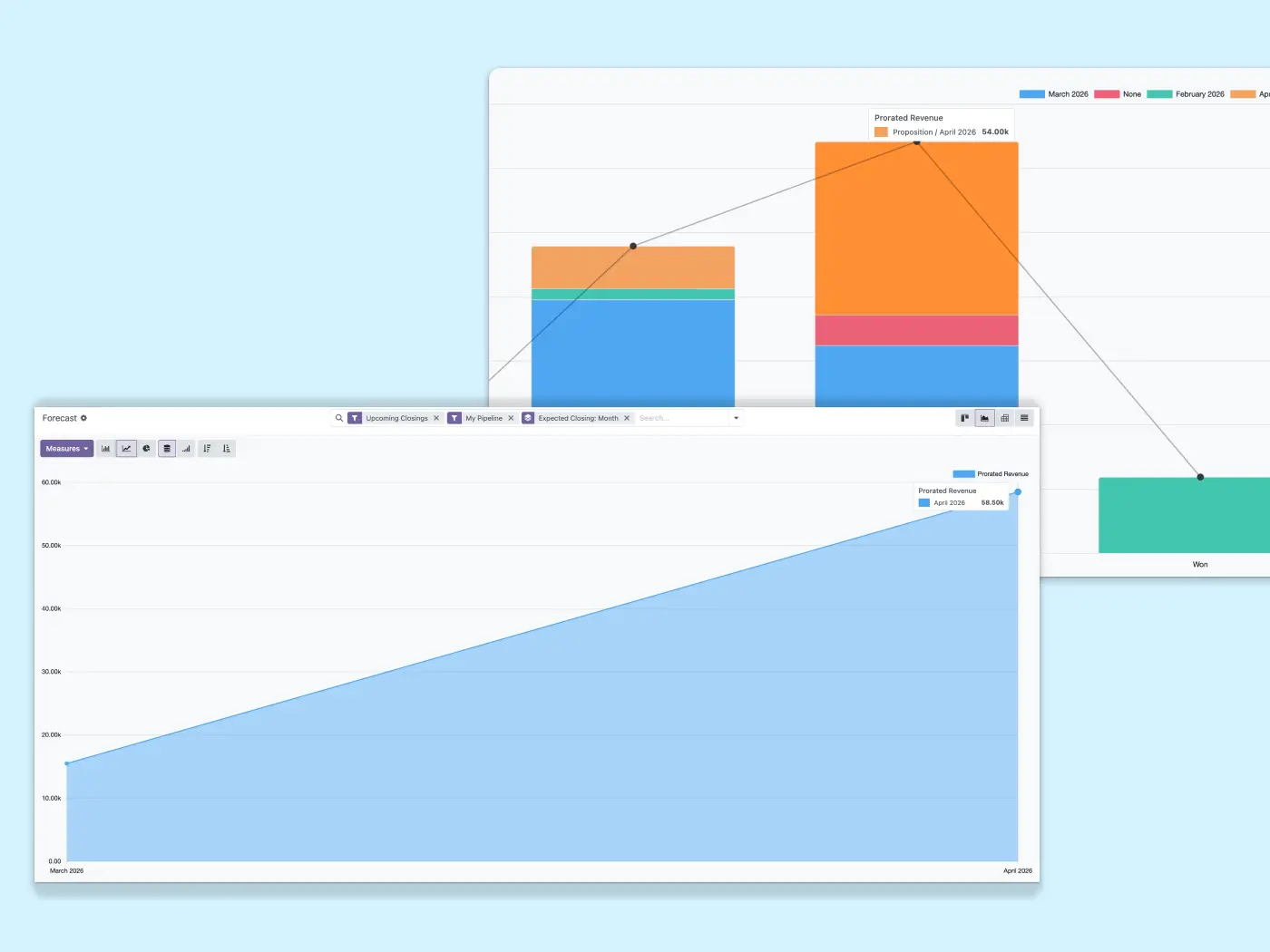
- Always up to date real-time data instead of outdated files
All-in-one · Real-time data · Free plan to start
Trusted by growing businesses from 5 to 500 employees.






Excel works… until your business grows
Most companies start with spreadsheets. But as operations get more complex, Excel becomes the problem instead of the solution.
Errors hide until they cost you
Research by Ray Panko (University of Hawaii) found 88% of spreadsheets contain errors. One wrong formula, one deleted row, and your numbers are off.
Manual work never ends
Copy-paste between files, reconcile versions, update the same data in 5 places. Hours wasted on tasks a system should do in seconds.
No visibility across the business
Sales has their Excel, inventory has theirs, accounting has another. No one sees the complete picture until it's too late.
What changes when you move to Odoo
Odoo is the Excel alternative that replaces disconnected files with a fully integrated business system. All your operations work from the same real-time data no more emailing spreadsheets, reconciling versions, or losing track of updates.

Single source of truth
One system instead of scattered Excel files across departments
Automated workflows
No more copy-paste between spreadsheets or manual data entry
Connected business data
Sales, inventory, accounting, and operations share the same live information
Excel vs Odoo: where spreadsheets fall short
See the real differences between spreadsheets and a connected ERP system.
What changes |
Excel |
Odoo |
|---|---|---|
| Data reliability | 88% have errors | Validated data |
| Team collaboration | Email files | Real-time access |
| Version control | Multiple versions | Single source |
| Process automation | Manual work | Automated |
| System integration | Disconnected | Fully connected |
| Business reporting | Manual creation | Live dashboards |
| Scalability | More chaos | Grows smoothly |
| Change tracking | No history | Full audit trail |
| User permissions | No control | Role-based |
| Mobile access | Limited | Full mobile app |
| Data backup | Corruption risk | Auto backups |
| Cost model | Hidden time cost | One system, predictable plan |
Ready to stop working in spreadsheets?
Start free and import your Excel files today. Got years of data to bring over? We'll help you move it cleanly.
Replace spreadsheets with connected business apps
Stop using Excel files for critical business processes. Odoo manages everything in one integrated system.


Accounting
Replace financial spreadsheets with automated invoicing, payments, and real-time reports.


How an Excel to Odoo migration works
Our Excel to ERP migration follows a structured process to move your business data from spreadsheets to Odoo.
1
Data audit
Review Excel files and design your Odoo structure.
2
Data cleaning
Standardize formats and validate data quality.
3
Import to Odoo
Migrate customers, products, and historical data.
4
Go-live
Team training, validation, and launch.
Excel to Odoo migration FAQ
No. Your data is mapped, cleaned and validated before go-live. Spreadsheet formulas become live calculations and automated workflows in Odoo, so the logic you relied on keeps working without the fragility of cells that break when someone edits a row.
Because there is no live ERP or fiscal history to untangle, Excel migrations are usually among the fastest. Simple setups can be live in a few weeks; the exact timeline depends on how many files, processes and historical records are in scope.
No. Odoo is modular, so a small team can start with just the apps it needs Accounting, CRM, Invoicing and there is a free plan to start. You add users and apps as you grow, rather than paying for a big system up front.
Most teams coming from Excel feel at home quickly. The interface is visual and you only see the apps you use. With structured onboarding, teams are typically productive within a couple of weeks, and day-to-day data entry is faster than juggling multiple files.
Odoo is licensed per user we won't pretend otherwise. Compared with Excel the cost isn't really the point: spreadsheets are free to buy but expensive in errors, duplicated work and lost time. With Odoo you start on a free plan, pay a predictable monthly cost as you add users, and replace several disconnected tools with one system.
Yes. Odoo imports directly from Excel and CSV files. We map your columns to the right fields, clean and standardize the data, and validate it in a staging environment before it goes live, so you start clean rather than carrying spreadsheet mess into the new system.
That's the main reason to move off spreadsheets. Odoo scales with you: add users, activate new apps like inventory or manufacturing, and connect more processes without rebuilding anything. There is no second migration the platform grows with the business.
Stop managing your business in spreadsheets
Migrate to Odoo and run everything in one connected ERP system. Start free, or let us move your data for you.
No card needed · Explore the plan that fits you

Odoo migration overview
Excel is one of many starting points. See the full migration hub and every path we support.
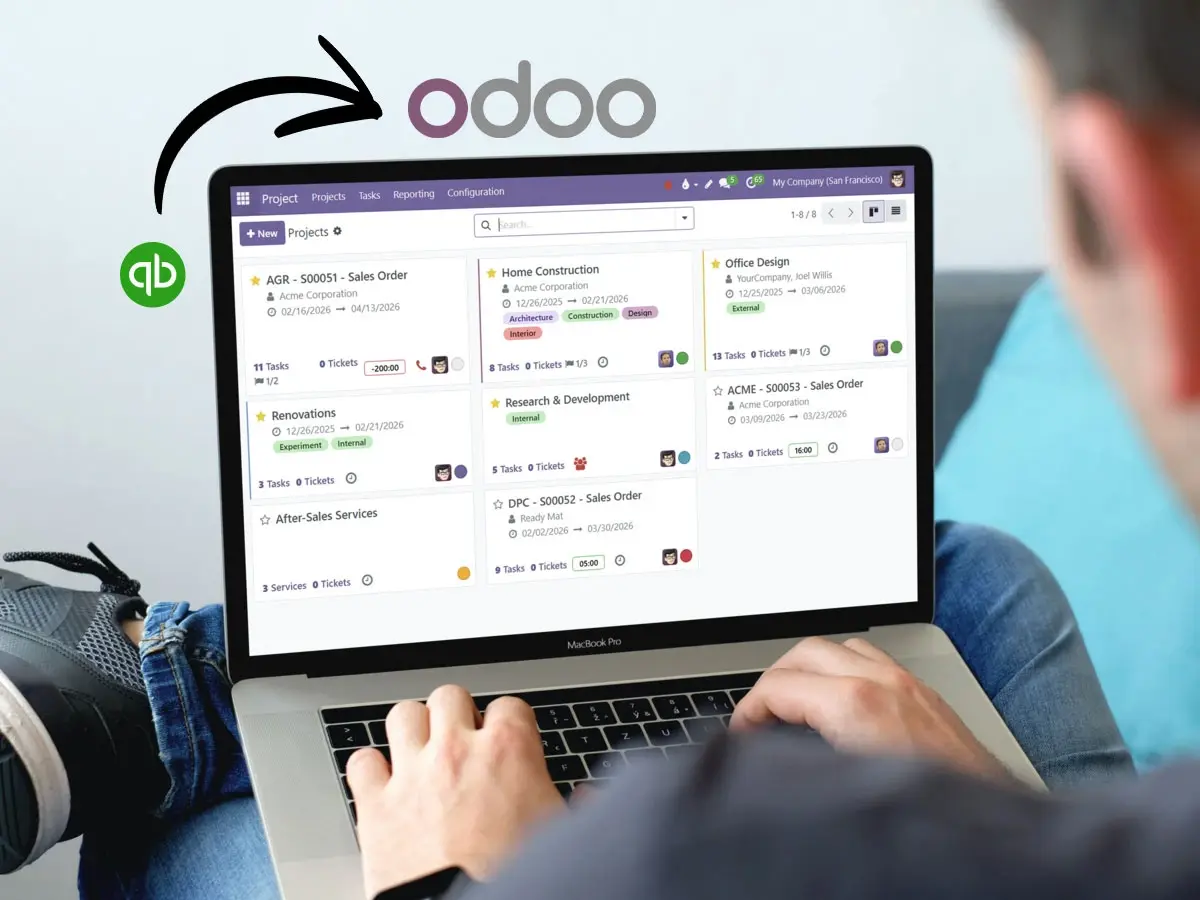
QuickBooks to Odoo
Outgrowing accounting software? Move to a full ERP with integrated operations.
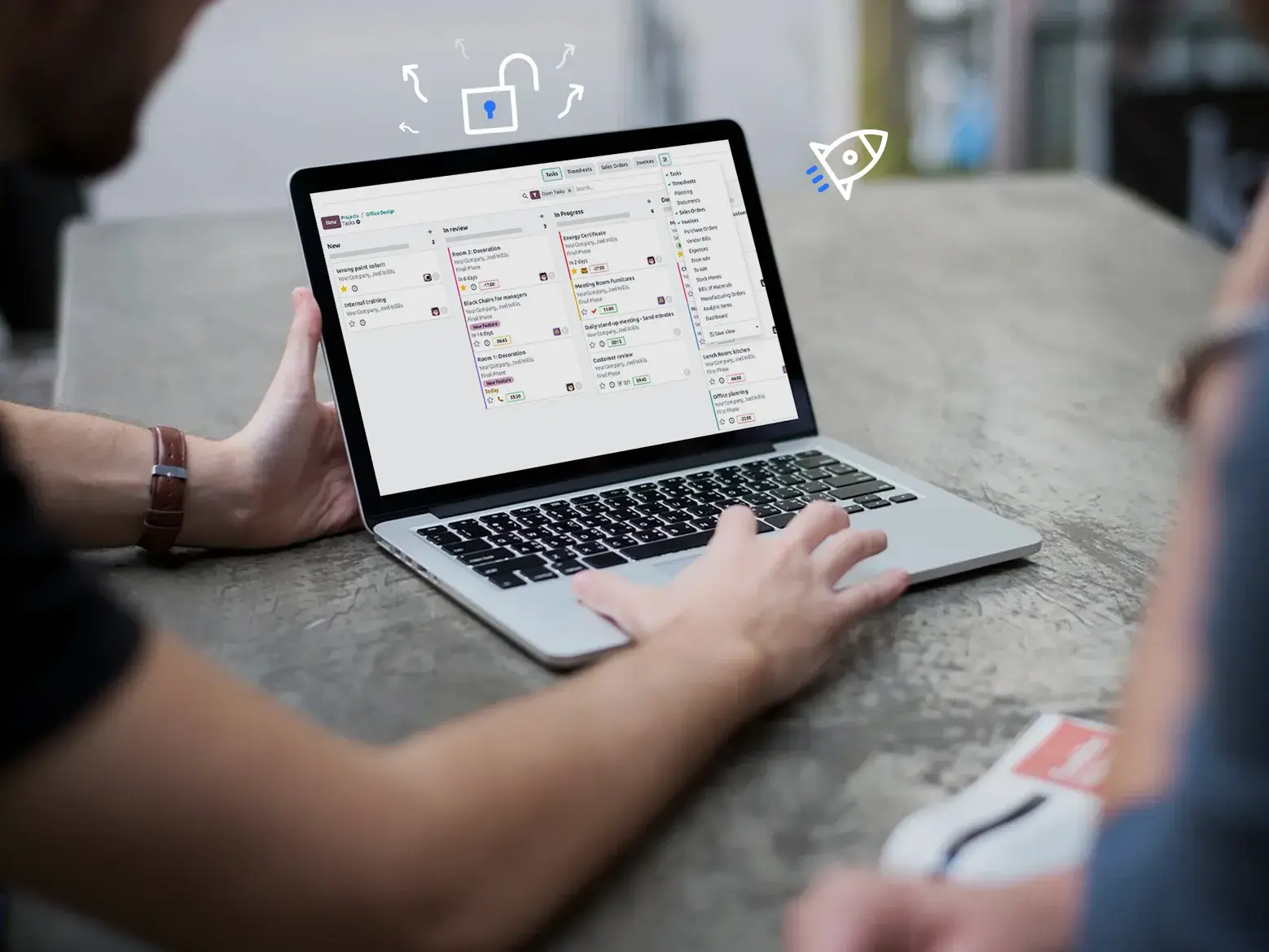
Platform overview
See what Odoo can manage beyond spreadsheets. Open source, modular, scalable.

Already using Odoo?
Upgrade your system without technical debt and keep it ready to evolve.