BINHEX CLOUD · N8N COMPARISON
An n8n alternative? Explore Binhex Cloud business software
Choose n8n for custom workflows across apps. Consider Binhex Cloud when your priority is working with business data and AI in one platform. Compare the task, the setup and the ongoing cost before deciding.
See the comparison ↓ Explore Binhex Cloud
Business software with AI · Compare options for your team
Trusted by growing businesses from 5 to 500 employees.






Binhex Cloud and n8n: two different starting points
n8n is strong at connecting tools and controlling workflow logic. The choice depends on the work you need to do.
The starting point
n8n starts with an automation workflow. Binhex Cloud starts with business software for customer, sales, invoicing and operational data, with Emma as its AI assistant.
Where you work
n8n offers hosted and self-hosted options. Binhex Cloud brings the business workspace and AI assistant together in the same platform.
The task to solve
Use n8n to coordinate external tools. Consider Binhex Cloud software when the work centres on records and processes already managed in your workspace.
n8n vs Binhex Cloud: compare by task
Compare data access, workflow control, responsibilities and cost. The best fit can differ from one task to another.
Criteria |
n8n |
Binhex Cloud business software |
|---|---|---|
| Core purpose | Build automation workflows across applications. | Manage business records and work with Emma in one platform. |
| Hosting | n8n Cloud or self-hosted deployment. | A Binhex Cloud workspace. |
| Access to business data | Configure the required connections and credentials. | Work with records in your workspace; check available actions and access for your use case. |
| External connectors | Best fit: n8n for workflows spanning multiple external services. | Check each external connection you need; this comparison does not assume connector parity. |
| Step-by-step workflow control | Best fit: n8n for defining nodes, branches and execution logic. | Use conversation for supported tasks; assess custom workflow requirements separately. |
| Permissions and approvals | Review credential scope and configure approvals for the workflow. | Confirm the relevant user access and approval steps before enabling sensitive actions. |
| Everyday use | Design and test workflows, then run them repeatedly. | Ask Emma to help with supported business tasks in natural language. |
| Maintenance and ownership | Assign an owner for workflows and integrations; self-hosting also needs infrastructure ownership. | Confirm platform support coverage and who owns any custom configuration or integration. |
| Total cost | Plan or hosting, setup, workflow maintenance and any AI services used. | Workspace plan, included AI credits, extra usage and any additional services required. |
Where n8n and Binhex Cloud fit best
Connecting external tools
n8n suits teams that need to coordinate several applications and control each step of an automation. It also supports AI workflows: the distinction is the work you want the platform to own.
Choose it when building and maintaining cross-tool workflows is part of your team’s role.
Working inside your business software
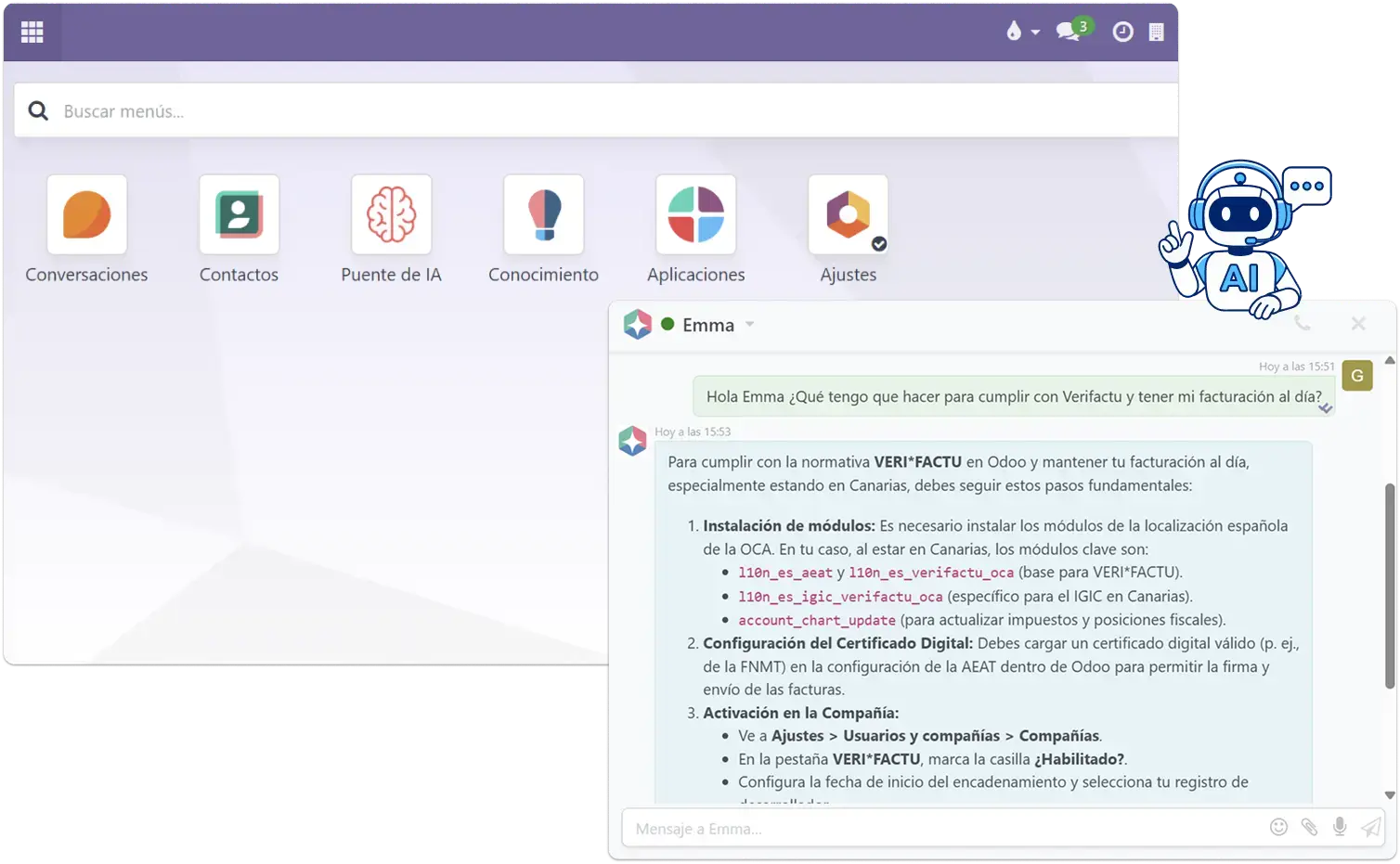
Binhex Cloud brings business records and Emma together. Examples described in the product include creating quotations, processing invoices and recording CRM activity through conversation.
Consider it when those tasks are the priority. Check the actions, permissions and AI allowance available for your workspace.
Which one fits your actual scenario?
- Your main need is connecting several external applications.
- You want explicit control over workflow steps and branches.
- Your team can own the setup and ongoing maintenance.
- You want business software with an AI assistant in the workspace.
- Your daily work includes customer records, quotations or invoices.
- You can validate the required tasks against your workspace and plan.
Keep workflows that work
Keep useful n8n workflows for external applications while assessing Binhex Cloud for your business operations.
Start with one task and identify where its data lives. You do not need to replace every automation to evaluate another way of working.
Validate the connection first
Using both products separately is different from connecting them. For data exchange, confirm the interface, credentials and permitted operations.
Agree who monitors failures and prevents duplicate actions. A ready-made connection for every use case is not assumed.
Include the workflow lifecycle
Count the plan or hosting, workflow setup, testing, maintenance and any external AI charges.
Use the current n8n plans as a starting point, then add your team’s operating costs.
Match the plan to the work
Review workspace capacity, AI credits, support and any setup or integration services you need.
Check the Binhex Cloud pricing page for plan allowances and extra usage before comparing totals.
Explore Binhex Cloud. Start with the work your team needs to do.
Review the business software, AI capabilities and plans against your own use case.
Questions about Binhex Cloud and n8n
n8n offers a self-hosted Community Edition under its applicable licence. Hosting, maintenance and any external AI services can still cost money. Paid plans offer different hosting and feature options.
The price depends on the plan, execution allowance and billing period. Check n8n’s current pricing and include the services your workflows use when comparing costs.
Binhex Cloud offers workspace plans with different capacity, support and AI allowances. Compare the current Binhex Cloud plans, including AI credits and additional usage, against the work your team expects to do.
It depends on the task. Consider Binhex Cloud business software for work within your business workspace. Choose n8n when custom workflows across external applications are the priority. Neither is the best fit for every automation.
Yes, you can keep separate workflows in n8n while using Binhex Cloud for business operations. If they need to exchange data, validate the required connection, credentials and permissions first. Coexistence does not mean an automatic integration.
Binhex Cloud has a team in Spain. Contact the team to confirm support scope, hours and response times for your chosen plan and any integration work.
Compare the same task and usage level: subscription or hosting, AI consumption, setup, maintenance and support. A free software licence does not make an automation free to operate, and a workspace plan does not imply unlimited AI usage.
Keep exploring
Connect ChatGPT or Claude via MCP
Explore connecting your AI assistant to Binhex Cloud via MCP.