INVOICING WITH AI
Invoice, get paid, and know where your money is.
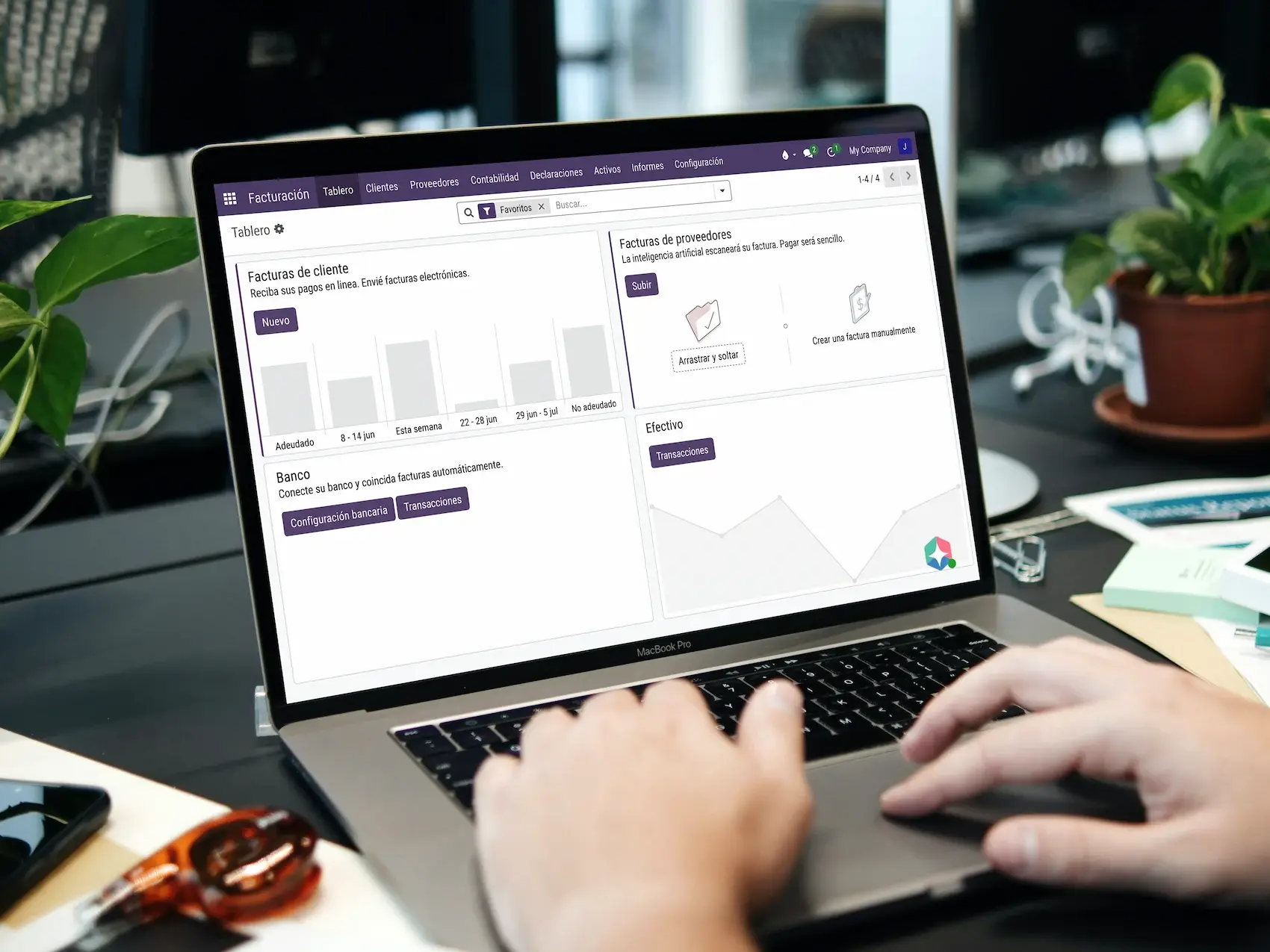
Issue invoices, chase the unpaid ones and ask what is still pending, in the same workspace as your sales and your accounting.

Trusted by 7,000+ users
Growing US businesses from 5 to 500 employees run on Binhex







THE REAL BOTTLENECK
Growing doesn't help much if you get paid in 60 days.
Invoices go out late
Typing the same data again delays every invoice.
Nobody chases the unpaid ones
Reminders depend on whoever remembers.
Nobody knows the real number
Invoiced, pending and collected sit in different files.
GET PAID SOONER
Stop chasing payments by hand.
Reminders go out on their own as invoices fall due, and you can ask Emma what is pending, what is overdue and what came in this month.
FASTER INVOICING
Invoice in seconds, not in afternoons.
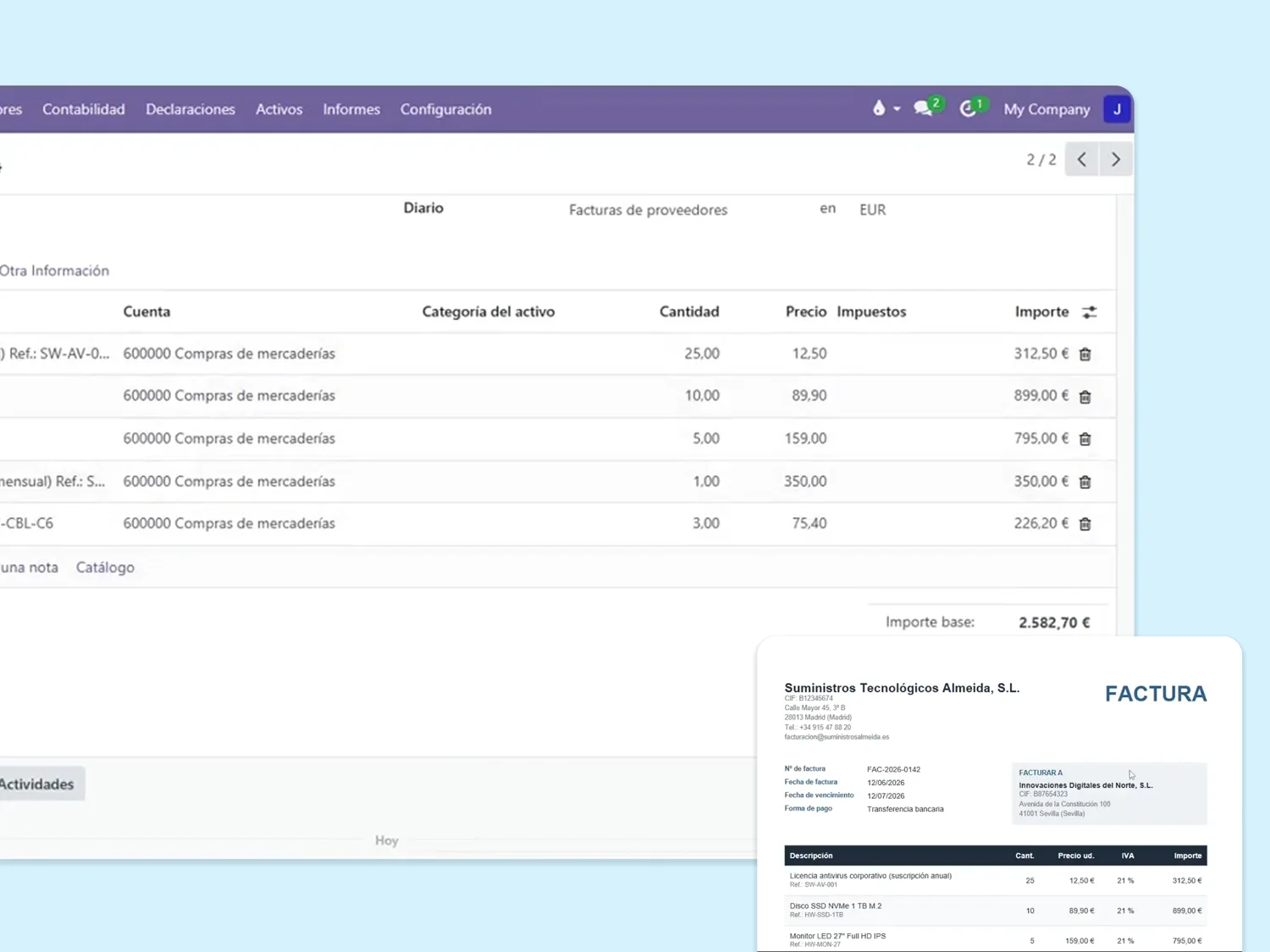
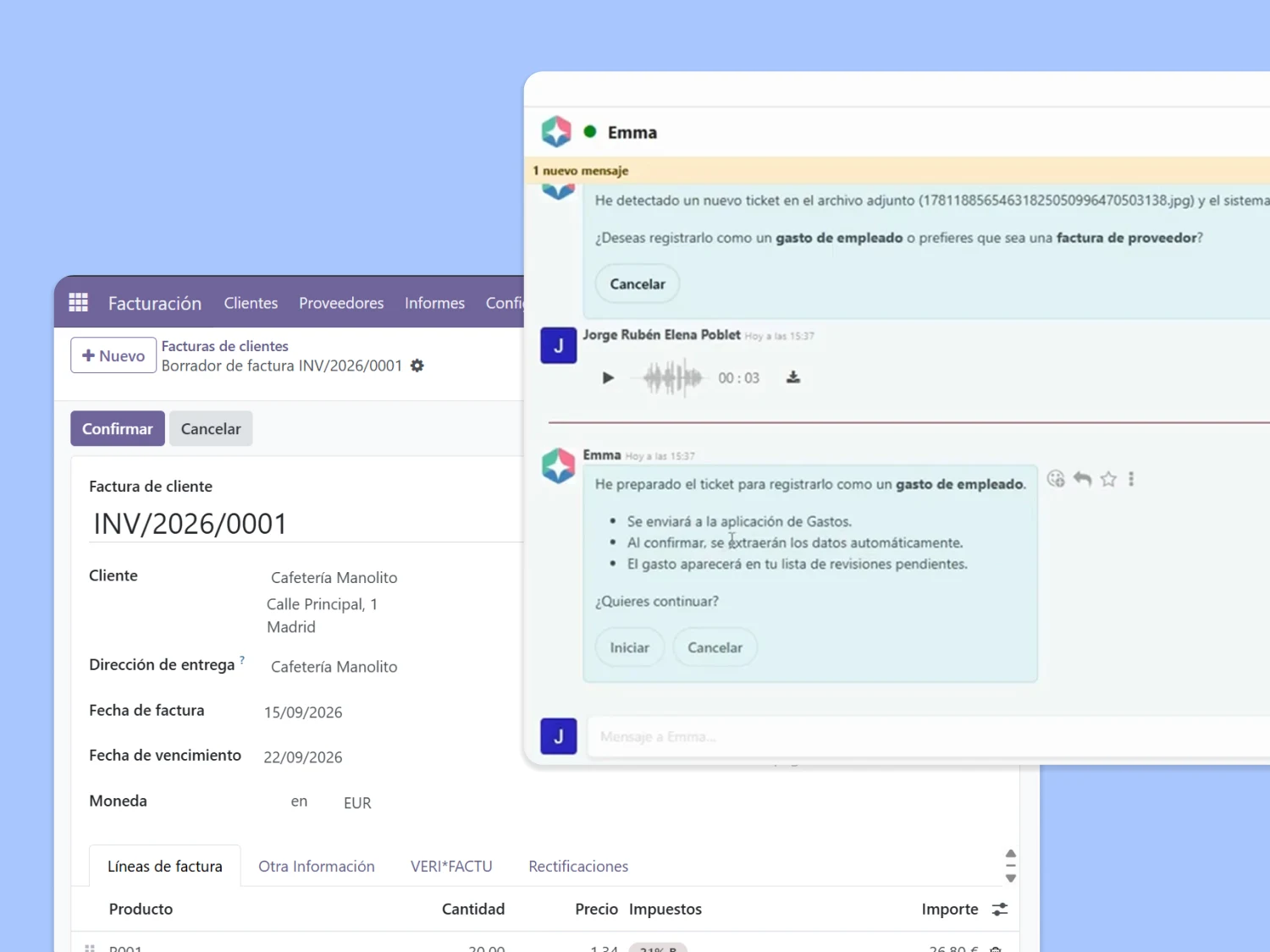
Invoices are drafted from what you actually sold, or sent on a schedule for recurring and subscription billing. Ask Emma and she prepares them; you approve before they go out.
SPAIN · VERIFACTU
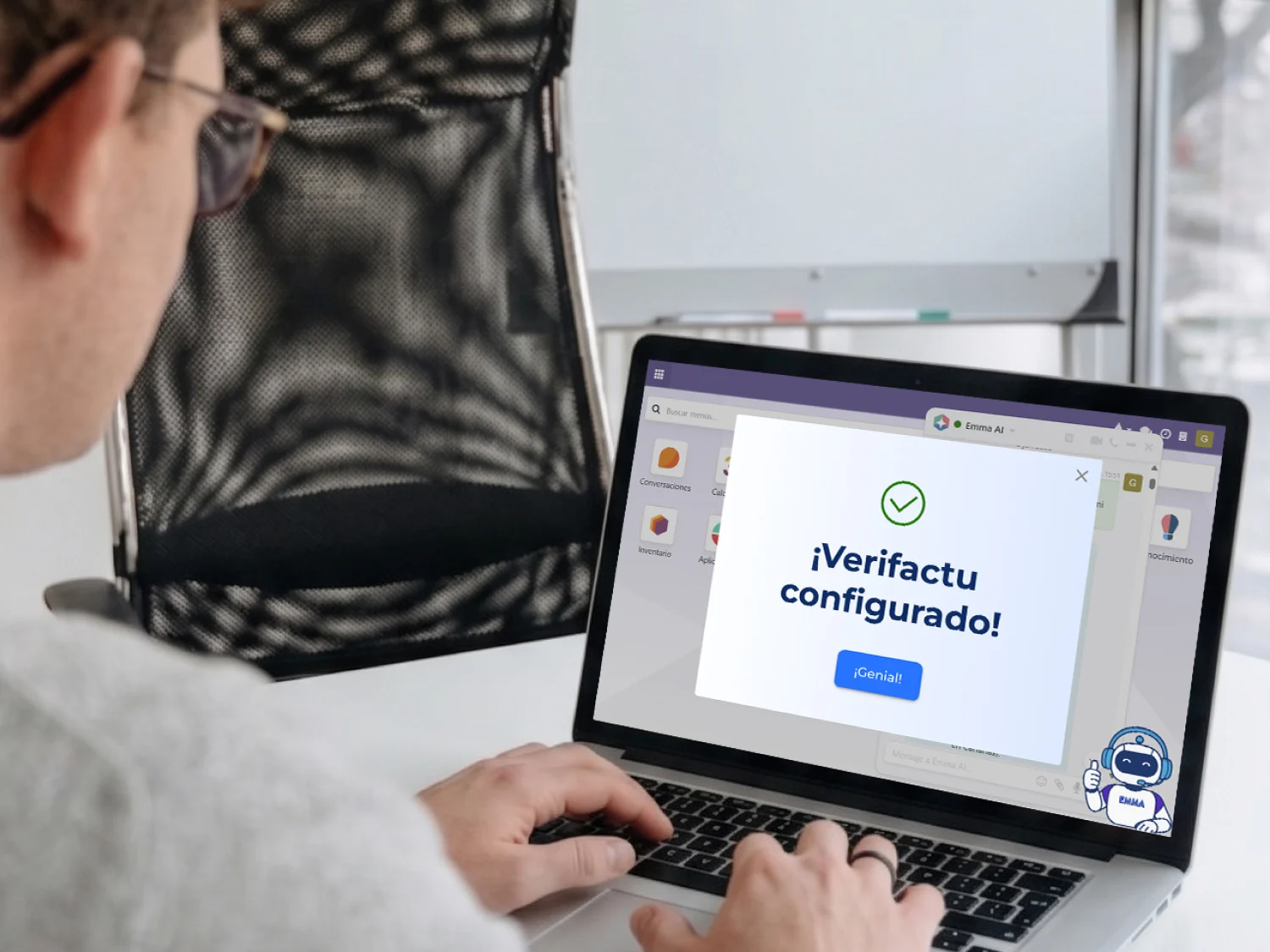
Verifactu invoicing, preconfigured.
Ask Emma for Verifactu and she installs the Spanish invoicing modules and the tax models you need, with chained records, the AEAT QR code on every invoice and numbering that warns you about gaps.
A separate invoicing app, or invoicing inside your business.
Same invoice. Very different month end.
| Invoicing in Binhex Cloud | A standalone invoicing app | |
|---|---|---|
| Where the invoice comes from | From the order you already sold | Typed in again, or imported |
| After the customer pays | Matched and posted to your books | Exported to your accountant |
| Chasing unpaid invoices | Reminders by due date, plus Emma | Whoever remembers |
| Verifactu in Spain | Preconfigured, in every plan | Often a paid add-on |
| Cost as the team grows | Per workspace, not per user | Per seat, every month |
| The rest of your operation | Same workspace as sales and stock | One more tool to connect |
Supplier invoices are a different job: AI invoice capture lives in accounting.
From signing up to your first invoice.
Create your workspace
About a minute, no credit card. Every app is already there.
Bring in your customers and open invoices
Migration from your current system is included in every plan.
Send your first invoice
By email, with a link the customer can pay from.
Coming from another system with years of invoices? Talk to a specialist →
What our clients say
"Binhex helped us integrate electronic invoicing and is always there to clear up any doubt — during the process and even after."
MC Cerrajeros
Locksmiths
"In 3 years with Binhex we've felt supported in everything we needed to optimize our business technologically. Thank you for the support."
La Esencia
Barbershop
"They built our ERP exactly around what we needed and brought great ideas to improve the project. I always felt in good hands. Top tier."
Noemi Gómez Alonso
ERP implementation
Grow your team. Not your bill.
Priced per workspace, not per user. What changes between plans is team size, support and AI credits.
Free Platform
- 1 user
- Every app, Verifactu included
- Migration included
- Free forever, not a trial
Professional platform
- 1 to 19 users
- 5 AI credits /mo
- Support tickets included
- 1-hour onboarding on annual billing
Growth platform
- 20 to unlimited users
- 15 AI credits /mo
- Staging environment
- 1-hour onboarding on annual billing
EVERYTHING INCLUDED
Everything invoicing includes.
- Branded invoice templates
- Invoices generated from your sales orders
- Payment reminders by due date
- Online payments and a customer portal
- Multi-currency and automatic tax rules
- A live view of receivables and aging
- Bank and payment integrations, set up with Emma
Credit notes, expenses rebilled to clients and the rest of your finance apps live in the same workspace.

Invoicing, next to the rest of your business.
No exports, no imports between tools. Same workspace, same data.


AI agents
What Emma prepares in accounting and invoicing, and what stays with you.
Questions before you start
Invoice management software lets you create, send, track and get paid on customer invoices in one place. Here it is part of your ERP: the invoice is born from the sales order, is paid through connected payments and posts to your accounting, with no separate tool and no double entry.
No. You tell Emma what you need in your own words, and she prepares it: the invoice, the reminder or the summary of what is pending. A person approves what goes out.
Yes. The Free plan costs €0 per month for 1 user, with access to every app, 10 GB of storage and 1 AI credit per month. No credit card, and it is free forever, not a trial. Plans are priced per workspace, not per user.
Yes. Invoices are sent by email with a link to a customer portal, where the customer pays with their preferred method: Stripe, PayPal, Adyen, Authorize and more. Each payment is recorded and matched to its invoice during reconciliation.
The platform comes preconfigured for Verifactu invoicing: chained records, the AEAT QR code on each invoice, automatic numbering with gap warnings and the Spanish invoicing modules installed. You still need your company's digital certificate, which you obtain from the AEAT or the FNMT and upload yourself; Emma shows you where. This is general information, not tax or legal advice.
Yes. Migration from your current system is included in every plan, including the free one. Setups with custom development, several companies or SII reporting are reviewed and quoted separately.
Plans are priced per workspace, not per user. Professional starts from €59 per month billed annually for 1 to 19 users, and Growth from €159 per month for 20 or more. What changes between plans is team size, support, capacity and AI credits.
Your invoicing, solved. Your cash, visible.
Create a free workspace, issue your first invoice today and let the reminders run on their own.
Start free, no credit cardTalk to a specialist
Free forever with 1 user. Last updated: September 2026.