BINHEX CLOUD · AI FOR SMALL BUSINESSES
AI for small businesses: start with BinHex Cloud.
Start with one task in BinHex Cloud business software, or review Copilot for your existing Odoo. Explore our AI agents for business.

How much does it cost to bring AI into a small business?
BinHex Cloud Workspace starts at €0 for one user, with all apps and 1 AI credit per month.
Paid Workspace plans start from €59 per month with annual billing. Choose by team size and workload; confirm setup needs separately. See plans and conditions.
WHY AI STALLS IN SMALL TEAMS
Small businesses don't lack AI tools. They lack a place to use them.
The data is scattered, nobody has time for a project, and every tool bills separately.
Data in too many places
Spreadsheets, email and separate apps mean copying information into every AI tool.
No time for a project
A small team can't stop working for months to implement new software.
Costs that grow with every user
Per-seat licences and paid add-ons make each new person or feature more expensive.
Where to start depends on what you use today.
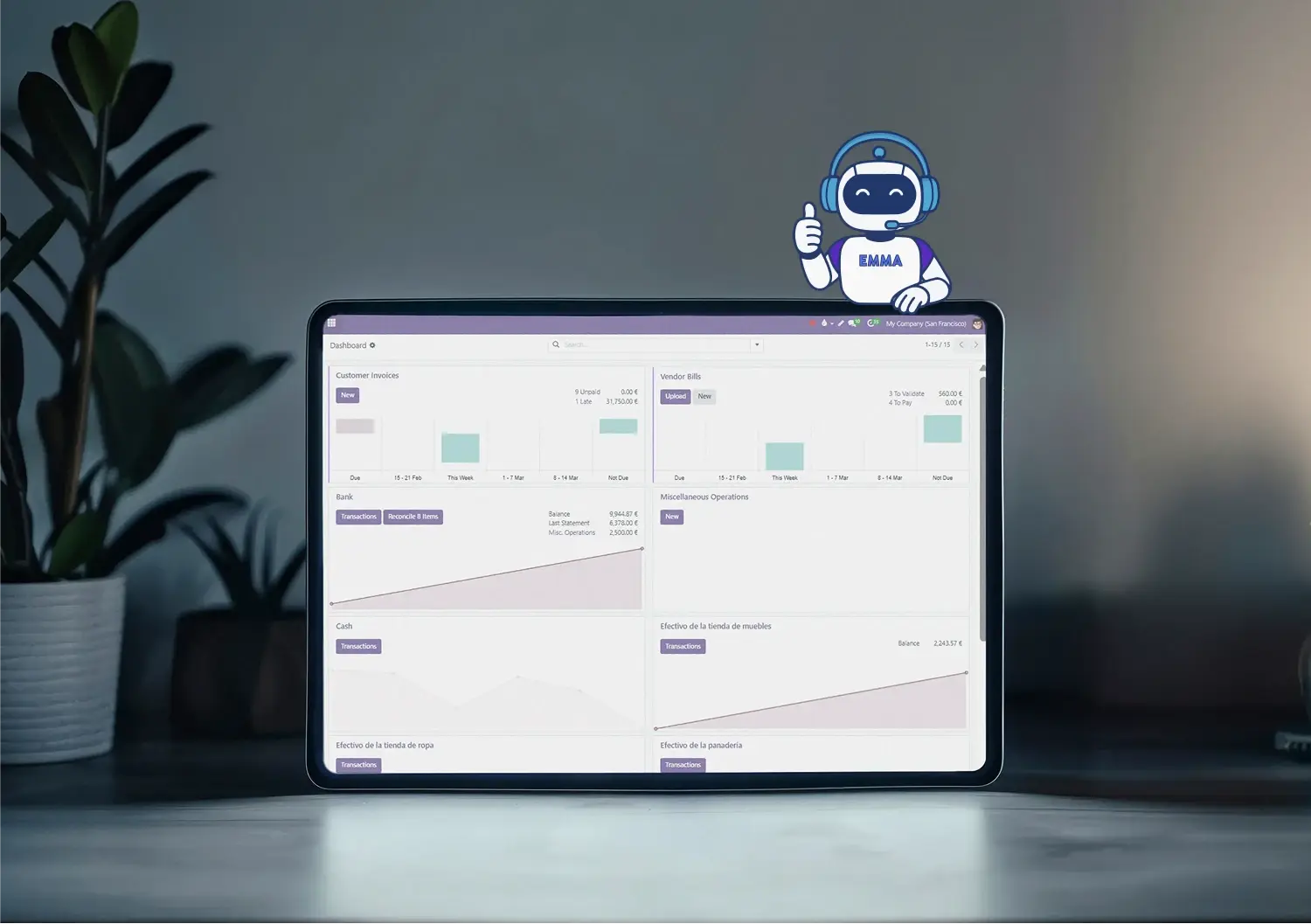
You already run Odoo
Want to keep your Odoo? BinHex Copilot is the option to assess for adding Emma and George to your current installation.
The team reviews compatibility, hosting and workflow requirements before defining the setup and a tailored proposal.
You work with spreadsheets or several apps
Bring business records into BinHex Cloud, with connected apps and AI assistance. Agree which data to move and how the new workflow will work.
Migration conditions depend on your setup. Multi-company, SII reporting and custom developments require separate scoping. If you use another management system, review integration or migration before committing.
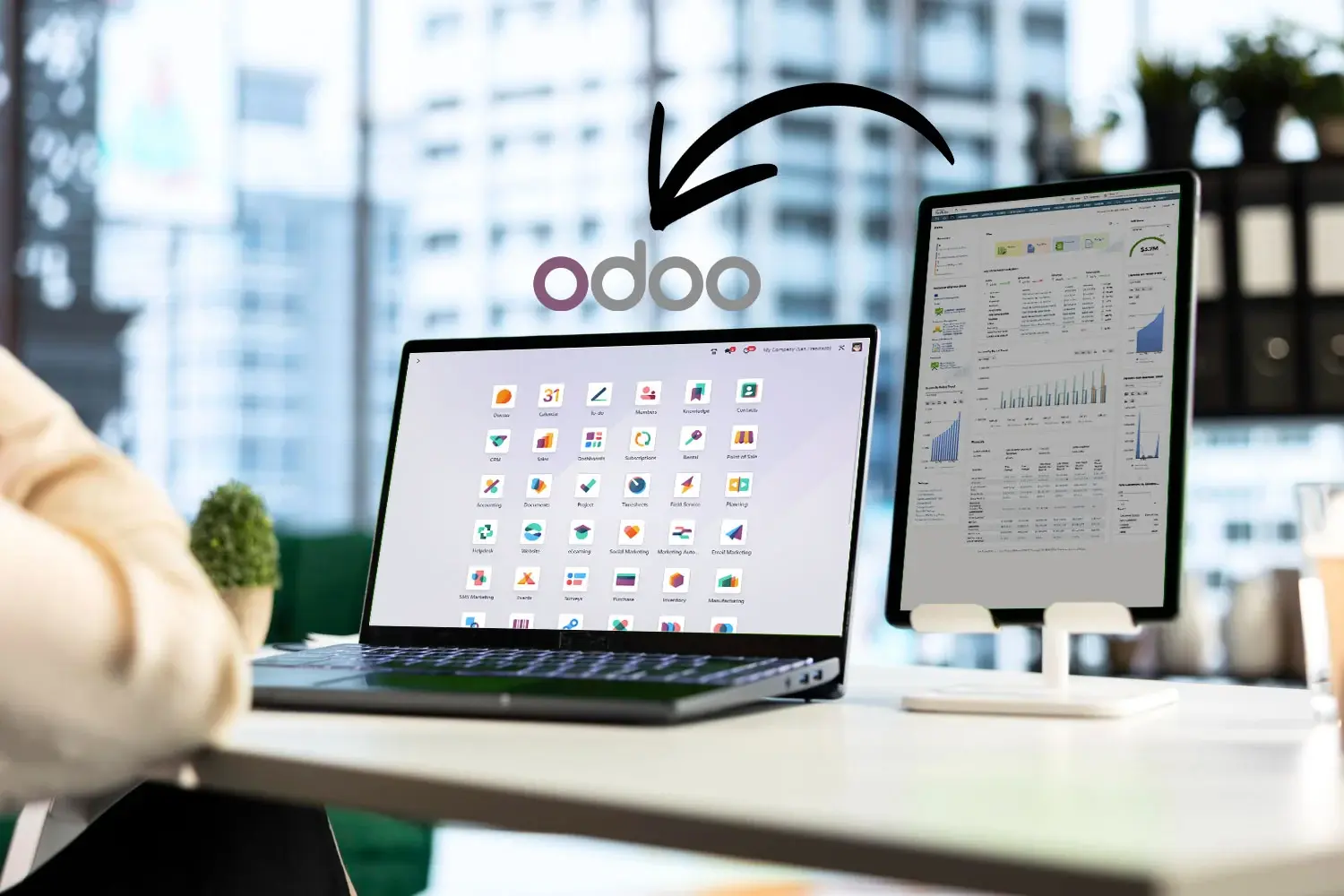

Your team already uses ChatGPT or Claude
Keep the assistant they know.
Explore connecting Claude or ChatGPT to BinHex Cloud via MCP. Confirm account requirements, activation, exposed tools and access permissions for your workspace.
A standalone AI tool or AI connected to business records?
Both can be useful. Compare the information, tools and review steps available in the actual configuration, rather than relying on the product label.
| What to check | Standalone use | Connected business workflow |
|---|---|---|
| Context | Provide the relevant input | Retrieve authorised records through configured tools |
| Output | Text or analysis to review | Drafts or supported record actions to validate |
| Access | Review what you share | Test user and record boundaries |
| Ongoing work | Keep supplied context current | Maintain data, connections and review rules |
For example, drafting a generic email needs little context. Preparing a customer-specific follow-up requires reliable history and a check before sending. Start with the outcome, then choose the connection you need.
Prepared by the agent, approved by you, or kept by your team.
Define the supported actions, access permissions and approval rules for the chosen workflow. Test these controls and confirm which events are logged.
| Business area | Prepared by the agent |
Needs your approval |
Stays with your team |
|---|---|---|---|
| Accounting | Reading invoices, drafting entries | Posting entries | Tax and legal decisions |
| Sales | Summaries and draft follow-ups | Sending messages and quotes | Prices, discounts and negotiation |
| Customer questions | Draft answers from available records | Reviewing and sending the reply | Refunds and complaints |
| Purchasing | Checking stock, preparing orders | Confirming purchase orders | Choosing suppliers |
Explore the BinHex Cloud agent platform for more detail on the product.
BinHex Cloud Workspace plans
Priced per workspace, not per user. Professional and Growth amounts shown are monthly equivalents with annual billing. Confirm migration and setup scope for your installation.
Free Platform
- 1 user
- Access to all apps
- 1 AI credit /mo
- Free forever, not a trial
Professional platform
- 1 to 19 users
- Access to all apps
- 5 AI credits /mo
- 1-hour onboarding on annual billing
Growth platform
- 20 to unlimited users
- Access to all apps
- 15 AI credits /mo
- 1-hour onboarding on annual billing
BEFORE YOU START
What you need before you start.
AI speeds up a process you already understand; it doesn't define it for you. Four things make the first test worth running:
- One process that repeats every week and costs you time
- The data for that process in one place
- Written rules on what needs your approval
- Someone who reviews the results
For a sole trader or a team of fewer than five people, choose one owner and a task with a clear result. Compare the effort needed to prepare data and review the output before extending it to the whole team.

Four steps to start using AI in your small business
Agree the scope first. Timing depends on data readiness, integrations and the checks needed before regular use.
1. Choose one task
Pick a repeated activity, such as preparing an invoice draft or summarising a sales conversation. Name the person responsible for checking it.
2. Prepare the inputs
Gather representative records, access permissions and business rules. Confirm the apps or connections needed and remove unnecessary data from the test.
3. Test and review
Try normal and incomplete inputs. Check the output against source records and test how the workflow handles errors, missing information and approval.
4. Decide the next step
Agree who monitors the task and resolves exceptions. Expand only when the result is useful and the review workload is manageable.
AI agents for small businesses, area by area.
Emma assists with operational records; George prepares conversation drafts and summaries. Confirm supported actions and review requirements in your setup.

Accounting and invoicing
Emma helps extract document information and prepare accounting drafts for review.

Sales and follow-ups
George prepares summaries and follow-up drafts using available customer context.

Customer questions
George helps draft replies about orders and deliveries. Your team reviews and sends.
Routine automation
Assess one recurring task, its trigger, required tools and approval boundary.
EXPLORE YOUR NEXT STEP
Connect business management with AI assistance
Choose the area you need to organise, then explore how agents can assist with the work.
Organise business records
Start with the processes and records that keep your business running.
Explore AI workflows
Review the agent capabilities and practical tasks for your team.
RELATED GUIDES
Before you choose a tool.


Free AI tools: what you can do without paying
What each free plan includes, and where its limit is.

AI process automation for your business
Explore candidate processes, required information and human review.
What our clients say
"They built our ERP exactly around what we needed and brought great ideas to improve the project. I always felt in good hands. Top tier."
Noemi Gómez Alonso
ERP implementation
"In 3 years with Binhex we've felt supported in everything we needed to optimize our business technologically. Thank you for the support."
La Esencia
Barbershop
"Binhex helped us integrate electronic invoicing and is always there to clear up any doubt — during the process and even after."
MC Cerrajeros
Locksmiths

Questions you're probably asking
It depends on the current system and intended task. If you use Odoo, assess Copilot with the team before committing to a setup. If you use spreadsheets or separate apps, review which records to bring into BinHex Cloud and what the migration involves.
BinHex Cloud Workspace starts with a free plan for one user. Paid plans depend on team size and capacity; see current plans and billing conditions. Copilot for an existing Odoo is scoped separately through a tailored proposal.
It represents AI working time with Emma in your Workspace. Usage varies by task and workload. Monthly credits renew with the plan; purchased credits remain available while the workspace is active. Check current capacity conditions for your needs.
You can begin by choosing one task and exploring the Workspace setup with Emma. Ask for help when you need data migration, integrations or guidance on a complex process. Agree the required support before starting.
A single-user free Workspace can be a starting point for testing a task. For a team, check user capacity and review responsibilities. Assess the result and the effort needed to maintain it rather than assuming a return in advance.
Timing depends on your records, permissions and required connections. A small pilot with ready data has a different scope from moving a historical database. Agree a schedule after reviewing the task and setup.
Keep responsibility for business rules, tax or legal judgment, commercial commitments and unusual cases with the appropriate people. Configure and test the actions, permissions and approvals before using the workflow in daily operations.
Start with a task and compare the tools that can use its data and produce a useful result. Check output quality, access, review effort and total setup needs. BinHex Cloud is an option when you want business apps and AI assistance in one workspace.
A standalone assistant can help draft or analyse supplied information. A connected agent can use authorised business records and tools. Some tasks are better served by a fixed automation rule. Choose according to the process and the controls it needs.
Start with one process. Start at €0.
Create a free workspace, pick the task that costs you the most time and see what the agents prepare.
Create a free workspaceTalk to a specialist
No credit card. Last updated: September 2026.