Search for "MCP servers" today and you'll land on a directory with four hundred entries sorted alphabetically. Half of them are weekend projects. Most were built for developers, by developers, to solve developer problems. None of them tell you which one your company should actually connect.
That's the gap this article fills. Not the longest list — the useful one.
Because the question isn't which MCP servers exist. It's which of them touch data you care about, what each one can do once it's connected, and who answers the phone when something goes wrong. If you want the fastest route to the answer, it's usually the MCP server for your ERP: that's where the questions a business actually asks already have answers sitting in a record.
An MCP server isn't chosen for what it can do. It's chosen for what data it touches and who's responsible when it breaks.
These categories are a shortlist by business task, not a guarantee that any particular server supports every action. Confirm its maintained implementation and permissions before connecting it.
ERP and invoicing. What it helps with: Questions or permitted actions on existing business records. When it is not worth connecting: The workflow, permissions or available actions are not defined.
CRM. What it helps with: Context for customer follow-up and current commercial records. When it is not worth connecting: Customer data is unreliable or nobody owns the follow-up process.
Email, calendar and documents. What it helps with: Retrieve the context needed for a defined task. When it is not worth connecting: Access would expose more messages, events or documents than necessary.
Databases and SQL Server. What it helps with: A controlled query against an approved dataset. When it is not worth connecting: It would bypass application permissions or expose unrestricted queries.
Storage and signing. What it helps with: Locate the approved document and prepare its next step. When it is not worth connecting: The current document, signer or approval boundary cannot be established.
What data each type of MCP server touches, which ones make sense in a company, and how to choose. Reading time: 7 minutes.
In this article:
01 What an MCP server is, in one sentence
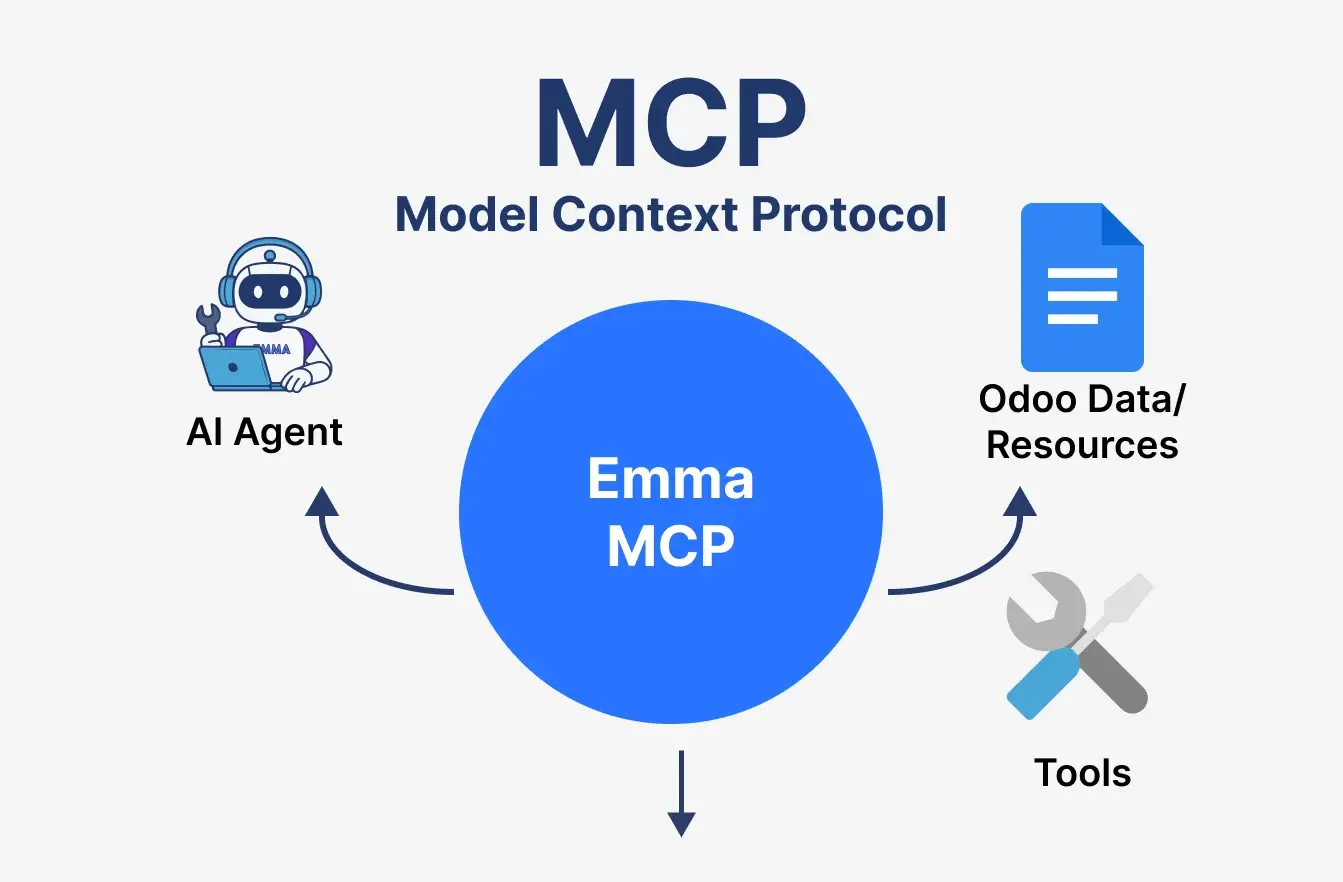
An MCP server is a small piece of software that sits in front of a system and exposes a defined, limited set of actions an AI assistant is allowed to request. It isn't the AI. It isn't your ERP. It's the layer in between that decides what gets through.
How clients and servers fit together
One distinction is worth ten minutes of confusion later, because most lists blur it. MCP clients are where you type: Claude, ChatGPT, Claude Code, any assistant that speaks the protocol. MCP servers are what connect to your data. One client can talk to several servers at once, which is exactly why the choice of servers matters more than the choice of client — the client is interchangeable, the servers are what you're exposing.
If you want the protocol itself explained from scratch, we covered how the MCP protocol works separately. This article assumes you have that part and goes straight to the catalogue.
02 What data each type of server touches
Here's the part the directories leave out. Grouped by the system behind it, because that's what determines the risk — not the popularity of the repository.
|
Type of server
|
Connects to
|
Data it touches
|
Read / Write
|
Risk if misconfigured
|
|---|---|---|---|---|
|
Management system (ERP / CRM)
|
Binhex Cloud, other business platforms |
Customers, invoices, orders, stock, projects
|
Both, scoped by role
|
Medium: high-value data, but permissions are inherited from the system above it
|
|
Document storage
|
Google Drive, SharePoint, Dropbox
|
Contracts, spreadsheets, anything anyone ever uploaded
|
Usually read
|
High: shared folders accumulate things nobody remembers filing
|
|
Communication
|
Slack, Gmail, Outlook
|
Internal conversations, client email threads
|
Read, sometimes send
|
High: the least reviewed data in any company
|
|
Raw database
|
PostgreSQL, MySQL and similar
|
Every table, with none of the business logic on top |
Both, often unrestricted
|
Very high: bypasses the permission model of the application above it
|
Projects & tickets | Jira, Asana, Notion | Tasks, deadlines, internal notes | Both | Low to medium |
Payment | Stripe and similar platforms | Transactions, customers, refunds | Read; write is sensitive | High: money moves |
Web & browsing |
Search APIs, browser automation
| External data, none of yours | Read | Low, though check where the query is sent |
Development | GitHub, filesystem, terminal | Source code, local files, command execution | Both | Very high — and irrelevant to most companies |
Compiled from publicly available documentation from each vendor and from the official MCP server registry, September 2026. This ecosystem moves quickly: servers are added, deprecated and change scope often. Check the current capabilities and permission model of any server directly with its maintainer before connecting it to production data.
03 The MCP servers that matter to an SME
Start with the systems that hold the answers to recurring business questions, then check the scope of each connection.
ERP and invoicing
The highest value and the least talked about, because it's the boring one. It's also the only one connected to where business questions already have answers: which invoices are overdue, which clients haven't ordered in ninety days, how the month is going.
CRM
Start from one customer-facing question: the latest contact, the status of an opportunity or the next agreed follow-up. Check which records the server can expose and which role is asking. Reading context and changing a sales record are different permissions; define both before connecting the workflow.
Storage and signing
Useful for contracts and proposals. Dangerous when someone points it at the whole drive instead of two folders. Scope it to what the assistant genuinely needs. Keep retrieving or preparing a document separate from signing it or changing who can access it. Confirm the version, recipient and approval required before any consequential document action.
Email, calendar and documents
Enormously useful for context on a client relationship. There's rarely a good reason to grant write access on day one. Apply the same scope check to calendars and documents: expose only the information the task needs. Sending a message, changing an event or sharing a document should be an explicit action with its own approval boundary.
Databases and SQL Server
A database connection needs a defined dataset and controlled queries, not unrestricted access to every table. For SQL Server or another database, check the specific maintained implementation, credentials, read-only mode and logging. Prefer an application-level route when it is needed to preserve business rules and permissions; the protocol name alone does not provide those controls.
4. Projects and tickets, if that's where your operation actually lives. For a services company this is close to the ERP in value. For a distributor it's noise.
Notice what these systems have in common: each one is the system of record for a specific kind of question. That's the pattern. If you already run Odoo and don't want to move anything to get here, you can also add agents to the Odoo you already run and connect from there.
04 The ones that sound good but you will not use
Most MCP directories were written by developers cataloguing their own tools. That's not a criticism — it's just a different audience. Here's what to skip if yours is a business.
Filesystem and terminal servers. Running commands on a machine is a development need, not a business one. High risk, no operational upside.
GitHub and code tooling, including Claude Code. These dominate every list because the people writing the lists live in them. Genuinely useful if you sell software. Irrelevant if you sell anything else.
Browser automation. Fragile by design. It breaks every time the target website changes its layout, which is often.
Community servers with no maintainer. Check the last commit before you check the feature list. If it's eight months old, that server isn't going in front of your customer data.
Raw database servers, for the reason in the table above. If someone proposes one as a shortcut to "connecting the ERP", they're proposing to route around the permission model, not to use it.
05 How to choose an MCP server: six criteria
Check these six criteria before connecting a server to business data.
- Permissions. Check which users, records and actions are exposed, and whether the server enforces the application's access rules rather than offering unrestricted queries.
- Writing. Start with the access needed for the task and make every permission to change data explicit, with an approval boundary where required.
- Audit. Confirm that the team can reconstruct the request, the data accessed, the proposed action and the result.
- Maintenance. Identify the maintainer, update process and support owner, including what happens if the server is abandoned or a connected API changes.
- Data in the EU. Check where the server, model and logs process or store information, and whether those conditions meet your organisation's requirements. Do not infer location from the vendor's address.
- Cost. Include the service or hosting, model usage, setup, maintenance and review time at the volume you expect.
And the rule underneath all six: start with the system that holds the answers to your business questions, not the one that's easiest to install. The easiest servers to set up are almost always the ones connected to the least valuable data.
Directories: how reliable are they?
A directory helps you discover a server; it does not certify its security, maintenance or suitability for your company. Check who publishes and maintains the implementation, when it was last updated, which permissions it asks for and where its documentation lives. Treat popularity and a long feature list as discovery signals, not as approval to connect production data.
Building your own server: when it is worth it
Consider a custom server when a necessary business action is not covered by a maintained option and your team can own the integration over time. Define a small tool set, the data each tool may access, validation, approvals and logging before development. If the need is occasional or nobody can maintain it, compare a simpler manual or existing integration workflow first.
What BinHex connects today
That's what the Binhex Cloud MCP connector does — it lets you ask Claude or ChatGPT about your customers, sales, invoices and stock from the same chat window you already have open, with the scope you define. Before connecting it, confirm which records and actions are available in your installation and which permissions apply to the account you will use.
06 Frequently asked questions
A piece of software that sits in front of a system — an ERP, a CRM, a document store — and exposes a defined set of actions an AI assistant is allowed to request. It doesn't reason or generate anything itself. It controls what the assistant can reach and what it can do once it gets there.
It depends on the data, not on the server. For most companies the useful shortlist is four: the management system (ERP or CRM), document storage scoped to specific folders, email in read-only, and the project tool if that's where your operation runs. Anything code-related is only relevant if you build software.
The client is where you type: Claude, ChatGPT, Claude Code. The server is what connects to your data. One client can be connected to several servers at once, which is why the servers you choose matter more than the client.
For a raw database or filesystem server, yes, and you'd want one. For a vendor-provided connector like Binhex Cloud's, no: it's set up once, with the scope you define, and after that you just ask.
Yes. The MCP connector is available on every Binhex Cloud plan, including the free one, which comes with 1 AI credit per month. In practice, one credit doesn't go far once a team starts asking real questions, so it's enough to test the connection properly but not to run on day to day. Extra credit packs can be bought at any time and don't expire.
Only if you allow it. Most setups start read-only, and write actions — creating a record, sending a message — can be left out of scope entirely or made to require explicit confirmation. That's a configuration decision, not a property of the protocol.
The MCP server that matters is the one connected to your business data.
Connect your Claude or ChatGPT account to your ERP and ask about your customers, sales and invoices from the chat you already use.
KEEP READING
Before you build anything

Connect ChatGPT or Claude to your ERP
Link your AI account to Binhex Cloud and ask about your real records. No exports, no integration project.

What is MCP (Model Context Protocol)?
The protocol explained in plain language: client, server, context, and what it doesn't do.
Traditional ERP vs ERP with AI
What actually changes in your team's day to day, area by area.
Empiece a escribir aquí...
MCP servers: which ones matter to a business (and which don't)