AI SUPPORT
Create your AI support ticket in under 1 minute
Have a question about Emma or how AI works inside your Odoo? Open a ticket from your account and our team will help you out.
As simple as 3 steps
From logging into your account to your ticket being registered
Log in to My Account
Sign in with your username on the Binhex Cloud customer portal. All your support is managed from there.
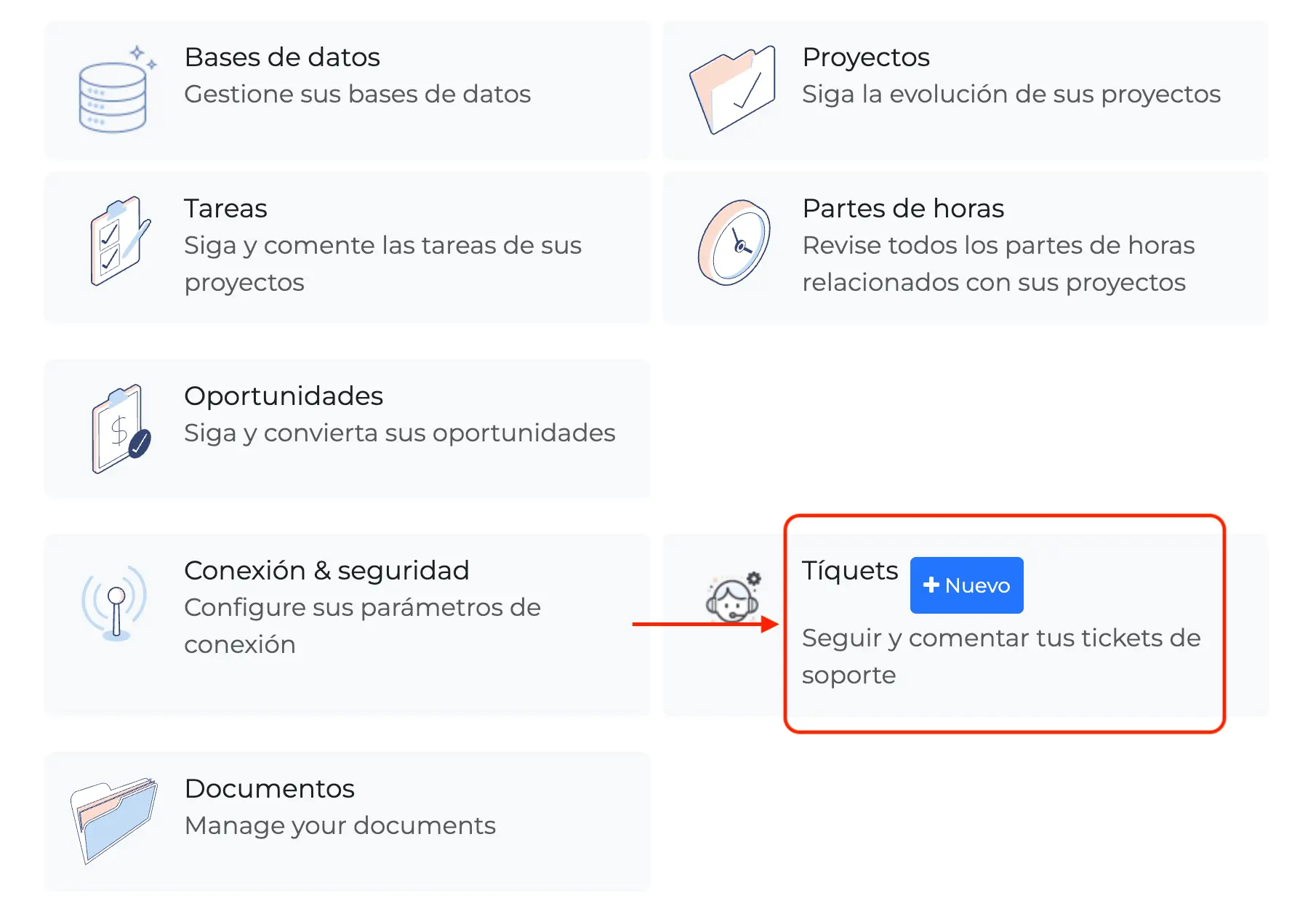
Go to Tickets → +New
Inside My Account you'll find the Tickets section. Click "+New" to start your request.
Fill out the form
Tell us about your AI question in as much detail as possible. Our team will receive it and get back to you shortly.
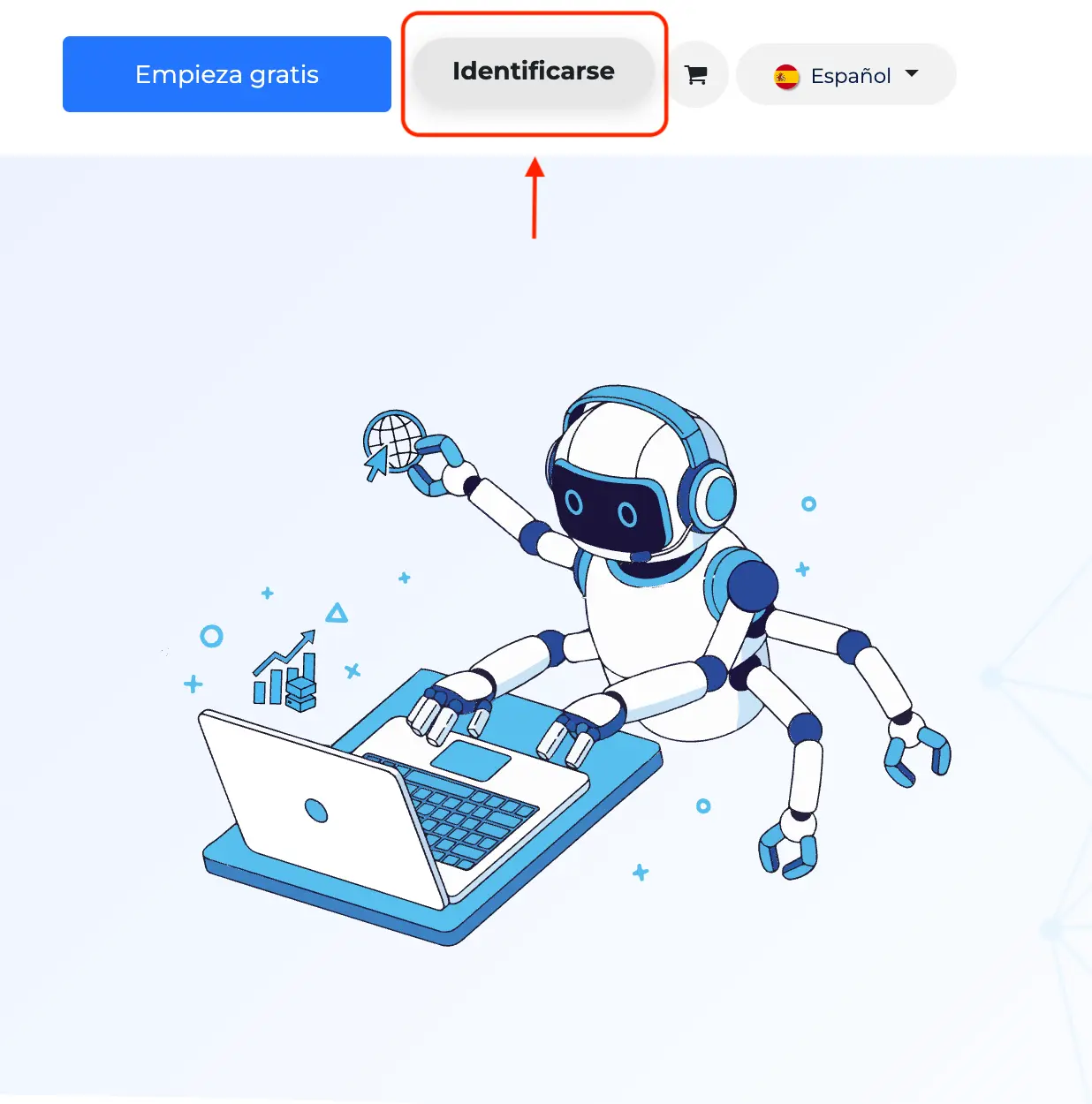
Log in to your customer portal
Sign in with your usual username and password. From there you manage billing, services, and now your AI support too.
One single login for your entire Binhex Cloud service
Available 24/7, from any device
Find the Tickets section
Inside the My Account menu you'll see the Tickets option. That's where all your past requests are listed.
What to do: click the "+New" button to open a ticket.
Full history of your past tickets
Track the status of each one
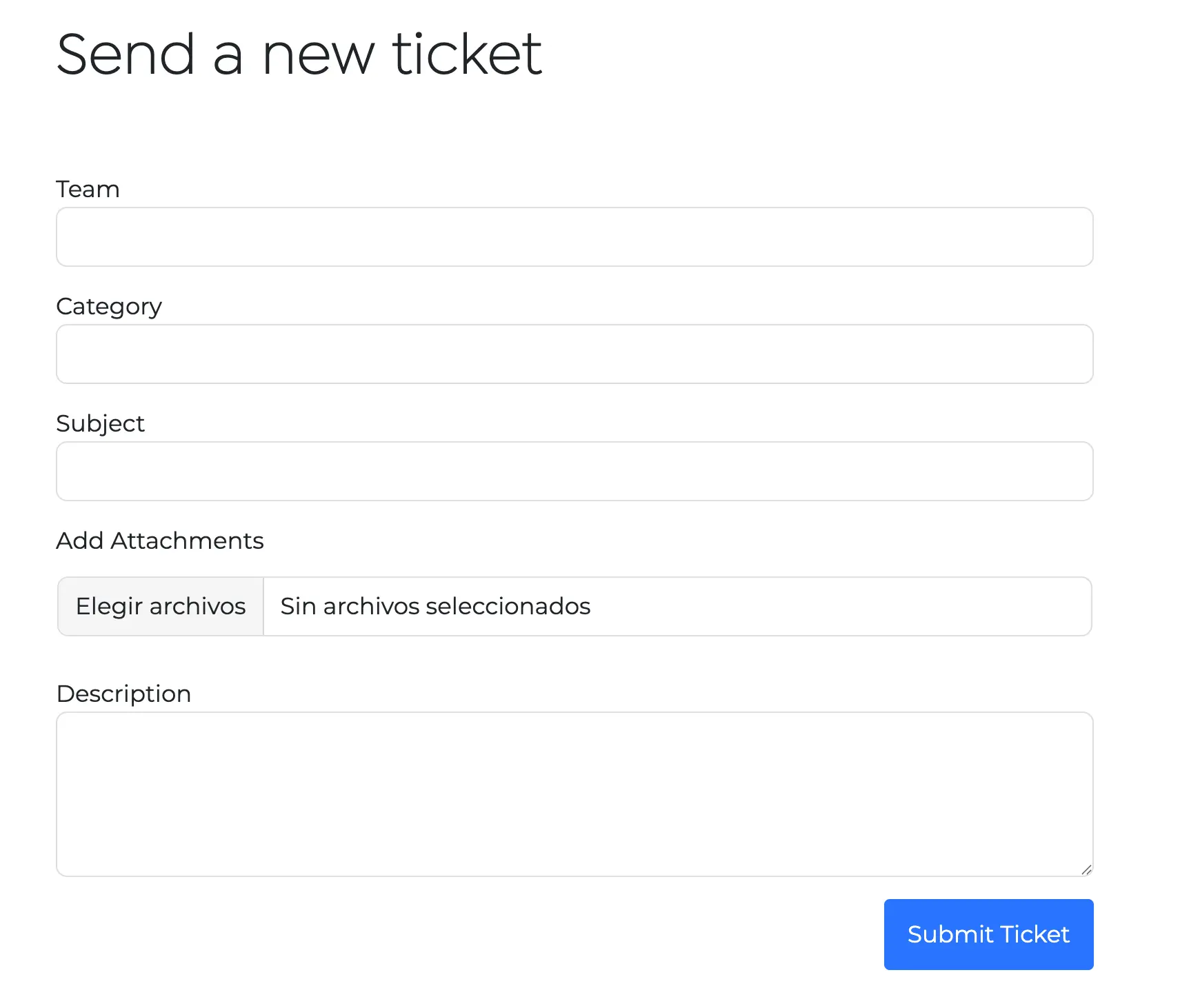
Tell us about your AI question
A simple form opens up. Choose the subject, describe your question in as much detail as possible, and submit it.
You can attach screenshots or files if needed
You'll get notified as soon as our team replies
The full history stays saved in your account

Did you know Emma can also solve many questions instantly?
Before opening a ticket, try asking Emma directly inside your Odoo. She's your AI copilot and often gives you the answer in seconds.
Meet Emma
Frequently asked questions
Any question related to Emma or to how artificial intelligence works inside your Odoo: configuration, automations, unexpected behavior, or simply how to get more out of it.
Our team reviews tickets by order of arrival and priority. You'll get a notification as soon as there's a reply.
Yes. The ticket form lets you attach files, which helps our team understand and resolve your question faster.
For quick, everyday questions, we recommend asking Emma directly inside your Odoo. Save the ticket for cases that need our technical team to step in.
Have a question about AI in your Odoo?
Open your ticket now from My Account. It's quick, and everything stays on record.