DATA MIGRATION
Your data moves to Odoo.
Clean, complete, without losing a single record.
Structured ETL service for companies migrating from Excel, legacy software, or another ERP — customers, products, suppliers, and history loaded and validated before go-live.
Get started See what's included ↓
Part of ERP Implementation services
Trusted by growing businesses from 5 to 500 employees.






The bigger your data history, the higher the risk of losing it.
Moving years of business data to a new system is where most migrations break. One wrong mapping, one skipped validation — and records are missing on go-live day.
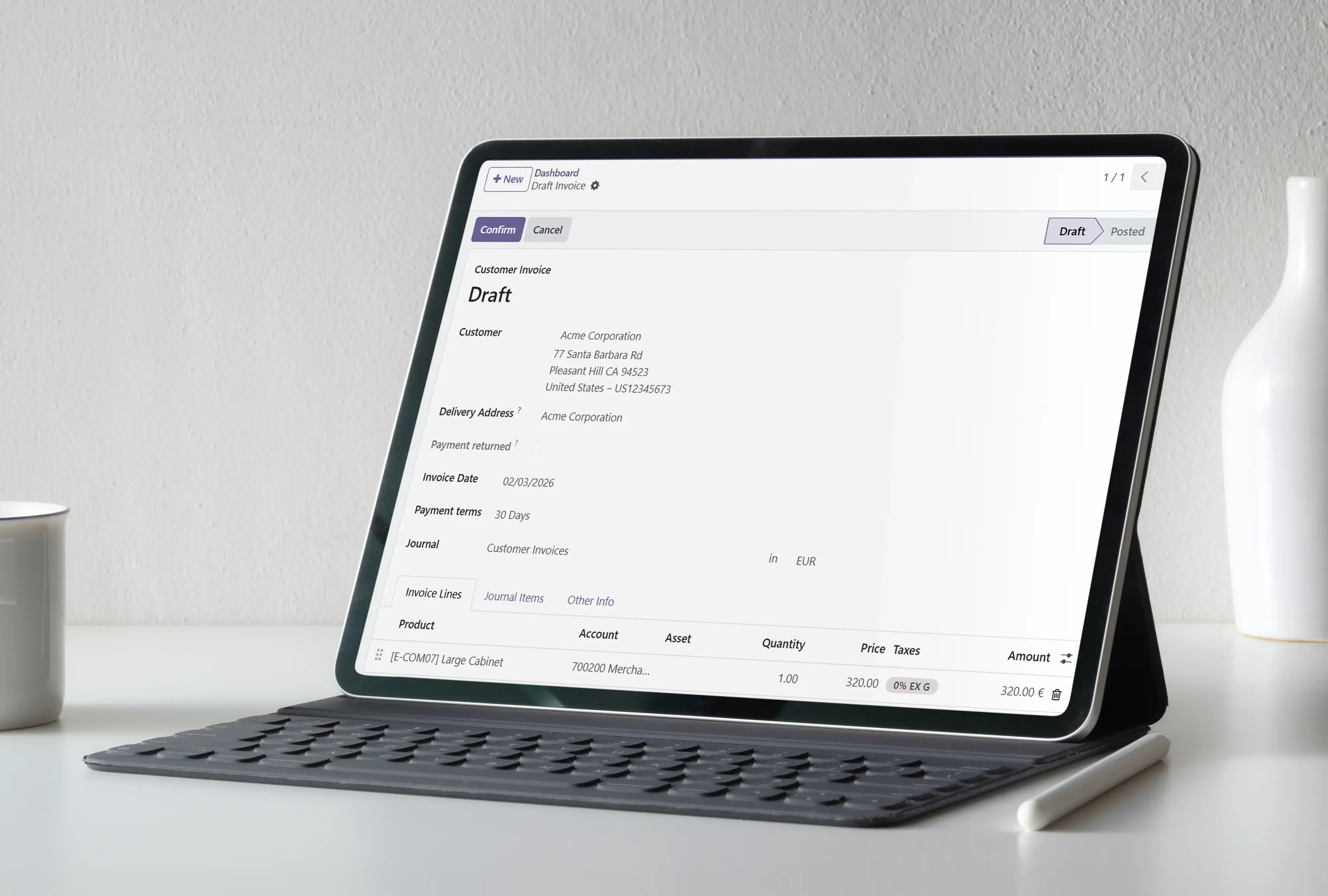
Companies running on Excel
Master data scattered across files, versions, and sheets — needs structure before it can live in an ERP.
Legacy software users
Factusol, Contaplus, or older accounting tools don't export cleanly. We extract, map, and transform them into Odoo's structure.
ERP migrations from Sage, Navision or SAP
Complex data models, historical transactions, and open balances require careful mapping and validation — not a bulk import.
What's included in Data Migration
Every step of the ETL process — extract, clean, transform, load, and validate — before a single record goes live.
Data extraction
From any source, in any format.
Excel, CSV, database exports, and legacy system files — extracted and catalogued before anything else starts.
Data cleansing
Fixed before it enters Odoo.
Duplicates removed, missing fields identified, inconsistent formats corrected, and records validated against Odoo's structure.
Mapping and transformation
Source fields mapped to Odoo fields.
Every field from your old system mapped, transformed, and formatted to match Odoo's data model exactly.
Staged loading
Imported in controlled batches.
Data loaded into a test environment first, reviewed by your team, and only moved to production after sign-off.
Validation and testing
Verified before anything goes live.
Record counts, totals, and field accuracy checked against the source. Discrepancies fixed before production load.
Go-live verification
Nothing is missing when you launch.
Final check of all records in production. Your team confirms data integrity before the old system is switched off.
How data migration works
1
Data audit
We review your source data, map fields to Odoo, and identify quality risks before extraction starts.
2
Extract and clean
Data pulled from source systems, duplicates removed, inconsistencies fixed, and records structured.
3
Transform and test
Data mapped to Odoo's structure, loaded into test environment, and validated by your team.
4
Go-live load
Production import after sign-off. Final verification confirms all records are complete and correct.
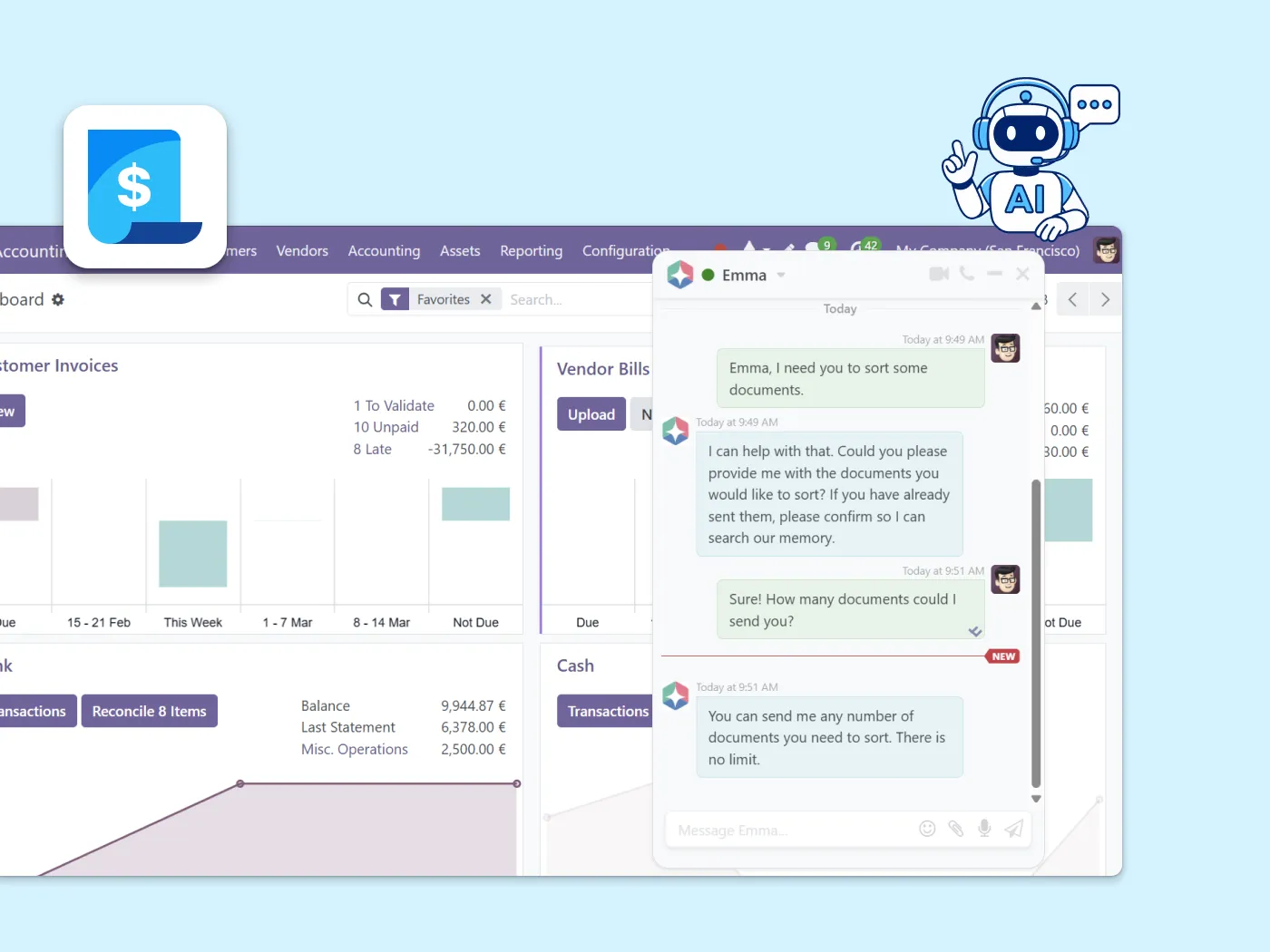
Once your data is live, Emma helps your team navigate it.
Once your data lands, Emma is already there. Ask her to pull up any record, flag a discrepancy, or walk your team through a workflow. No ticket needed.
Questions about Data Migration
Customers, suppliers, products, inventory, open invoices, accounting balances, purchase and sales history, and any master data your business depends on. The exact scope is defined in the data audit.
We audit data quality before importing anything. Duplicates, inconsistencies, and missing fields are identified and resolved during cleansing — not discovered on go-live day.
Every migration runs in a test environment first. We validate record counts, totals, and field accuracy before touching production. Your team signs off before any data goes live.
Yes. We migrate opening balances, historical invoices, purchase orders, and accounting entries depending on scope. The exact depth is defined in the data audit at the start of the project.
Most clients continue with Support and Maintenance or expand their Odoo setup through a new implementation engagement. Your data is in — the next step is making the most of it.
560+ Odoo projects delivered — including migrations from 10+ source systems
Binhex has migrated data from Excel, Factusol, Sage, Navision, SAP, and custom databases into Odoo across industries.
"We had 8 years of data in Sage. Binhex moved everything — clients, products, invoices, stock — and on go-live day nothing was missing."
Ready to move your data to Odoo safely?
Start your Odoo workspace today. Emma is already working in it. And when you're ready, we migrate everything cleanly.
Related ERP services
Data migration works best as part of a broader implementation plan.

Process Audit
Understand what data you have and how it's structured before committing to a migration plan.

ERP Quick Start
Data migrated and ready to go? Quick Start configures your core modules and gets you live in 4–6 weeks.
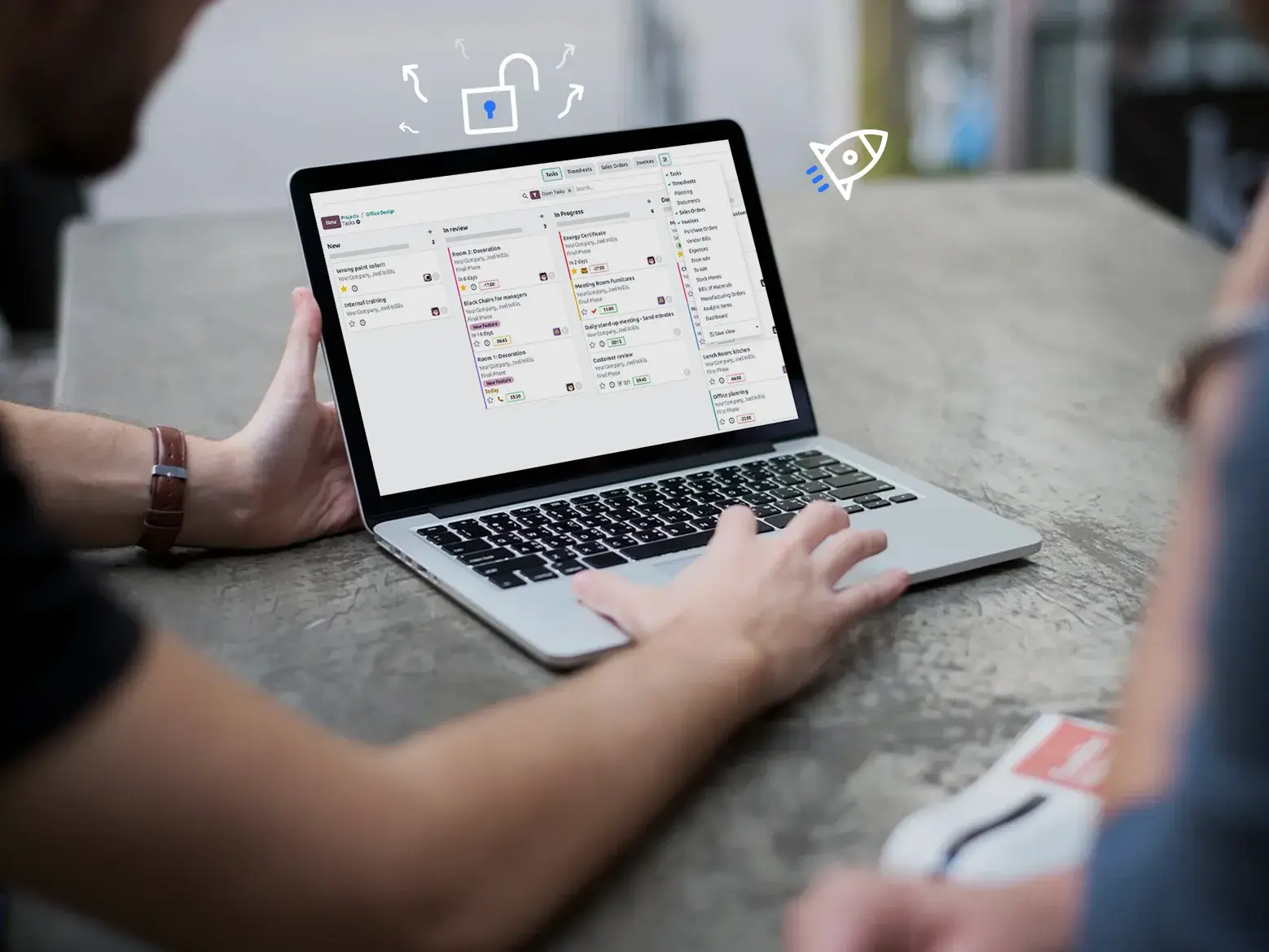
Support and Maintenance
Keep your Odoo running after the migration. Ongoing support, version upgrades, and long-term maintenance.