From assistant to agent
Over the last two years, almost every business software vendor has added an AI assistant to its product. Most of them work the same way: you ask a question, the assistant answers or tells you which menu to open, and you still do the work.
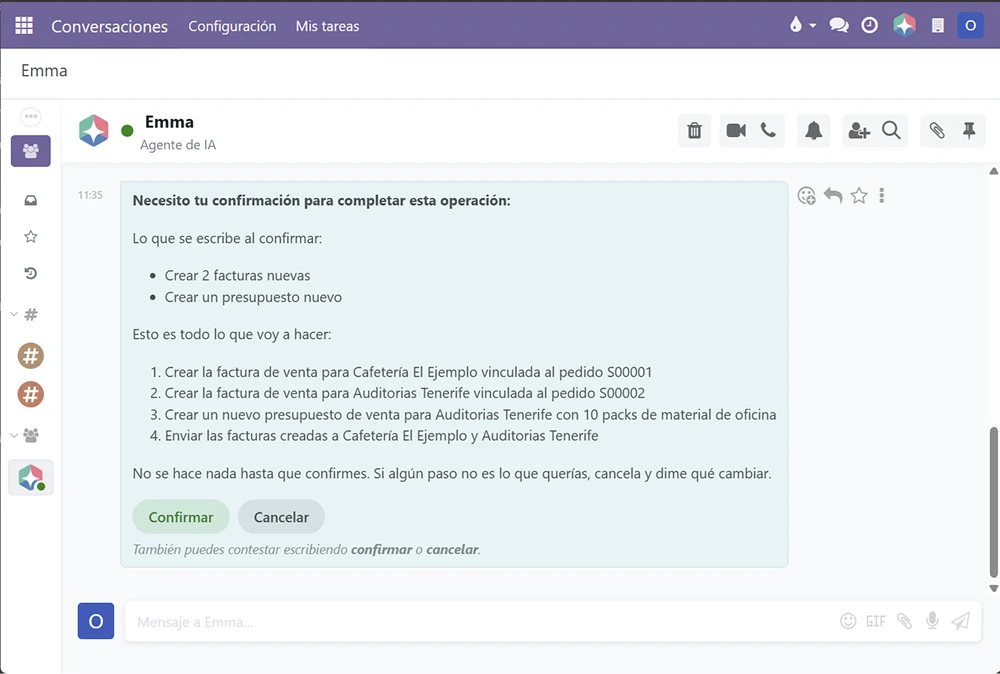
An agentic ERP changes that relationship. The AI is not a chat sitting next to the system: it is an agent that can read your data, prepare changes and carry them out inside the ERP, always with permissions, approvals and an audit trail.
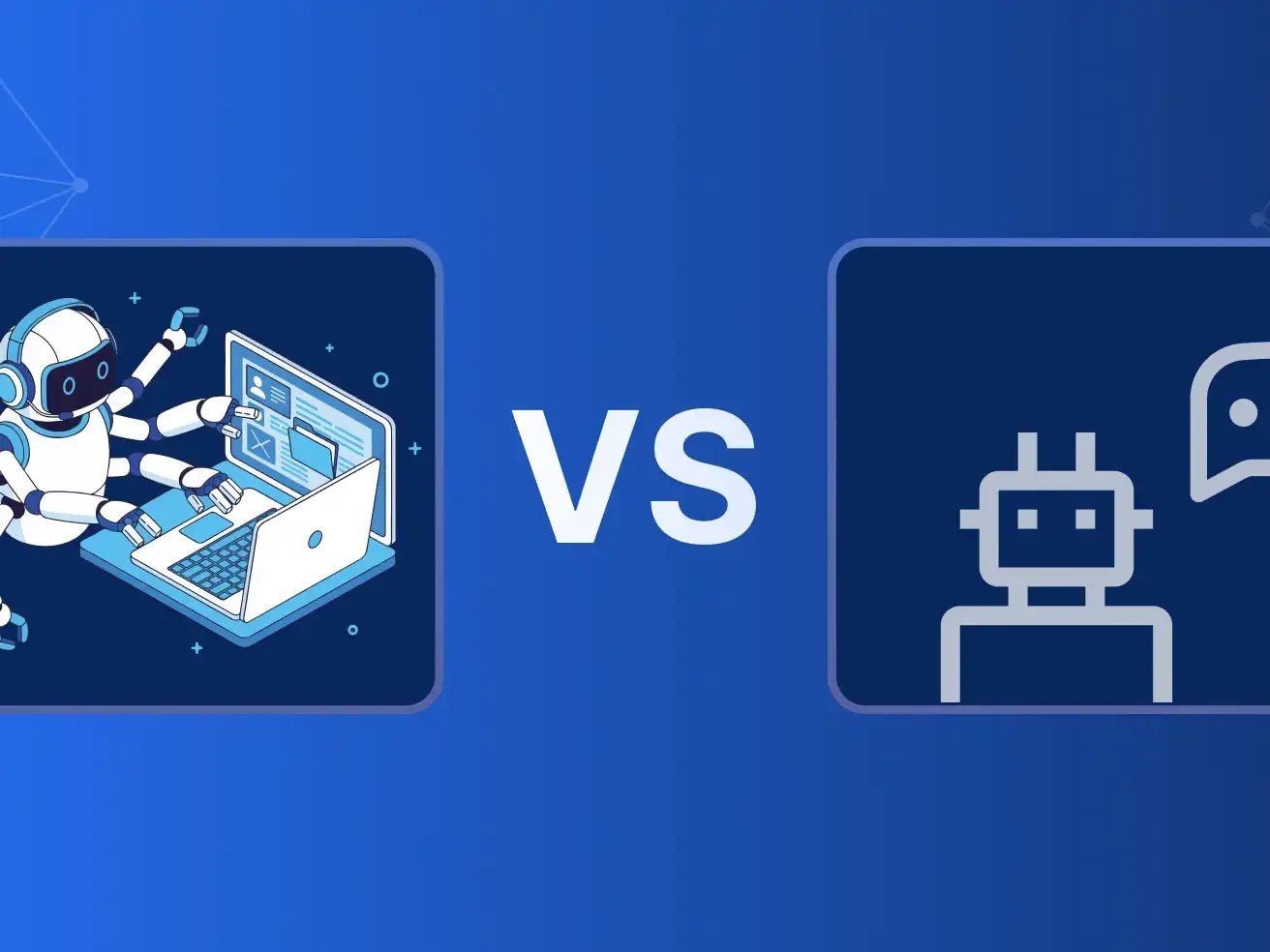
Copilot vs. agent: the key differences
The difference is not the language model behind it, but what the AI is allowed to do.
- A copilot suggests. It explains steps, drafts texts or answers questions about your data.
- An agent executes. It creates records, imports files and configures the system, inside the ERP.
- A copilot needs you to finish the task. Every suggestion still turns into manual clicks.
- An agent closes the loop. It shows you what it is going to do, waits for your approval and logs every action.
- An agent works within the rules. It uses the same permissions as the person working with it, never more.
What an agentic ERP can do for an SME
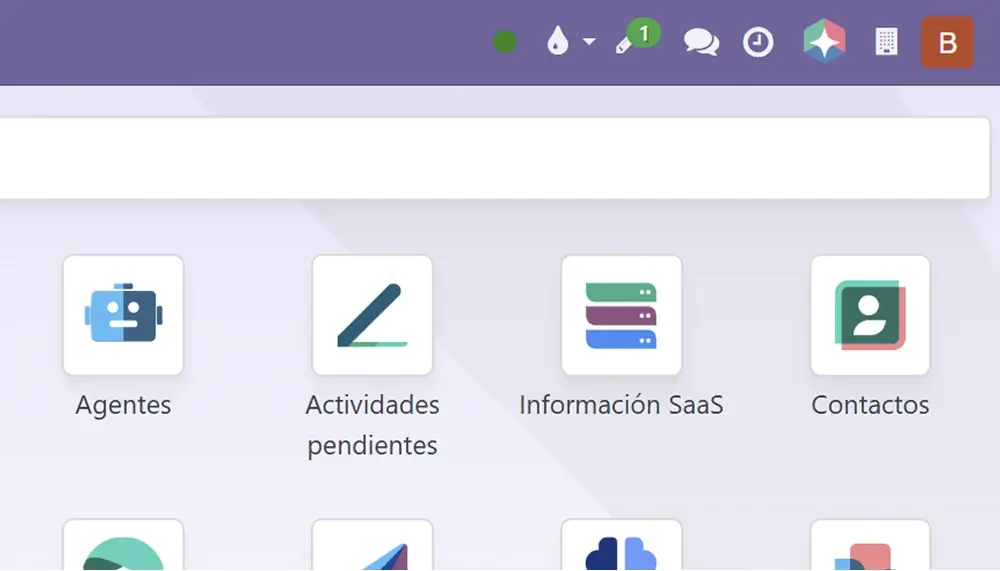
These are tasks that Emma, the AI agent built into Binhex Cloud, already carries out inside the platform:
1. Data import and cleanup
Upload an Excel file of customers or products and the agent imports it, detects duplicates and leaves a summary for you to review.
2. Invoice capture
Send a PDF or dictate an invoice: the agent identifies the vendor, extracts the amounts and prepares a draft for your approval.
3. Tax compliance setup
Ask it to set up Verifactu and it uploads the certificate, connects to the Tax Agency and configures the invoicing rules.
4. Installing what you need
Tell it how your business works and it installs and configures the modules you need, without configuration screens.
5. Everyday questions
Ask about sales, stock or pending invoices and get the answer from your real data, not from a manual.
How to evaluate an AI ERP
Before choosing, ask these questions:
- Does the AI execute or only suggest? Ask for a live demo of a real task, not just a chat answer.
- Is there approval and an audit trail? Every action should be visible before and after it happens.
- Does it respect user permissions? The agent should never see or do more than the person using it.
- Who owns the data and the system? An open-source foundation avoids depending on a single vendor.
- What does it cost per user? If everyone with access pays a license, AI that saves work becomes expensive to scale.
Binhex Cloud is built on open-source foundations, with Emma integrated as an AI agent and no per-user licenses. See how it works for SMEs.
Try an ERP whose AI does the work
Create your free workspace and ask Emma for your first task. No card, no commitment.
Let's talk about your project.
Does your company have complex operations that don't fit standard systems?
At Binhex, we help companies adapt their ERP to the realities of their operations, maintaining control, traceability, and a long-term vision. Free initial consultation. No obligation.
AI ERP: what an agentic ERP is and how it differs from a copilot