Field service invoicing software, built into your ERP
Schedule on-site work, equip technicians in the field, and invoice completed jobs without re-entering anything. This is field service invoicing software for HVAC, plumbing, maintenance and repair teams, connected to your services ERP — the hours, parts and signature captured on the job flow straight into billing.
Open source · Offline mobile app
Start free Habla con un experto
Schedule, dispatch & invoice from one app · Open source · Free plan to start
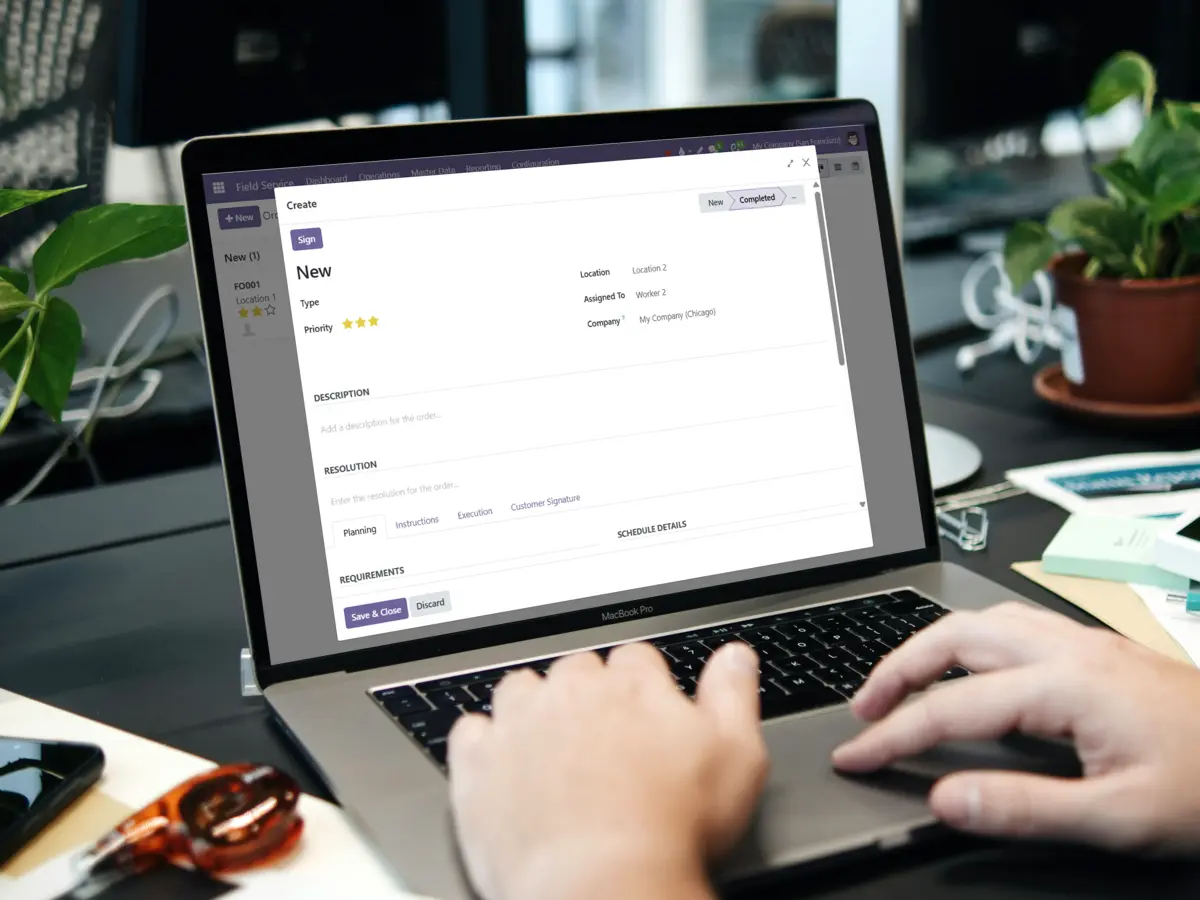
From scheduled job to paid invoice, in one platform
Diseñado para equipos que gestionan trabajos en sitio conectados con su planificación y facturación, no solo una herramienta de despacho independiente.
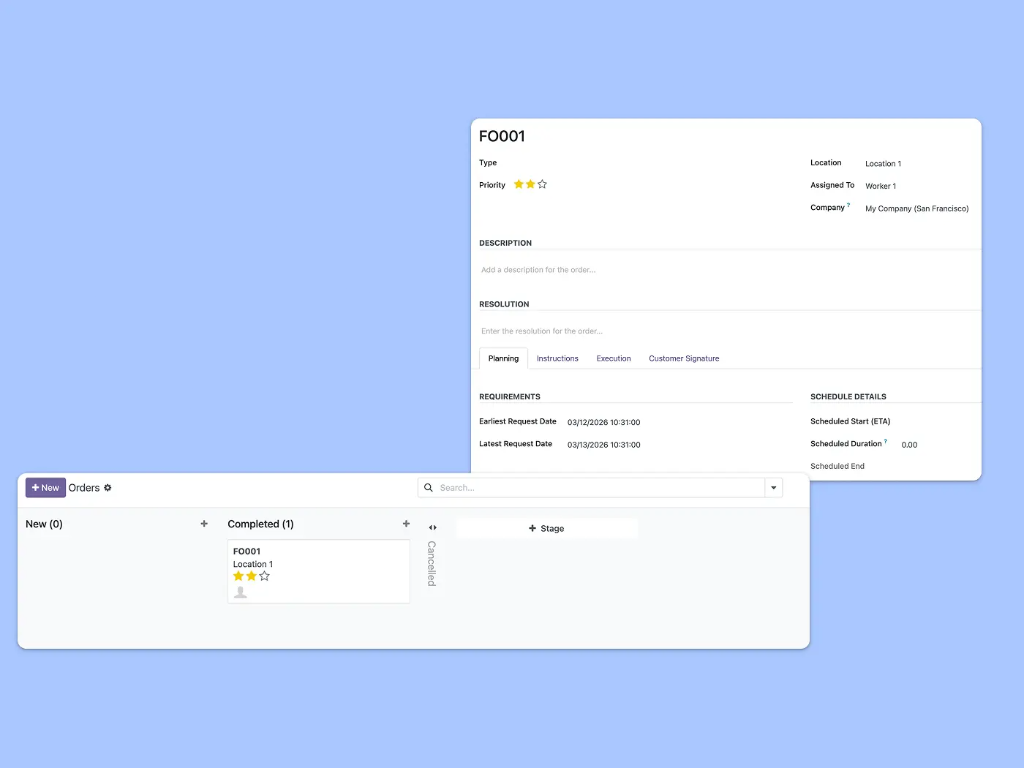
Planificación inteligente con múltiples vistas
Organiza el trabajo en campo de tu equipo con la vista adecuada para cada necesidad.
Use Kanban for an overview, Gantt to manage workloads, calendar to plan by day, or the map view to organize appointments by location and dispatch along efficient routes. Drag and drop to schedule field teams without double-booking.
Complete mobile experience, even offline
Technicians manage everything from their phone: fill worksheets, track spare parts, collect customer signatures, and log time — all without leaving the job site. The app works offline and syncs automatically when the connection is back, so work never stops in low-coverage areas.
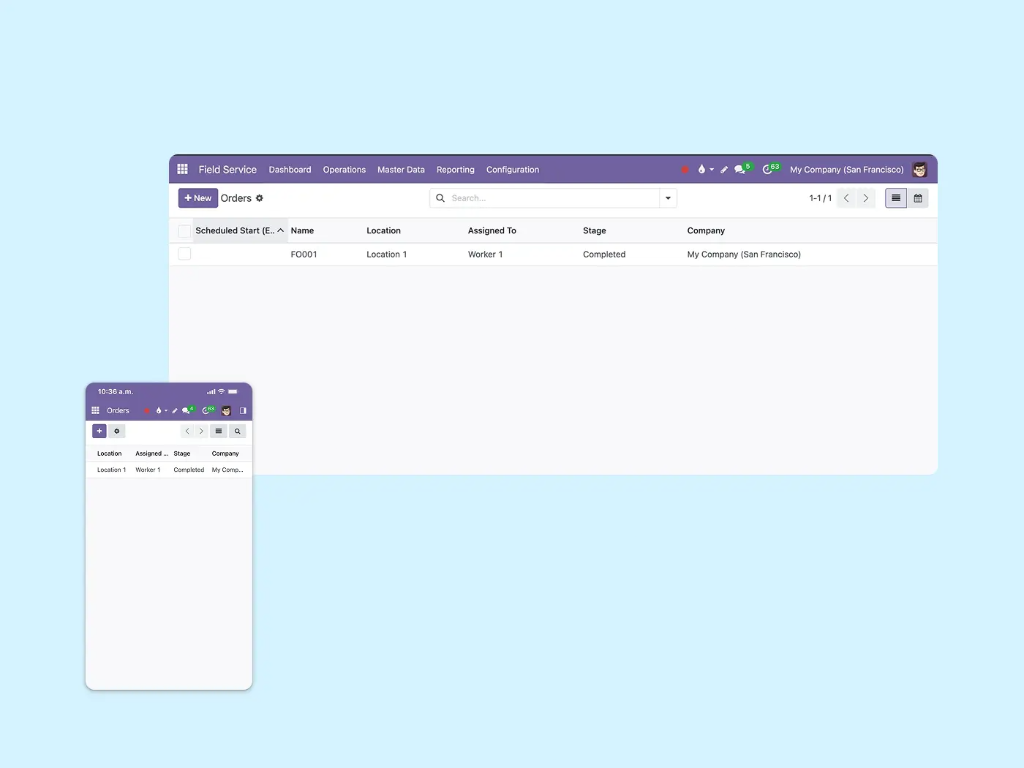
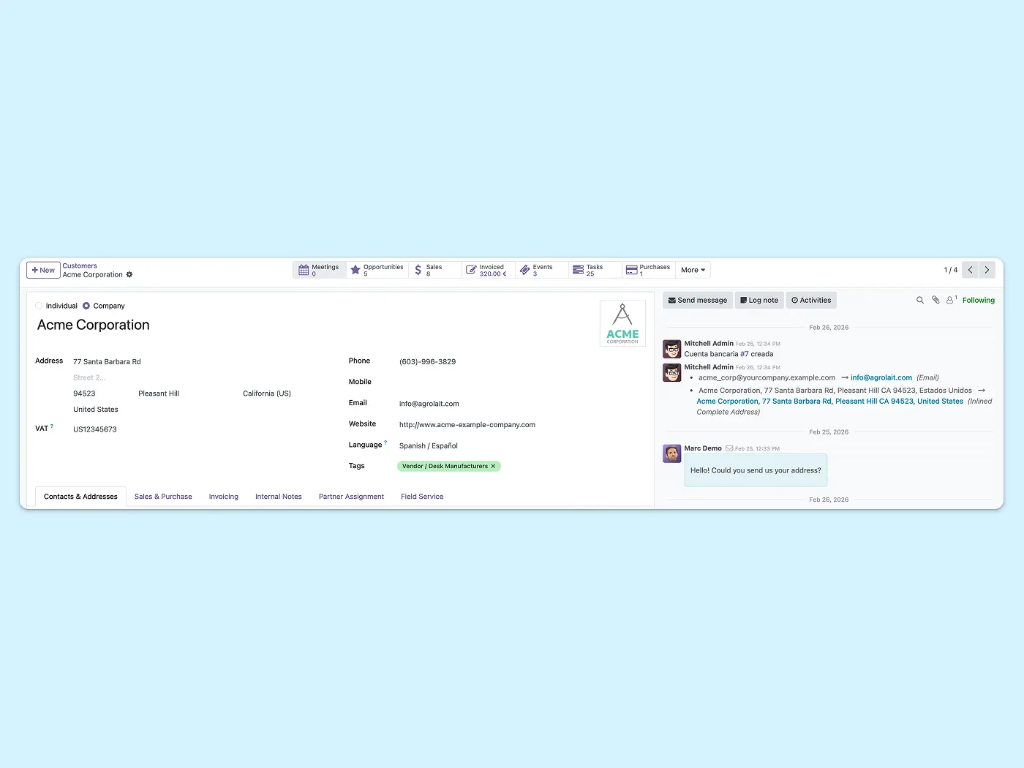
Turn jobs into invoices, instantly
Turn completed field tasks into invoices automatically. Time, products, and additional costs are captured on site and flow straight into billing — no manual data entry, and no double-entry between a separate dispatch app and your accounting.
From scheduled job to paid invoice, without re-entering anything
Each step hands clean data to the next, so nothing is typed twice between the office and the field.
Schedule & assign
Plan jobs and assign the right technician by availability and location. A sales order can auto-create the task.
Dispatch & route
Group appointments on the map and send technicians along the most efficient route for the day.
Capture on mobile
Log time, record spare parts and collect a signature on the phone — even offline.
Invoice the work
The completed task creates a draft invoice with time and parts already filled in. Review and send.
Built for the way field teams actually work
Whether it's a one-off repair or a recurring maintenance contract, the job-to-invoice flow is the same.
Installations
Schedule setup jobs, capture parts and time, and invoice the install on completion.
Maintenance
Automate recurring maintenance tasks and keep a full service history per customer.
Repairs
Turn a helpdesk ticket into a field task, fix on site, and bill the work.
Inspections
Use worksheet templates and checklists so every inspection follows the same standard.
Start invoicing your field service work free
Free plan, no commitment. We help you set it up.
See plans & pricing Habla con un expertoEverything you need to run and bill field service
✔ Vistas Kanban, Gantt, calendario y mapa
✔ Partes de horas y checklists móviles
✔ Recogida de firma del cliente
✔ Gestión de repuestos y seguimiento de productos
✔ Temporizador integrado y registro de partes de horas
✔ Creación automática de tareas desde pedidos de venta
✔ Conversión de tickets de Helpdesk en tareas
✔ Facturación automática desde tareas completadas
More service & operations apps in Binhex Cloud
Servicio de Campo funciona junto con Proyectos, Partes de Horas, Helpdesk y Planificación — todo desde el mismo ERP.


Field service invoicing software FAQ
Field service invoicing software helps service companies schedule on-site jobs, equip technicians in the field, and turn completed work into invoices. In Binhex it is built into the ERP, so the hours, spare parts and signature captured on the job flow straight into billing — no re-entering data in a separate system.
The technician completes the task on their phone — logging time, recording parts used and capturing the customer's signature. When the task is marked complete it moves to a "to invoice" stage, and a draft invoice is created from the task with the tracked time and sold products already filled in. You review and send.
Yes. Technicians manage the whole job from a mobile app, and it works offline: they can open task details, fill worksheets, record parts and capture a signature with no connection. Everything syncs automatically once they are back online, so work never stops in low-coverage areas.
Yes. Plan and assign jobs with Kanban, Gantt, calendar and map views, drag and drop to schedule, and avoid double-booking. The map view groups appointments by location so you can dispatch technicians along efficient routes.
Yes. Field service runs on an open-source ERP, so you are not locked into proprietary field-service software, and your jobs, customer history and invoicing data stay in your own connected system rather than a separate app.
You pay per user on the plan you choose, and there is a free plan to start. The free trial lets you set it up and test the full schedule-to-invoice flow with your team before committing. Start free to try it in your own workspace.