CONNECT CHATGPT OR CLAUDE TO YOUR ERP
Connect ChatGPT or Claude to your ERP with MCP.
Link your Claude or ChatGPT account to your Binhex Cloud ERP through the MCP protocol, and ask about your customers, sales and invoices — from the same chat you already use. No exports, no integration project. It's one of the agents that run your business.

Businesses from 5 to 500 employees run on Binhex Cloud






You use AI every day. Just not for your business.
The moment the question is about your customers or your numbers, the manual work starts.

Export and paste: by the time you paste it, it's already out of date.

Explain the context: every chat starts from scratch, all over again.

Half answers: good reasoning, but only on the data you had time to hand over.
Ask in plain language. Get answers from your real ERP data.
No exports, no pasting, no context to explain — for every role in your team.
Sales
"Which leads have gone three days without a reply?"
Finance
"Which invoices are unpaid, and for how long?"
Operations
"Create this customer and assign the task to my team."
Management
"Sum up how the month is going, with nothing exported."
Your AI asks from outside. Emma AI works from inside.
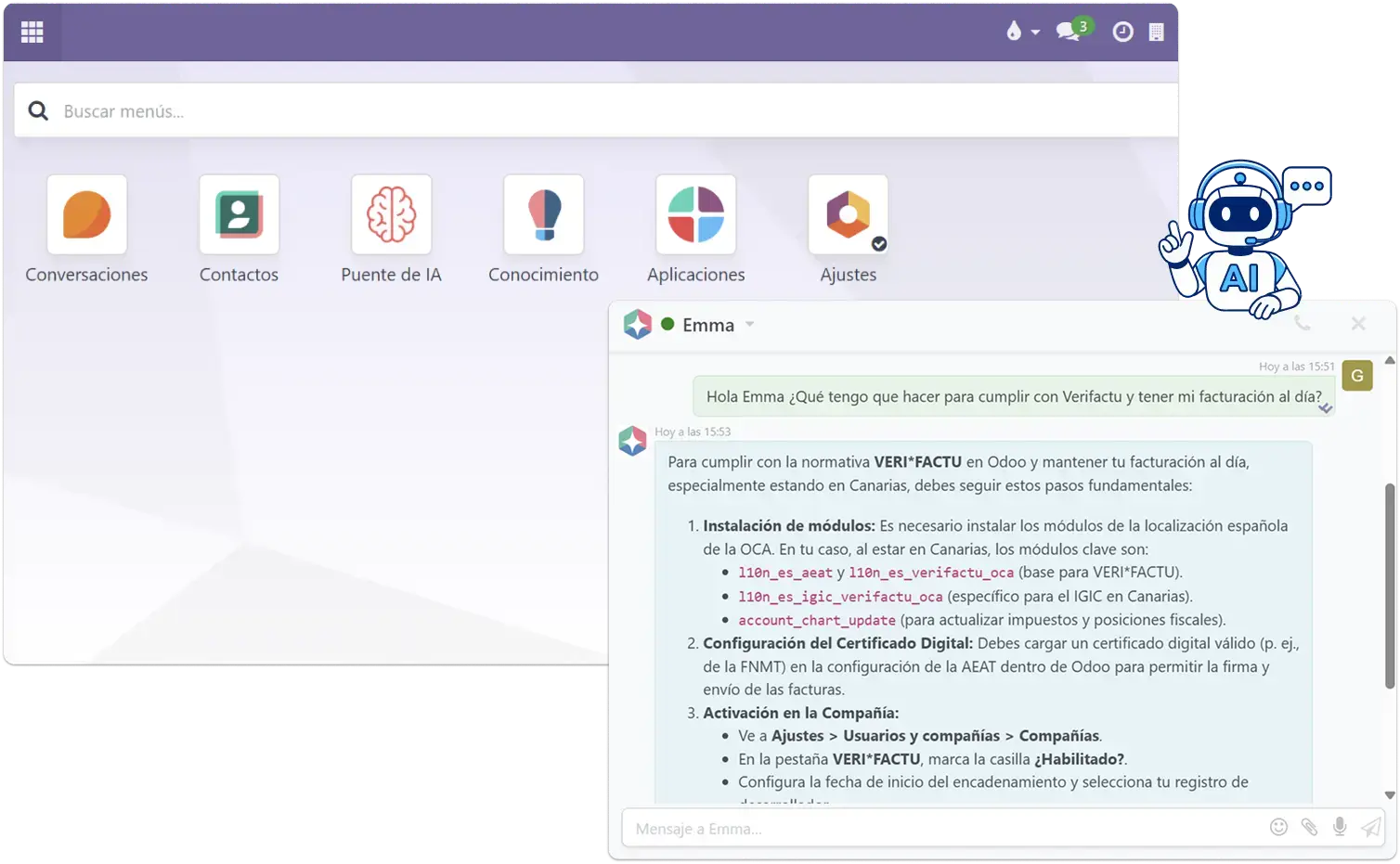
Emma is the AI that lives inside Binhex Cloud. Your team talks to her in their own words, and she:
Creates invoices, customers and tasks from a single sentence.
Records an expense from a photo of the receipt.
Sets up and tidies the system for you, with no manuals or training.

Your data stays yours.
You decide what your AI can access. The connection is secure, and your system isn't opened up by default.
Binhex Cloud is open source, so you keep control of your information.
How to connect ChatGPT or Claude to your ERP with MCP
MCP (Model Context Protocol) is the open standard that lets AI assistants like Claude or ChatGPT query external systems securely, without custom development. Here's exactly what it takes.
What you need
- An active Binhex Cloud account.
- A Claude or ChatGPT account with MCP / connector support enabled.
- Admin permissions on your Binhex Cloud instance to authorize the connection.
What it doesn't do
- It doesn't modify records or send communications without your confirmation.
- It only accesses the data scopes you explicitly authorize.
- It doesn't replace your ERP's own automations — it's a query and assist layer on top of them.
The steps
Enable the MCP connector
In your Binhex Cloud account.
Authorize your AI account
Link Claude or ChatGPT with the credentials generated.
Define access scope
Choose what data and actions the AI can reach.
Start asking
The AI now answers from your live ERP data.

Questions we usually get
No. There's no custom integration and no technical project: the connection is set up once for your company, and from then on you just ask.
Yes, with the account you already have. No need to switch assistants or pay for another one.
No. The free plan gives you the platform and Emma AI, but connecting your own AI is configured for your company. Leave us your details and we'll walk you through it.
Whatever you decide. You define what it can query and what it can't, and you're still the one asking for any action.
The open MCP standard, which lets AI assistants connect to external systems without proprietary development. We cover it in detail on the blog.
That's the starting point: your data has to live somewhere before you can ask it anything. We migrate your information from your current system and get it ready.
No. Our team configures the MCP connection with you — no coding required on your end.
Usage limits depend on your Claude or ChatGPT plan, not on Binhex Cloud.
No. It can query and draft, but any write action requires your explicit confirmation inside the platform.
GET STARTED
Connect your AI to your business data
Leave us your details and we'll show you how it would work in your case. No commitment.
Talk with a specialist
You already use AI. Now let it know your business.
Leave us your details and we'll reply within 24 hours. No commitment.