ACTUALIZACIONES DE VERSIÓN odoo
Tu versión de Odoo te está frenando. Llevémosla adelante de forma segura
Actualiza tu ERP Odoo utilizando OpenUpgrade y los estándares de OCA, conservando tus personalizaciones, datos y operativa sin interrupciones innecesarias.
Parte de servicios de Evolución del ERP
Qué hace que una actualización de Odoo sea arriesgada — y cómo lo evitamos
Riesgos habituales al actualizar
✗ Módulos personalizados que dejan de funcionar después de la migración
✗ Inconsistencias en los datos entre versiones
✗ Paradas del sistema que afectan a la operativa diaria
✗ Soluciones temporales no documentadas que aparecen durante la actualización
Cómo actualiza Binhex Cloud
✓ Migraciones basadas en OpenUpgrade
✓ OCA como primera opción para garantizar la compatibilidad a largo plazo
✓ Entorno de pruebas y validación completa antes de pasar a producción
✓ Estrategia de actualización preparada para futuras versiones
Cada versión que te saltas hace que la siguiente actualización sea más complicada.
Cuanto más tiempo funciona un sistema con una versión antigua, más deuda técnica se acumula. El código personalizado se queda desactualizado, los módulos de OCA se quedan atrás y las actualizaciones terminan convirtiéndose en proyectos de recuperación.
Empresas con Odoo v14, v15 o v16
Utilizan una versión que ya no recibe mantenimiento activo y se están perdiendo nuevas funcionalidades, correcciones y capacidades de IA disponibles en versiones más recientes.
Bases de datos de Odoo personalizadas
Módulos personalizados, dependencias de OCA e integraciones que requieren una revisión cuidadosa antes de cambiar de versión.
Saltos entre varias versiones
Saltar varias versiones, por ejemplo de v11 a v18, requiere un control del proceso, pruebas por fases y una limpieza del código que no se pueden pasar por alto.
Qué incluye la actualización de versión
Desde el análisis inicial hasta la estabilización: cubrimos cada paso antes de tocar producción.
Análisis de la versión
Conoce los riesgos antes de empezar.
Revisión completa de tu versión actual, módulos instalados, código personalizado, integraciones y posibles riesgos del proceso de actualización.
Migración con OpenUpgrade
Probada, repetible y transparente.
Migración realizada con OpenUpgrade: scripts de código abierto, con una lógica revisable y ejecuciones de prueba controladas.
Adaptación de módulos personalizados
Adaptados o sustituidos, sin dejar nada atrás.
Revisamos cada módulo personalizado, lo adaptamos a la nueva versión o lo sustituimos por una alternativa de OCA mantenida.
Alineación con OCA
Una arquitectura fácil de mantener para futuras actualizaciones.
Sustituimos dependencias obsoletas por módulos de OCA activos, reduciendo la deuda técnica y el coste de futuras actualizaciones.
Entorno de pruebas y UAT
Validado antes de tocar producción.
Realizamos la actualización completa en un entorno de pruebas, validamos los procesos de negocio y tu equipo da el visto bueno antes de pasar a producción.
Puesta en producción y estabilización
Paso controlado a producción con soporte intensivo.
Despliegue en producción con monitorización, resolución de incidencias y transición al soporte continuo.
Cómo funciona la actualización
1
Análisis
Definimos el recorrido entre versiones, revisamos el código personalizado e identificamos los riesgos antes de empezar.
2
Preparación
Limpieza de módulos, alineación con OCA, adaptación del código personalizado y preparación del entorno de pruebas.
3
Migración y pruebas
Ejecutamos OpenUpgrade en el entorno de pruebas, validamos los procesos de negocio y tu equipo da el visto bueno antes de pasar a producción.
4
Puesta en producción
Despliegue controlado en producción, periodo de soporte intensivo y transición al soporte continuo.
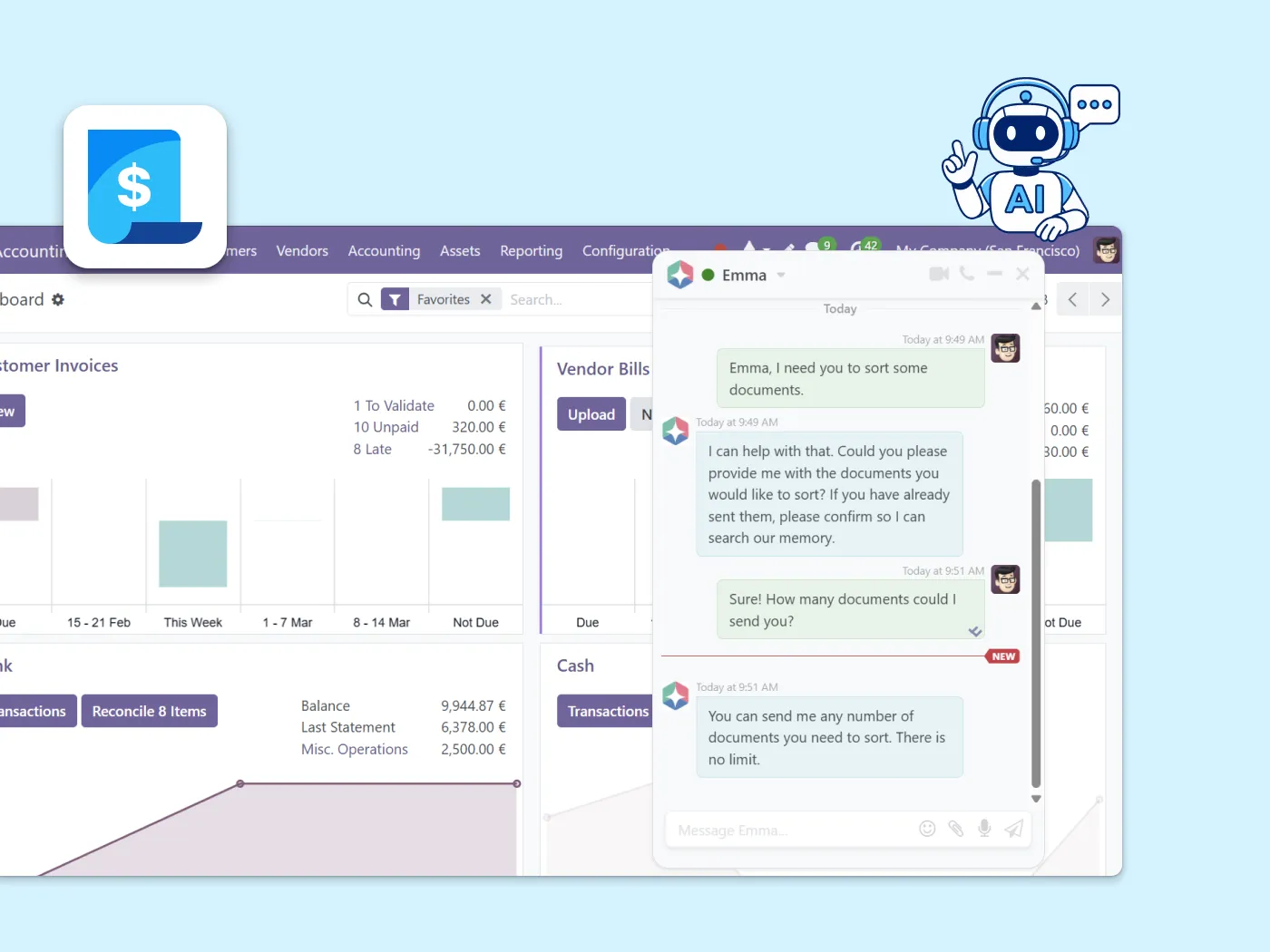
Con la última versión, Emma AI está totalmente disponible.
Una vez actualizado tu Odoo, Emma —el asistente de IA integrado de Binhex— funciona con todas sus capacidades. Tu equipo puede hacer preguntas, automatizar tareas y recibir ayuda paso a paso en los procesos de trabajo sin necesidad de abrir un ticket de soporte.

Preguntas sobre las actualizaciones de versión
Depende de la versión actual, los módulos instalados, el código personalizado y las integraciones. Una actualización planificada suele tardar entre 4 y 10 semanas. Los saltos entre varias versiones o las bases de datos con muchas personalizaciones pueden requerir más tiempo.
Sí. Revisamos todos los módulos personalizados y los adaptamos a la versión de destino, o los sustituimos por alternativas de OCA que sigan mantenidas cuando sea posible. El código personalizado es la causa más habitual de retrasos en una actualización, por eso lo analizamos antes de comenzar el proyecto.
No. Primero realizamos toda la actualización en un entorno de pruebas. Validamos el número de registros, los saldos y los flujos de trabajo antes de aplicar cualquier cambio en producción. Tu equipo da el visto bueno antes de la puesta en producción.
Una actualización de versión consiste en pasar tu Odoo actual a una versión más reciente. Migrar a Odoo significa pasar desde otro sistema, como SAP, Sage o QuickBooks, a Odoo por primera vez. Son servicios diferentes y tienen alcances distintos.
Recomendamos pasar a un plan de Soporte y Mantenimiento para mantener tu ERP actualizado, mantener los módulos alineados con las nuevas versiones y hacer que las futuras actualizaciones sean mucho más sencillas
10 años manteniendo sistemas Odoo actualizados y fáciles de mantener
Binhex ha gestionado actualizaciones desde v8 hasta v18 en entornos Community y OCA en Estados Unidos y España.
“Pasamos de v14 a v17 con tres módulos personalizados y dos integraciones. Binhex lo tenía funcionando en el entorno de pruebas en dos semanas y no tuvimos ningún problema al pasar a producción.”
¿Preparado para actualizar tu Odoo sin asumir riesgos?
Crea tu espacio de trabajo y habla con nuestro equipo. Analizaremos tu versión actual y te indicaremos claramente el camino de actualización antes de empezar nada.
Servicios ERP relacionados
Las actualizaciones de versión forman parte de una estrategia de evolución del ERP a largo plazo.
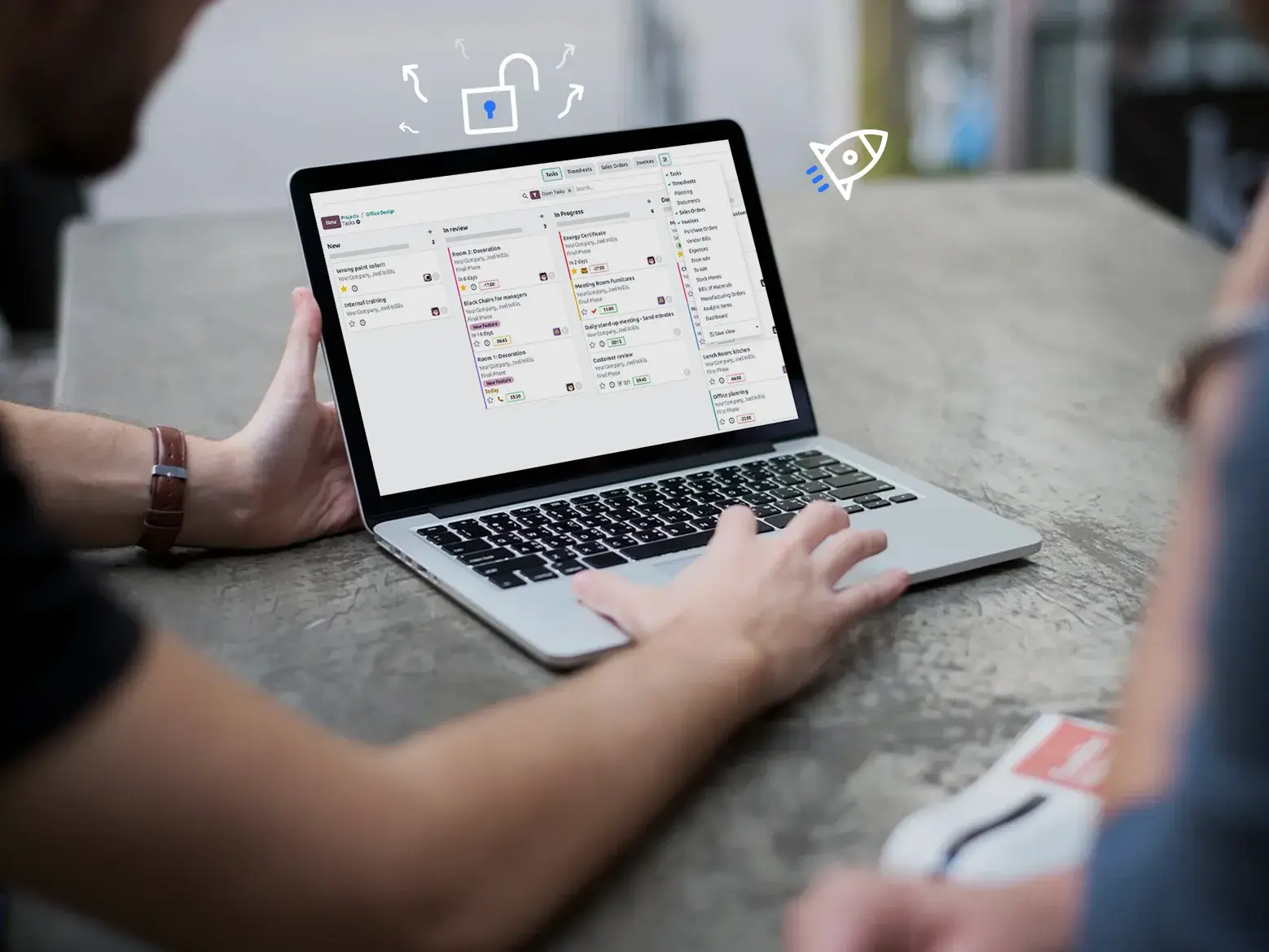
Soporte y Mantenimiento
Mantén tu Odoo actualizado después de la actualización. Soporte continuo, mantenimiento de módulos y preparación para futuras versiones.
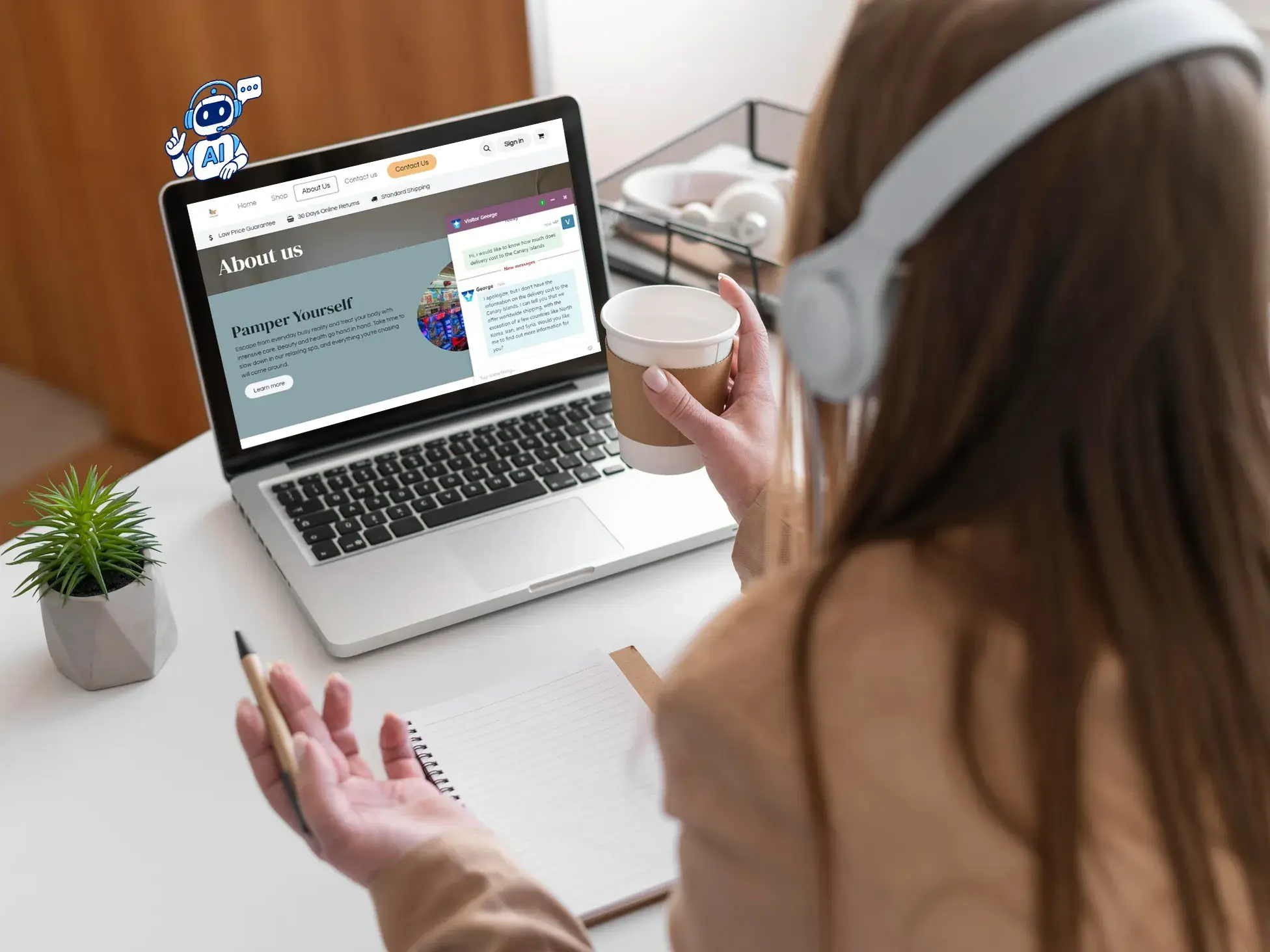
Mejora Continua
Con la última versión, empieza a evolucionar tu ERP mes a mes: nuevas funcionalidades, mejores procesos y sin grandes proyectos de una sola vez.
Migración a Odoo
¿Vienes de SAP, Sage u otro sistema? Migrar a Odoo es un proceso diferente: una transición completa de sistema, no una actualización de versión.